SAEDNEWS: Better charging habits, sensible power settings, and proper temperature control can help reduce unnecessary battery wear and extend a laptop’s useful battery life.

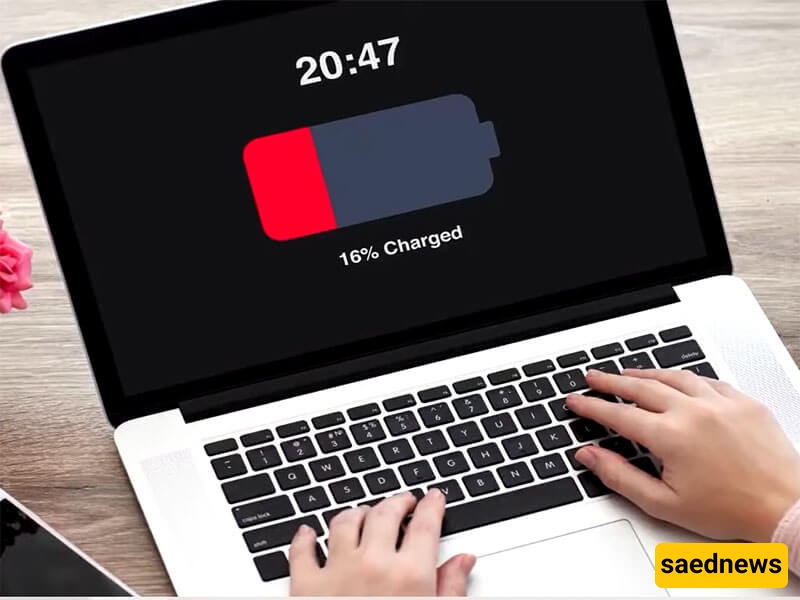
According to SAEDNEWS, a laptop battery gradually loses capacity as it goes through charging and discharging cycles. While normal aging cannot be prevented completely, everyday habits can reduce unnecessary strain and help the battery remain useful for longer.
Heat is one of the main factors that can accelerate battery aging. Avoid using a laptop on soft surfaces that block its ventilation, and keep it away from direct heat sources. When the device becomes unusually hot during demanding tasks, improving airflow and allowing it to cool down can help.
Windows and other operating systems offer settings that can reduce energy consumption. Depending on the device, useful options may include:
Lowering screen brightness
Shortening the display sleep time
Using battery-saving or energy-saving modes
Reducing unnecessary background activity
Turning off Bluetooth or other connections when they are not needed
These adjustments can reduce how quickly the battery is drained during everyday use.
Modern laptops generally use lithium-ion or lithium-polymer batteries and include charging controls designed to prevent overcharging. There is usually no need to repeatedly drain the battery completely before charging it.
If your laptop manufacturer provides a battery health or charge-limit feature, using it according to the manufacturer's guidance can be useful, particularly when the laptop spends most of its time connected to power.
Processor-intensive activities can increase power consumption and generate additional heat. When you are doing simple tasks such as writing documents or browsing, close programs and browser tabs that you do not need. For demanding activities, make sure the laptop has adequate ventilation.
For everyday battery care, focus on these practical habits:
Keep the laptop reasonably cool.
Avoid blocking its ventilation openings.
Use energy-saving settings when appropriate.
Keep the operating system and manufacturer utilities updated.
Use the original or manufacturer-approved charger when possible.
Avoid repeatedly running the battery completely empty.
Check battery-health information if your laptop provides it.
Battery capacity will still decline over time, even with careful use. The goal is not to stop natural battery aging, but to avoid conditions that can cause unnecessary wear and help the battery deliver reliable performance for as long as possible.