SAEDNEWS: Microsoft’s Surface Pro offers a flexible 2-in-1 design that works as both a tablet and a lightweight laptop. The Surface Laptop provides a traditional design, making it better suited for long typing sessions, office work, and daily use.
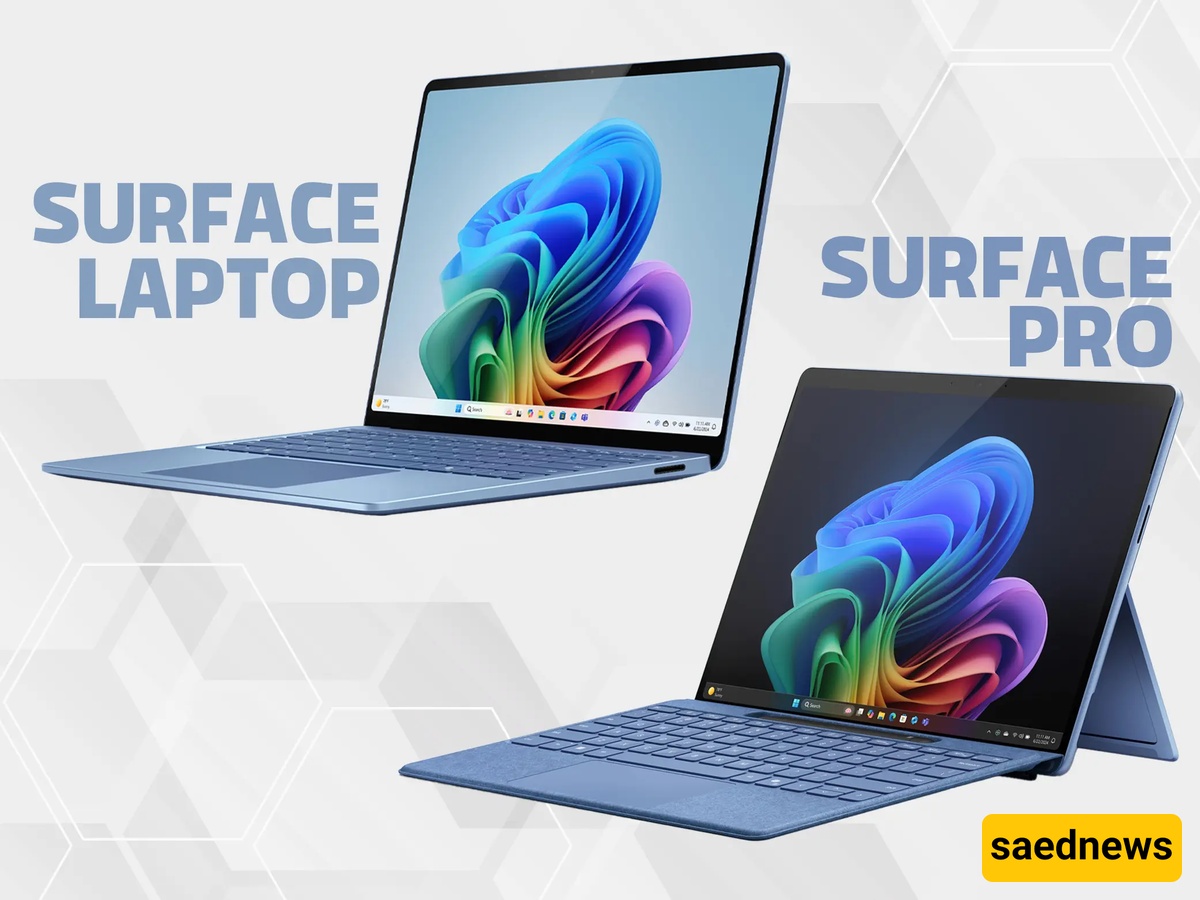
According to Saednews, Microsoft’s Surface Pro and Surface Laptop are two powerful devices designed for different user needs. The Surface Pro features a 2-in-1 design that transforms from a touchscreen tablet into a lightweight laptop, offering greater flexibility and mobility. In contrast, the Surface Laptop follows a traditional laptop design, making it better suited for long typing sessions, office work, and everyday desktop use.
Although both devices offer strong hardware performance, differences in design, usage style, and accessories mean that the best choice depends on your specific requirements.
Comparison Criteria | Surface Pro | Surface Laptop |
|---|---|---|
Device Type | A Windows 2-in-1 tablet that can transform into a laptop | A traditional laptop with an attached keyboard and integrated body |
Overall Design | Detachable display, adjustable kickstand, and attachable keyboard | Classic laptop design with a hinge, built-in keyboard, and fixed trackpad |
Portability | Lighter and better suited for daily carrying, meetings, classes, and travel | Portable but generally larger and heavier compared to Surface Pro |
Digital Pen Support | Excellent support for Surface Slim Pen for drawing, note-taking, and document signing | Supports touch input, but it is less practical than Surface Pro for continuous pen-based work and creative tasks |
Workspace Experience | Compact and ideal for lightweight tasks, presentations, and mobile use | Better for multitasking, multiple windows, large files, and detailed viewing |
Hardware Performance | Depending on the generation and configuration, suitable for daily tasks, office work, and moderate processing needs | Depending on the generation and configuration, offers similar or comparable performance; the main difference is the device form factor |
Ideal Users | Students, teachers, designers, managers, sales professionals, and users who need handwriting and drawing capabilities | Writers, programmers, accountants, office employees, content creators, and users focused on typing |
Main Advantage | High flexibility: tablet, laptop, and digital notebook in one device | Better typing comfort, stable design, and a more traditional professional laptop experience |
Main Limitation | Keyboard and pen may require additional cost; less comfortable for long typing sessions and less stable when used on the lap | Heavier design and does not provide a complete tablet experience |
Recommended Choice | Best if touchscreen use, pen input, note-taking, and portability are priorities | Best if long typing sessions, desk work, and laptop stability are priorities |
Surface Pro is a Windows 2-in-1 tablet that becomes a lightweight and portable laptop when connected to a keyboard. It is designed for users who need flexibility alongside strong performance.
With support for the Surface Slim Pen, the device is useful for note-taking, drawing, signing documents, teaching, presentations, and professional workflows. Its adjustable kickstand also makes it easier to find the ideal screen angle for writing, sketching, or viewing content.
Unlike the Surface Pro, the Surface Laptop features a traditional design with a unified body, making it ideal for users who spend significant time typing, browsing the web, working with office applications, creating content, programming, or attending online meetings.
Its balanced weight and strong performance make it a practical choice for everyday use. The fixed design also provides better stability when used on a desk, small surfaces, or even on the lap.
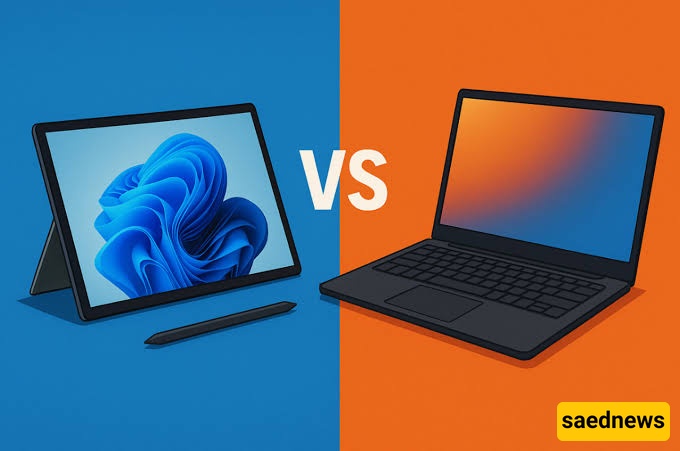
The biggest difference between the Surface Laptop and Surface Pro is their design approach and form factor. The Surface Pro focuses on flexibility, while the Surface Laptop prioritizes traditional laptop usability.
Since Surface Laptop models are generally heavier than Surface Pro devices while offering similar hardware capabilities, many users prefer Surface Pro because of its versatility. It can handle complex tasks while providing tablet functionality whenever needed.
Both devices use PixelSense touchscreen displays with a 3:2 aspect ratio, providing more vertical space for reading, editing documents, and browsing websites.
Surface Pro offers a better touchscreen experience because of its tablet design, adjustable kickstand, and stronger pen support. It is more suitable for drawing, handwriting, and teaching.
Surface Laptop also includes touchscreen capability, but its fixed keyboard design prevents it from delivering a complete tablet experience. However, larger Surface Laptop models provide more screen space for multitasking and viewing detailed content.
For users who type several hours every day, Surface Laptop is usually the more comfortable choice. Its built-in keyboard, stable body, and larger trackpad create a better experience for writers, programmers, accountants, and office professionals.
The detachable keyboard of Surface Pro provides more flexibility and portability. It is better suited for users who frequently switch between tablet mode, touchscreen interaction, and pen input.
From a hardware perspective, Surface Pro and Surface Laptop are not dramatically different, and both can meet most users’ performance requirements. The main difference is how you use the device.
Before making a purchase, consider these questions:
Do you need a digital pen and direct writing on the display?
How many hours do you type on the keyboard each day?
Will you carry the device with you frequently?
Are the software applications you use compatible with ARM-based processors?
Have you considered the cost of the keyboard, pen, charger, and accessories?
How much RAM and storage do you actually need?
Professional advice before buying is also important, especially when choosing between different Surface configurations.
Surface Iranian provides consultation, competitive pricing, in-person and online purchasing options, and support services for users interested in Microsoft Surface devices.
The company offers different Surface models, accessories, and after-sales services through its locations in Tehran, including Pasaj Paytakht and Reza Market. Customers can also receive guidance from specialists before purchasing to select the model that best matches their needs.