SAEDNEWS: Samsung’s One UI ecosystem offers a collection of powerful tools that go far beyond the standard Android experience, from a protected private space and advanced customization to turning a Galaxy phone into a desktop-like computer.
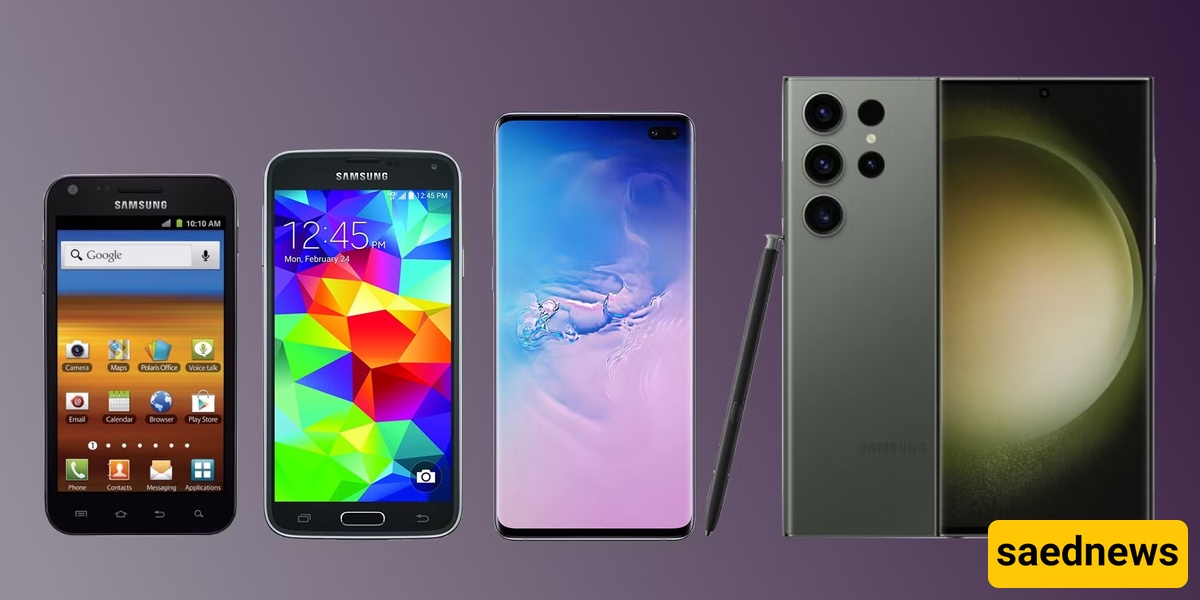
According to SaedNews: Samsung’s Galaxy phones may look familiar at first glance, but some of their most useful capabilities are hidden beneath the surface. While the brand has faced criticism over issues such as pre-installed applications and, in some cases, slower charging than competitors, its software ecosystem offers a depth of functionality that can be difficult to replace once users become accustomed to it.
The difference is largely found in One UI and the collection of Samsung-developed tools built around it. These features are not simply cosmetic additions. They can affect privacy, connectivity, productivity, customization and even the way a phone fits into everyday life.
For users who rely heavily on their Galaxy devices, that ecosystem can become a major reason to stay with Samsung. Here are six features that help explain why.
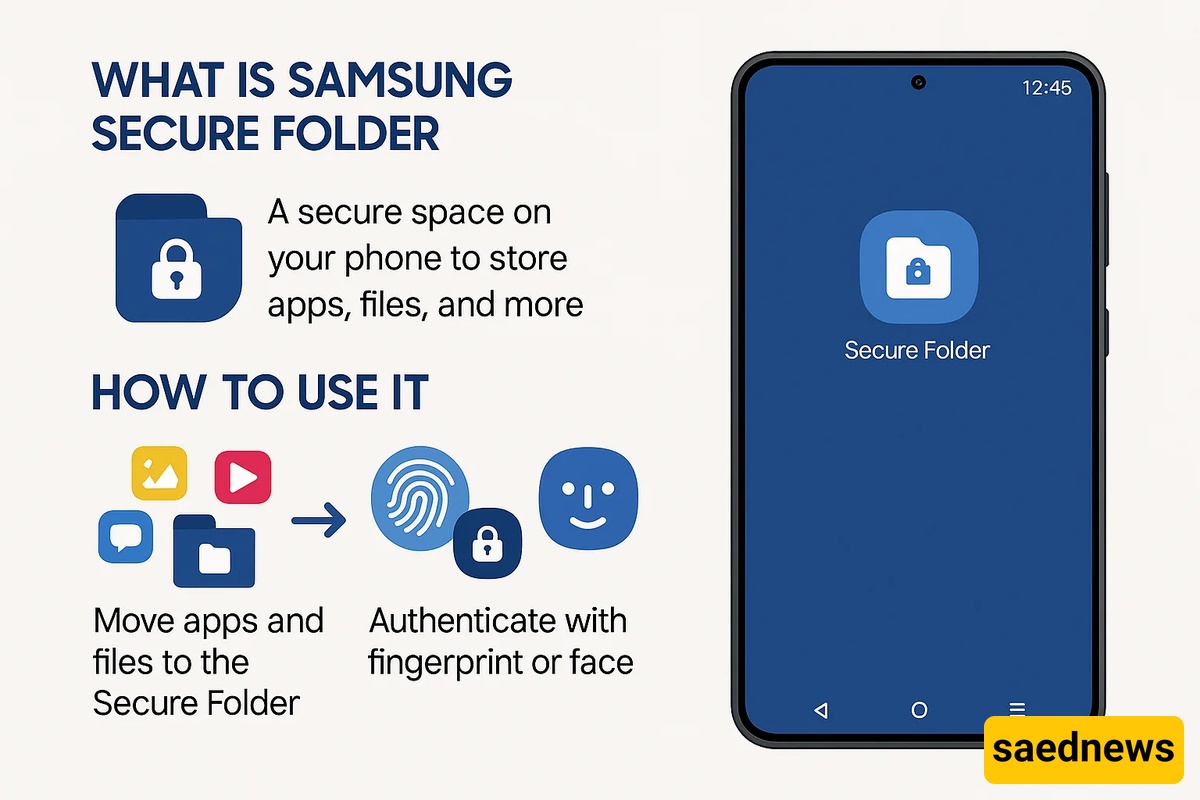
Privacy becomes much easier to manage with Samsung’s Secure Folder. Rather than simply hiding individual files or applications, the feature creates a separate, encrypted environment where users can keep private apps, photos and other files.
The space can be protected with its own PIN, password or fingerprint, giving users an additional layer of protection beyond the main phone profile. The information stored there is separated from the data in the regular environment.
There is also an option to hide the Secure Folder icon, making the private space less visible on the device. For people who want to separate personal information from everyday phone use, this can be particularly useful.
Poor Wi-Fi performance can be frustrating, especially when the problem is caused by a weak signal or crowded wireless channels rather than the internet connection itself.
Samsung phones include a Wi-Fi analysis tool designed to help users understand what is happening around their home network. It can map Wi-Fi signal strength and help identify areas where coverage is weak or where dead zones exist.
The tool can also scan Wi-Fi channels and show which ones are crowded. Moving to a less congested channel can potentially improve the connection and make the wireless experience smoother.
For users who normally need a separate application to investigate these issues, having analysis capabilities built into the phone can be a surprisingly practical advantage.
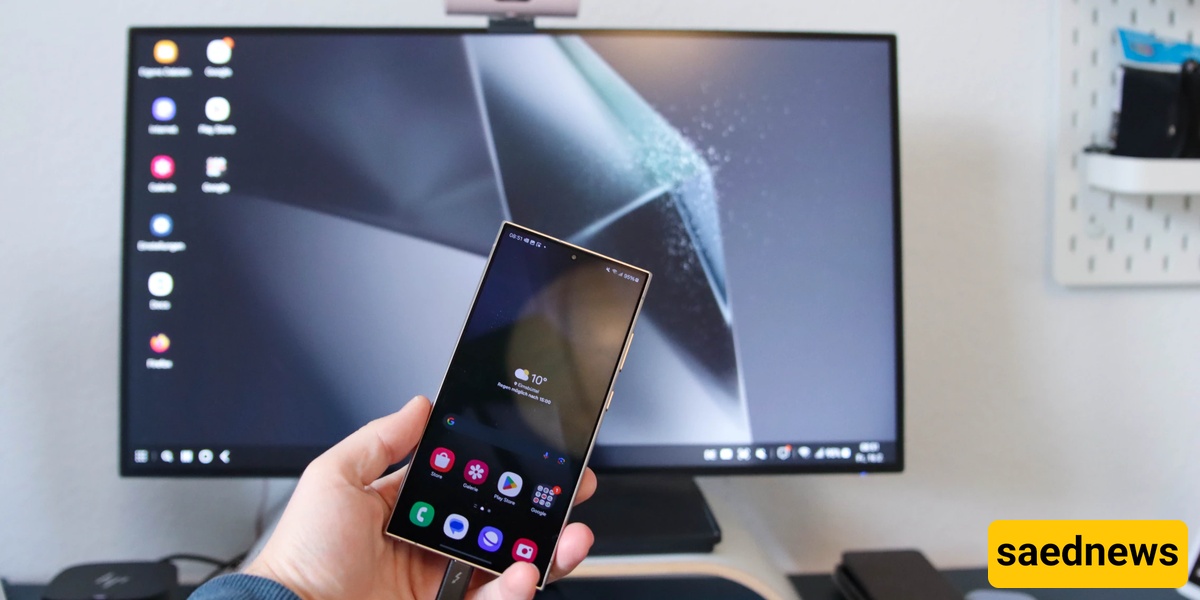
One of Samsung’s most distinctive productivity features is Samsung DeX. With a compatible Samsung phone connected to a monitor or television, along with a keyboard and mouse, the device can provide an experience that resembles a traditional computer.
Instead of interacting with apps only through a smartphone interface, users can work with resizable windows, a taskbar and file management features such as drag and drop.
Web browsers, office applications and email can also be used in a more desktop-oriented environment. For someone who needs to perform several tasks at once, DeX offers a way to get more out of the phone without relying entirely on a conventional PC.
The idea is simple but significant: the smartphone in your pocket can become the starting point for a much larger workspace.
For Galaxy users who want to control almost every detail of their interface, Good Lock is one of Samsung’s most powerful tools.
The official Samsung customization application acts as a hub for different modules. Depending on the modules available, users can adjust elements of the home screen, lock screen, keyboard, notifications and themes.
But Good Lock goes beyond changing colors or wallpapers. It can provide tools such as internet-speed indicators, additional camera-related settings, button remapping and advanced one-handed controls.
Another important aspect is that its modules are continually updated, giving users new ways to customize their devices as Samsung expands the platform.
Changing phones or performing a factory reset often creates one major concern: what happens to all the data?
Samsung offers a temporary cloud backup option designed to address exactly this problem. Users can back up important information—including applications, photos, videos, contacts, messages, settings and even Secure Folder data—to Samsung’s cloud storage for free for up to 30 days.
The feature is particularly useful when preparing to switch devices or reset a phone. Instead of manually trying to preserve every piece of information, users can rely on temporary cloud storage as part of the transition process.
For anyone who has ever worried about losing important files during a phone replacement, that short-term safety net can be one of the most valuable features on the device.
Samsung’s Modes and Routines feature focuses on automation. Rather than requiring users to repeatedly adjust the same settings throughout the day, it allows the phone to respond to different situations automatically.
Modes can be configured around activities such as sleeping, working or exercising. When activated, they can change settings involving the display, notifications, sound profile and even wallpaper to match the situation.
Routines take the idea further with if-then rules. For example, a routine can change the phone’s volume when headphones are connected or activate battery-saving behavior under particular conditions.
The result is a phone that can respond to habits instead of simply waiting for manual commands.
None of these capabilities alone necessarily determines whether someone should buy a Samsung phone. But together, they reveal why One UI has become such an important part of the Galaxy experience.
Secure Folder focuses on privacy. The Wi-Fi analyzer addresses connectivity. DeX targets productivity. Good Lock offers deep customization. Temporary cloud backup helps protect data during major device changes, while Modes and Routines bring automation into everyday use.
That combination is what makes Samsung’s software ecosystem particularly distinctive. Android may provide the foundation, but Samsung has built a layer of tools around it that can make the phone feel increasingly personalized over time.
And that may explain why some Galaxy users find switching to another Android brand less appealing after becoming dependent on these features. The hardware can be replaced, but the habits built around a familiar software ecosystem can be much harder to leave behind.
Which of these six features would you miss most if you moved away from Samsung? For many users, the answer may have less to do with specifications and more to do with the small conveniences they have come to rely on every day.