SAEDNEWS: Charging issues may result from a faulty cable, dirty pins, or software problems. Simple checks and troubleshooting steps can often fix the issue.
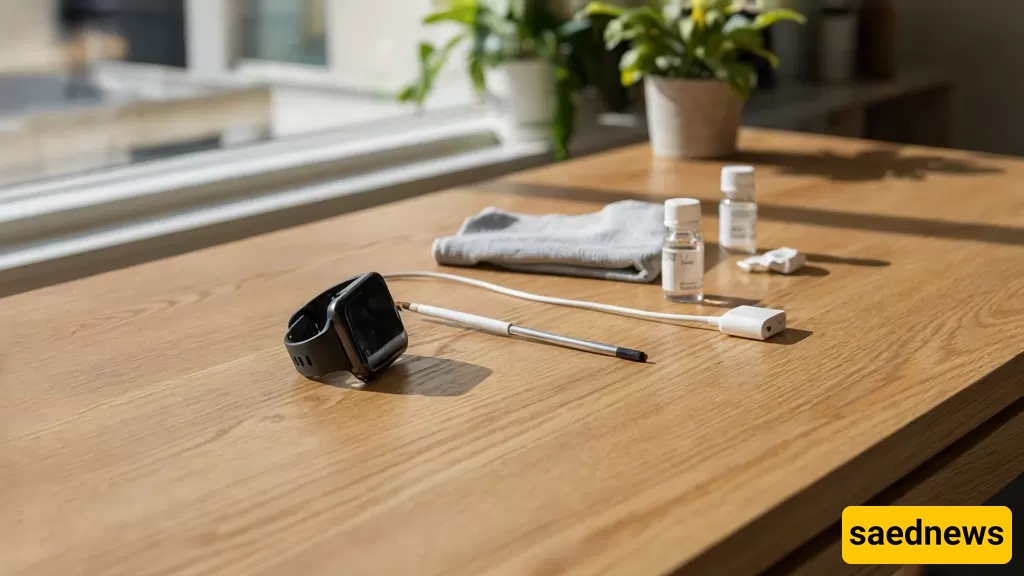
According to Saednews, In this article, we will explore the main reasons why a smartwatch may not charge, practical solutions to fix the issue, and preventive tips to avoid charging problems in the future. If you are facing this issue, continue reading to find effective troubleshooting methods.
One of the most common and simplest reasons a smartwatch may not charge is a damaged or incompatible charging cable or adapter. Many users rely on unofficial cables or unsuitable adapters that may not provide the required voltage and current for proper charging. Charging cables can also become damaged over time due to repeated use, bending, or internal wire breaks.
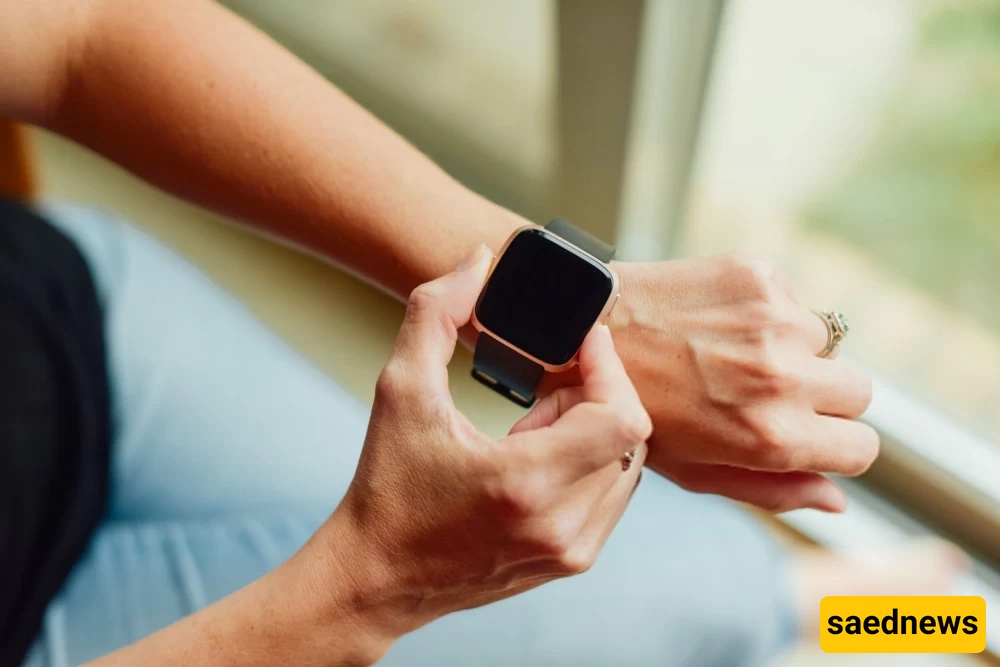
Test the smartwatch with another cable and adapter, preferably an original one designed for your watch model.
Use an adapter with a 5V output and 1A current, or one that matches the smartwatch manufacturer’s specifications.
Check the cable for visible damage and replace it if necessary.
Most smartwatches use metal charging pins or dedicated charging pads, such as magnetic charging systems. If these pins or charging surfaces become dirty, rusty, or damaged, the electrical connection may fail, preventing the watch from charging.
Gently clean the charging pins on both the watch and charger using a soft, dry cloth or cotton swab lightly moistened with 70% isopropyl alcohol.
Use a non-metal tool to remove dust or debris from small gaps.
If the charging pins are bent or broken, professional repair may be required.
Sometimes, charging problems are caused by software-related issues rather than hardware faults. Operating system bugs, system freezes, or incomplete updates can prevent the smartwatch from recognizing the charging process.
Restart the smartwatch. In most cases, you can do this by holding the power button for around 10–15 seconds.
If restarting does not solve the problem, update the watch software. Open the companion app and check for available updates in the settings menu.
As a final option, perform a factory reset. Keep in mind that this will erase all stored data from the watch.
Smartwatches require a suitable temperature range for safe charging. Extremely low temperatures (below 0°C) or very high temperatures (above 45°C) may stop the charging process. This is a safety feature designed to protect the battery.
Move the smartwatch to a moderate-temperature environment, ideally between 20°C and 25°C.
Wait a few minutes until the watch reaches a normal temperature, then try charging it again.
Lithium-ion batteries used in smartwatches naturally lose capacity and performance over time. After approximately 2–3 years of regular use, battery degradation may become noticeable. If your smartwatch is old and no longer charges at all, the battery may be damaged.
If the watch is still under warranty, contact an authorized service center.
Otherwise, have the battery replaced by a qualified technician.
Avoid overcharging and completely draining the battery to extend its lifespan.
Different smartwatches use different charging technologies. Some models support wireless charging standards such as Qi, while others require specific magnetic chargers with dedicated pins. Using an incompatible charger may prevent the watch from charging.
Always use the original charger or a charger officially approved by the manufacturer.
If your smartwatch supports wireless charging, make sure the charging pad is compatible with your device.
If your smartwatch is not charging, follow these steps in order:
Make sure the cable and adapter are properly connected. Try using another power outlet and place the watch correctly on the charger.
Carefully clean the charging pins and charging surface to remove dust, dirt, or residue.
Turn the watch off and restart it to remove temporary software glitches.
Move the watch to a location with a normal room temperature and try charging again.
Use another compatible charging cable and adapter, preferably an original charger.
Make sure both the smartwatch and its companion application are running the latest software version.
If none of the previous methods work, reset the smartwatch to factory settings.
If the issue continues, professional inspection may be required.
Use the original charger: Low-quality chargers can damage the battery and charging system.
Charge in a suitable environment: Avoid charging your smartwatch under direct sunlight or in extremely cold conditions.
Keep charging contacts clean: Clean the charging pins regularly with a soft cloth.
Avoid completely draining the battery: Try charging the watch when the battery level reaches around 20–30%.
Keep software updated: Updates often fix bugs related to charging and battery performance.
If you have tried all the solutions above and your smartwatch still does not charge, there may be a more serious hardware problem, such as:
A damaged charging port or internal circuit board.
Battery leakage or swelling, which can be dangerous and requires immediate replacement.
Water or moisture damage inside the smartwatch, even if the device is marketed as water-resistant.
A smartwatch that does not charge can be caused by simple issues like a faulty cable, dirty charging contacts, or software problems, but it may also indicate battery failure or internal hardware damage. By checking the charger, cleaning the charging points, updating the software, and following proper charging habits, most charging problems can be resolved quickly.