SAEDNEWS: If you feel that your phone’s touchscreen is no longer properly calibrated and needs recalibration, you can fix this issue in less than a few minutes.
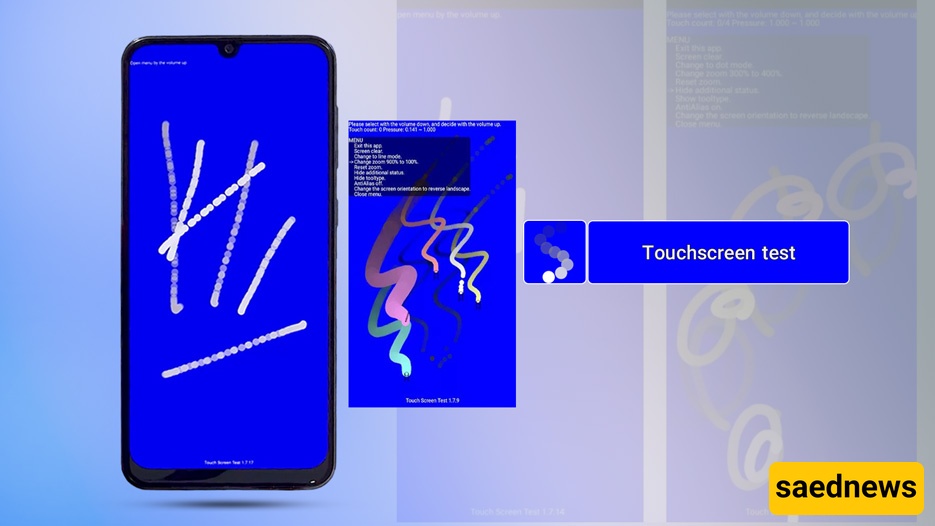
According to Saednews, Sometimes you may feel that your phone’s touchscreen is not properly calibrated and needs adjustment. This issue often becomes noticeable while gaming, when rotating your phone left, right, up, or down does not produce the expected response, eventually leading to frustration and gameplay problems.
Fortunately, you do not need a technician to fix this issue. In this guide, you will learn how to quickly and easily resolve touchscreen calibration problems using a simple app.
To fix touchscreen calibration issues on an Android device, you will need a third-party application. If you search on Google Play, you will find many apps designed for this purpose. However, one of the most reliable and widely used apps is Touchscreen Calibration.
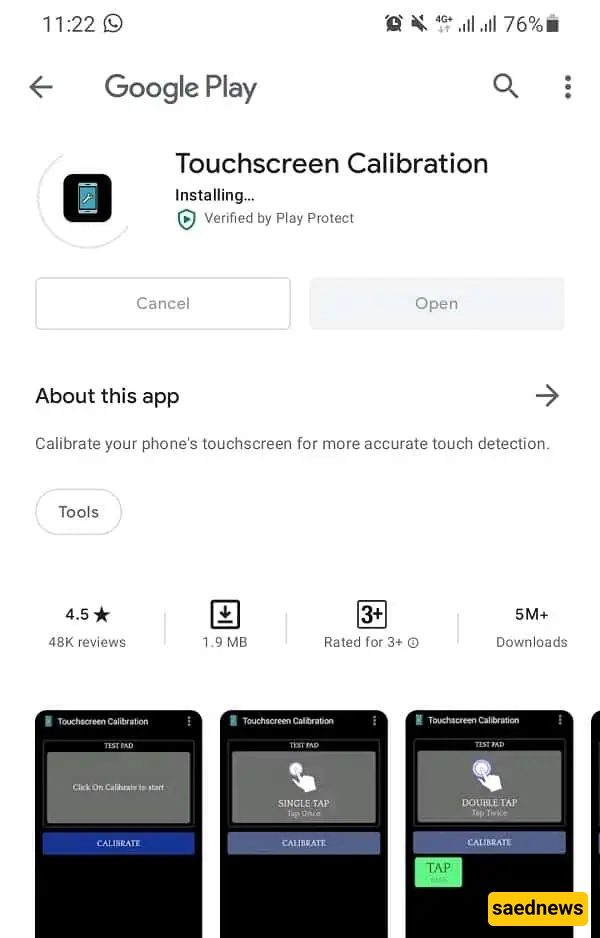
Download and install it from the Google Play Store.
After installation, open the app and tap the blue Calibrate button.
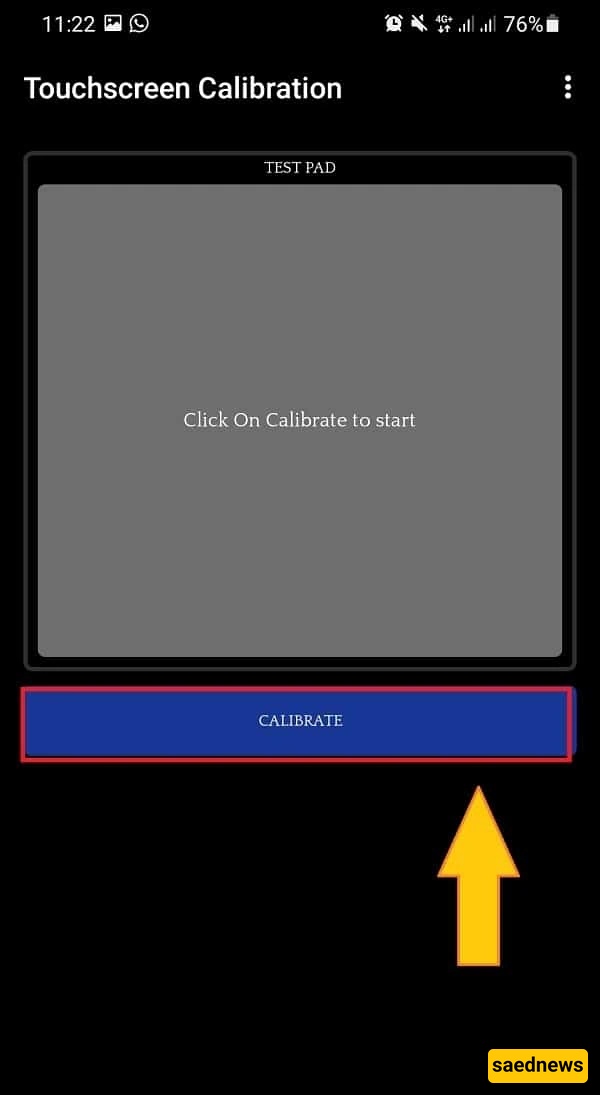
The app will guide you through several touch-based tests, such as single tap, double tap, swipe, and pinch-to-zoom gestures. You need to complete all the steps one by one. In total, there are usually 6 different tests.
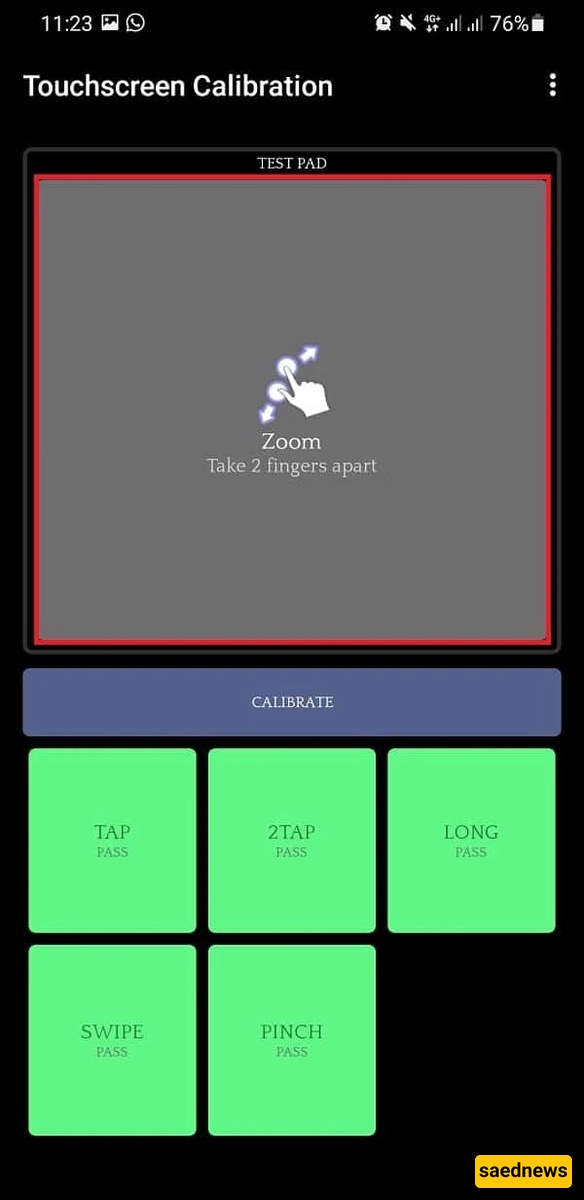
Once all tests are completed, you will receive a message indicating whether the touchscreen calibration was successful or not. If successful, the app will confirm that your device has been properly calibrated.
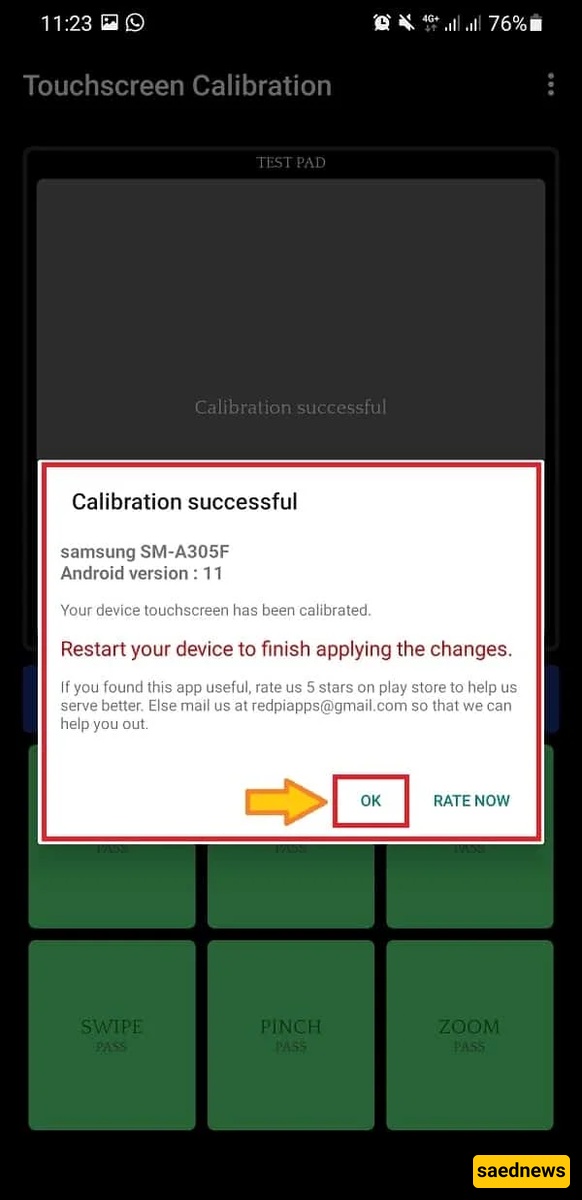
Finally, tap OK and restart your phone to apply the changes.
After rebooting, your touchscreen should respond more accurately and smoothly.