SAEDNEWS: Slowing down is one of the most common issues that can happen while using a phone. But do you know the main reasons behind why smartphones become slow

According to Saednews, One of the most common problems most of us face while using a mobile phone is reduced speed and performance. A phone that once worked smoothly and handled daily tasks easily may gradually start to lag, freeze, or respond slowly after a few years of use. This is a natural issue that often appears over time and can become frustrating, especially if you rely on your phone for work or heavy usage. Below are the main reasons why phones become slow.

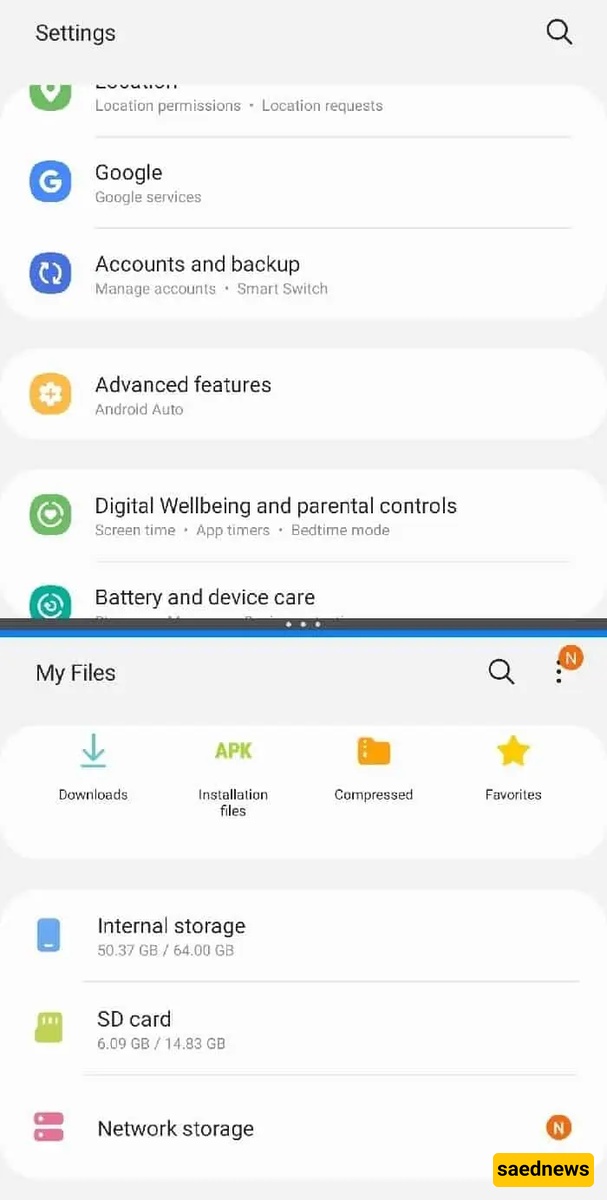
One of the biggest reasons for a slow phone is a nearly full internal memory. With apps, social media, photos, videos, and downloads, storage can fill up quickly. When storage is full, the operating system limits performance, which leads to slower speed. Deleting unnecessary files and restarting the phone can help improve performance.
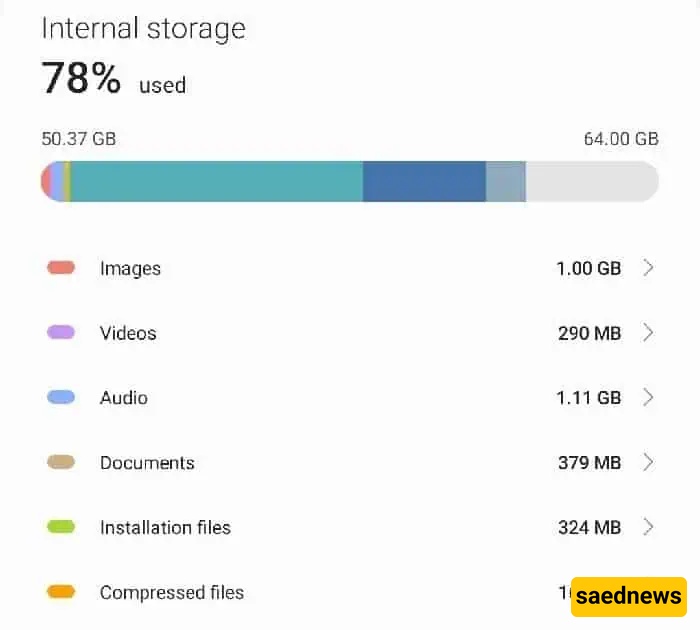
Cache memory (temporary system data used by apps) can also build up over time. When many apps are opened and frequently switched between, cache usage increases and may cause lag or freezing. Clearing cache or restarting the device can help resolve this issue.
Clicking on unknown links or visiting unsafe websites may install malware on your phone without your knowledge. This can significantly slow down performance and also threaten your personal data. Installing a trusted antivirus app and avoiding suspicious links is strongly recommended.

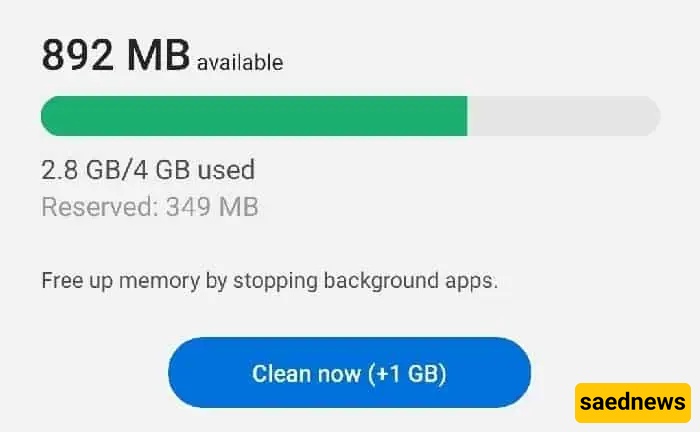
Modern smartphones support multitasking, but running too many apps simultaneously can overload RAM (memory). When RAM is full, the phone becomes slow or unresponsive. Closing unnecessary background apps can improve speed.
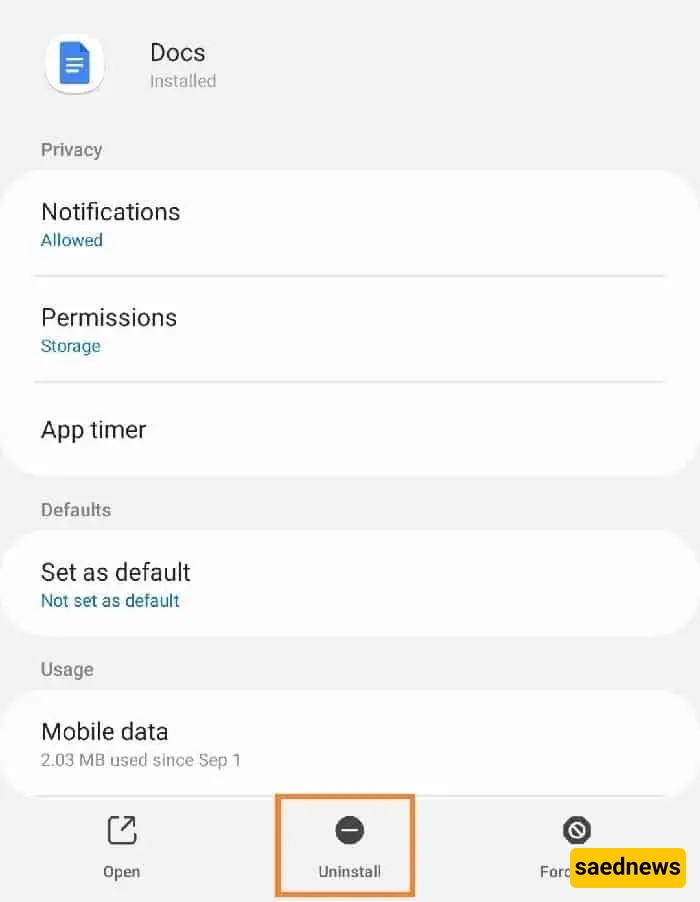
Many users install apps they rarely or never use. These apps take up storage and may run background processes, both of which reduce performance. Removing unused apps can help free up resources and speed up the phone.
Custom launchers and themes change the phone’s interface, but they can also consume RAM and interfere with system performance. In many cases, they contribute to slower operation. Uninstalling heavy or unnecessary launchers can help improve speed.
Some battery-saving or optimization apps are ironically harmful to performance. Instead of improving speed, they may run background services that consume memory and processing power, causing the phone to slow down or even overheat.

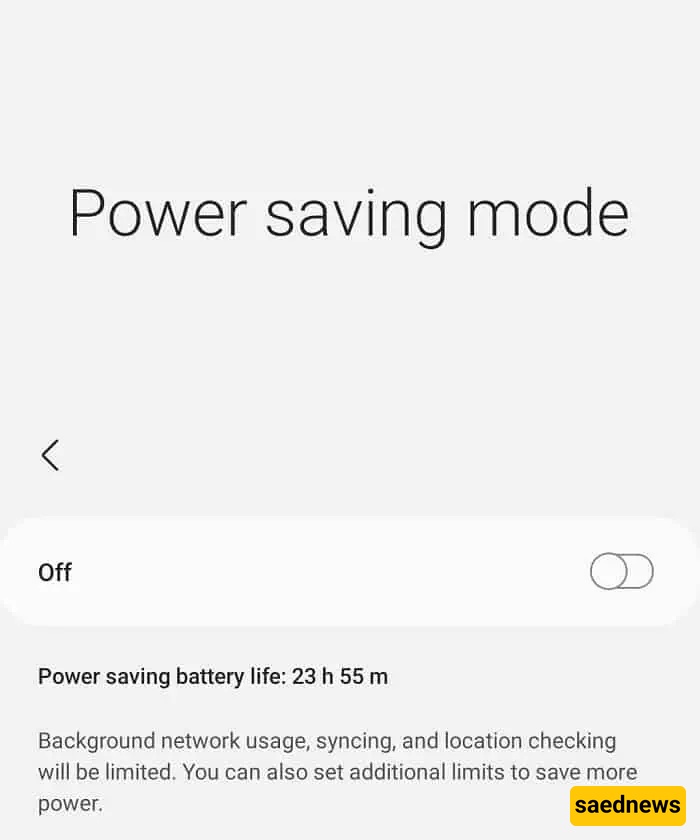
Battery saver mode limits background activity and system performance to reduce power consumption. While useful for saving energy, it can also make the phone noticeably slower. Disabling it when performance is needed can help.
Automatic app updates (for example through app stores) can consume internet bandwidth and system resources in the background. This may lead to temporary slowdowns. Disabling automatic updates or scheduling them can improve performance during usage.