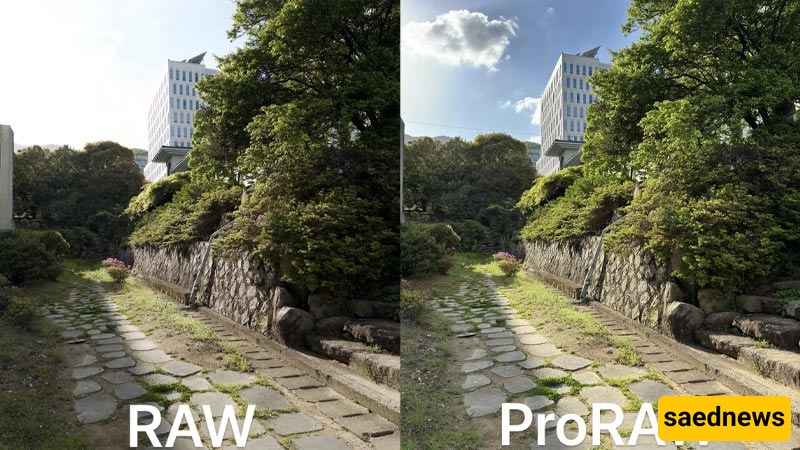
SAEDNEWS: iPhone’s ProRAW mode combines the flexibility of the RAW format with Apple’s computational photography processing, giving photographers greater control and more options when editing their images.
According to Saednews, Smartphone photography has advanced significantly in recent years, to the point that many users no longer rely on dedicated cameras to capture professional-looking photos. However, if you want greater control over lighting, colors, details, and image editing, standard photo formats have certain limitations. Apple’s ProRAW feature on the iPhone is designed to address this issue. Here’s a closer look at how ProRAW works and when you should use it.
People using different iPhone models, including newer devices such as the iPhone 17, may have come across the ProRAW option while taking photos. But what exactly is it?
ProRAW is Apple’s proprietary photography format that combines the advantages of RAW files with the iPhone’s computational photography processing. When you take a regular photo, the phone performs extensive processing after capturing the image, including exposure adjustments, noise reduction, sharpening, and color processing. The resulting image is then saved in a format such as HEIF or JPEG.
This final file is convenient for everyday use, but it contains less image data for making extensive edits later.
A RAW file, by contrast, preserves more of the information captured by the camera sensor. This gives photographers greater flexibility to make significant adjustments during post-processing. ProRAW follows the same principle but adds an important advantage: alongside the image’s raw data, the iPhone also preserves its computational photography information within the file.
In simple terms, ProRAW can be viewed as a combination of the flexibility of RAW photography and the iPhone’s intelligent image processing.
ProRAW is particularly useful for people who plan to edit their photos later using applications such as Adobe Lightroom or other professional image-editing software.
It is less useful for users who simply want to take a photo and quickly share it on social media. ProRAW files are also considerably larger than standard image files, so they can consume more storage space.
When you take a photo using the standard iPhone camera mode, the phone does more than simply record the raw data from the camera sensor. Its processor and computational photography algorithms analyze the captured information and optimize various aspects of the image.
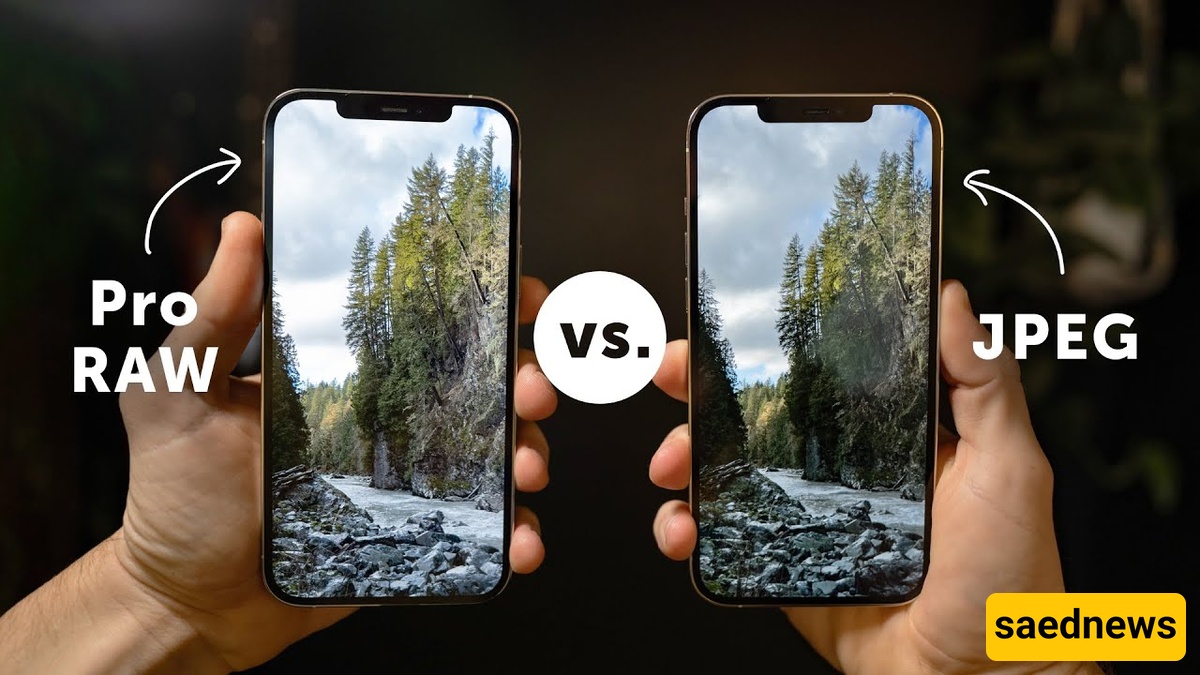
ProRAW is designed to preserve this computational processing alongside the raw image data. As a result, you have access to more information when editing the photo than you would with a typical JPEG or HEIF file.
This gives you greater flexibility to adjust elements such as exposure, highlights, shadows, white balance, and color during post-processing while retaining more detail in the original image.
Ultimately, ProRAW should be viewed primarily as a format intended for photography and post-processing rather than simply a camera mode that automatically produces better photos in every situation. Its main advantage is the additional control it provides after the photo has been captured.