SAEDNEWS: Poor mouse habits, prolonged gripping, and awkward wrist positions can contribute to hand fatigue during computer work. Small changes in posture, grip, and work habits may help reduce unnecessary strain.

According to SAEDNEWS, hand fatigue while using a computer mouse is often linked to repetitive movements, sustained muscle tension, and an uncomfortable working position. The way the mouse is held and moved can matter just as much as how long it is used.
1. Gripping the Mouse Too Tightly
Keeping the mouse in a firm grip can leave the fingers and hand muscles tense for long periods. A relaxed grip is generally preferable, with only enough pressure to control the mouse accurately.
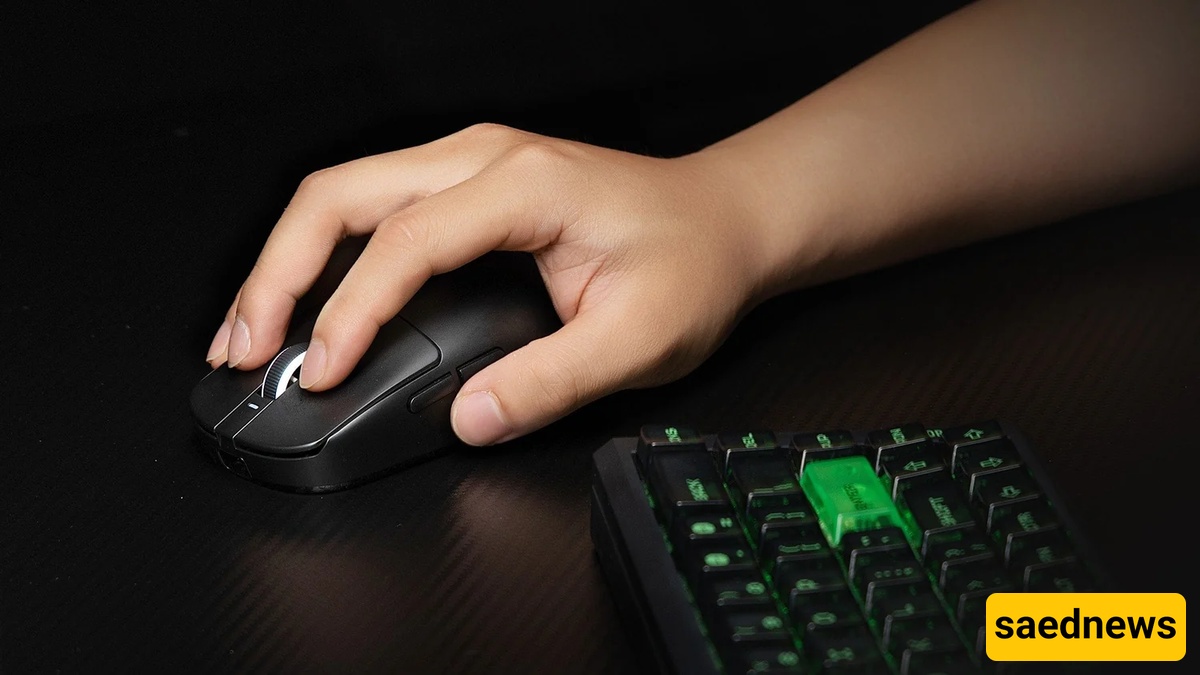
2. Keeping the Wrist in an Awkward Position
Bending the wrist upward, downward, or sideways while moving the mouse can place additional stress on the hand and forearm. Keeping the wrist in a relatively neutral position allows the hand and forearm to work more comfortably.
3. Moving Only the Wrist
Small, repetitive wrist movements can become tiring during extended computer use. Depending on the task, allowing some movement to come from the forearm rather than repeatedly rotating the wrist may reduce unnecessary strain.
4. Holding the Hand in the Same Position for Too Long
Even a comfortable position can become tiring when maintained without interruption. Remaining in one fixed posture for extended periods can contribute to discomfort and stiffness.
5. Using a Mouse That Does Not Fit the Hand Well
A mouse that is too large, too small, or otherwise uncomfortable can encourage awkward finger positions or excessive gripping. The hand should be able to rest naturally on the device without excessive stretching or squeezing.
Instead of waiting until the hand feels tired, try incorporating simple changes into the work routine:
Relax the fingers and avoid unnecessary gripping.
Keep the wrist relatively straight while using the mouse.
Adjust the mouse position so the arm does not have to reach excessively.
Change hand and arm position periodically.
Take brief breaks from repetitive computer tasks.
Check that the desk, chair, keyboard, and mouse allow a comfortable working posture.
Hand fatigue that repeatedly occurs despite changing these habits, or discomfort accompanied by persistent numbness, tingling, weakness, or pain, deserves medical attention. These symptoms can have different causes, so they should not automatically be attributed to mouse use alone.