SAEDNEWS: Clearing phone storage becomes necessary when limited space starts affecting updates, app performance, downloads, or everyday use.
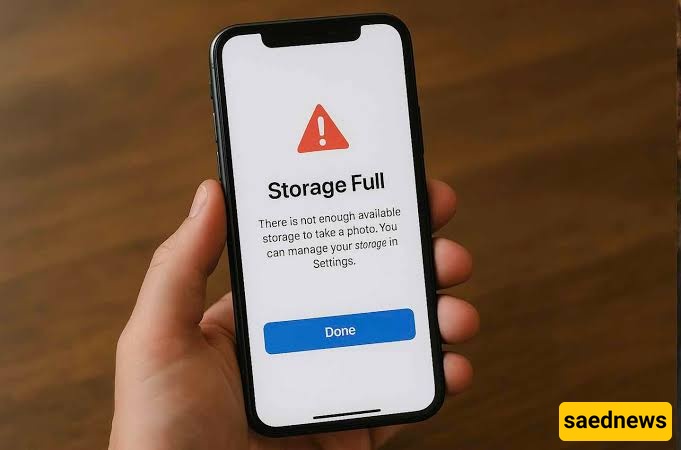
According to SAEDNEWS, a phone does not need to be cleared simply because its storage is partly occupied. Modern smartphones are designed to use available storage efficiently, but problems can arise when free space becomes very limited. Warning signs include failed system updates, inability to save photos or videos, problems downloading files, and apps behaving unexpectedly.
You may want to clear storage when you notice:
New photos or videos cannot be saved
System or app updates repeatedly fail
Large files are taking up most of the available space
Apps cannot download or store necessary data
The phone frequently displays low-storage warnings
You need to remove files before installing or updating an app
A storage warning by itself does not mean that every file should be deleted. The useful approach is to identify what is consuming space and remove unnecessary data rather than randomly clearing files.
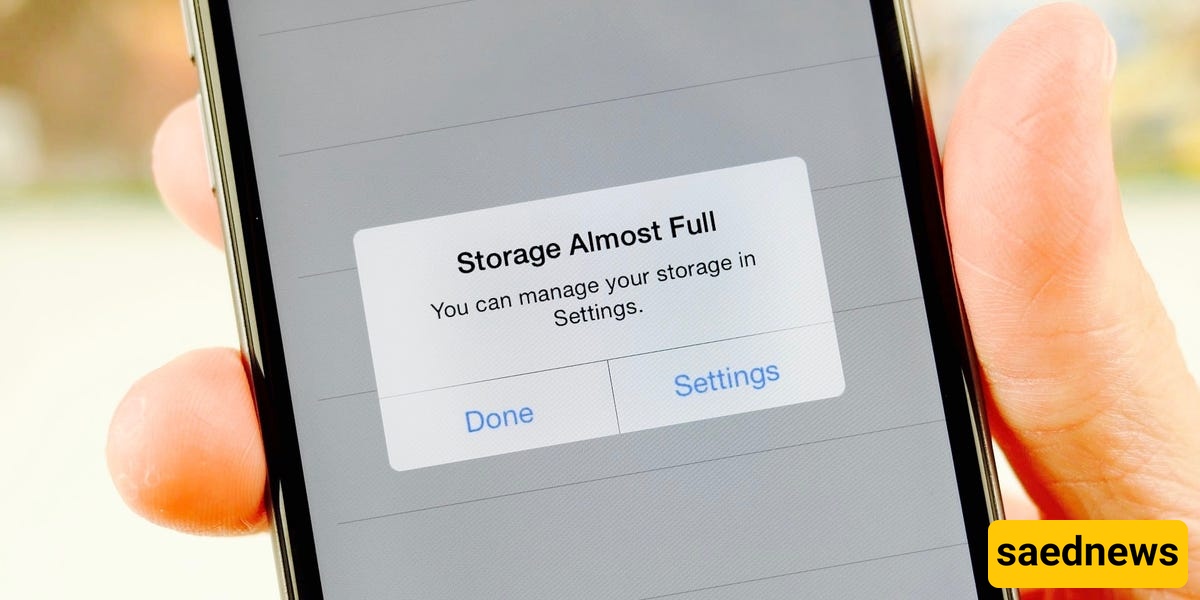
Photos and videos are often among the largest categories, particularly when a phone contains years of media. Downloaded files, unused apps, offline content, and large app data can also gradually consume storage.
Before deleting anything, check the phone's built-in storage management screen. It usually shows which categories occupy the most space, making it easier to decide where cleanup will have the greatest effect.
A simple cleanup can focus on items that are no longer needed:
Review large videos and duplicate photos. Keep important memories and remove unnecessary copies.
Delete old downloads. Documents, images, and other files downloaded months ago may no longer be useful.
Remove unused apps. Apps that have not been used for a long time can take up valuable space.
Check offline content. Downloaded media, maps, or other offline files can occupy substantial storage.
Review messaging attachments. Long conversations may contain large numbers of photos, videos, or documents.
Back up important files before deleting them. This provides an additional safeguard for valuable personal data.
Some phones and apps allow users to clear cached data. Cache files are temporary data that can help apps load content more quickly. Removing them may free some space, but the amount can vary, and apps may recreate cache files later.
Deleting app data is different and can remove locally stored information or reset an app. Therefore, users should check what a storage option actually removes before confirming it.
A good rule is to clean storage when limited space is causing a practical problem, rather than treating regular deletion as a requirement. Keeping a reasonable amount of free space makes it easier to install updates, save new files, and use the phone without repeatedly receiving storage warnings.