SAEDNEWS: An external hard drive is a portable storage device that connects to devices through USB and is used for storing large files and creating backup copies of data.
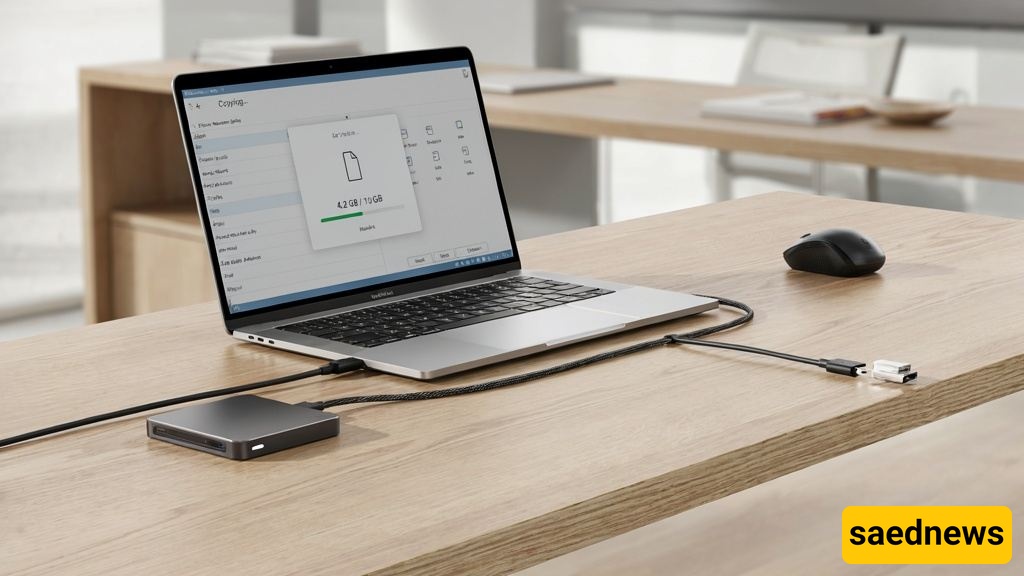
According to Saednews, An external hard drive is a portable storage device that connects to computers, laptops, televisions, and other compatible devices through USB or USB-C ports. It is commonly used for storing large files, creating backups, transferring data, and expanding storage capacity.
An External Hard Drive is a portable storage solution that keeps data outside a computer’s internal storage. It is available in different capacities and can store various types of files, including photos, videos, music, documents, software, and other digital content.
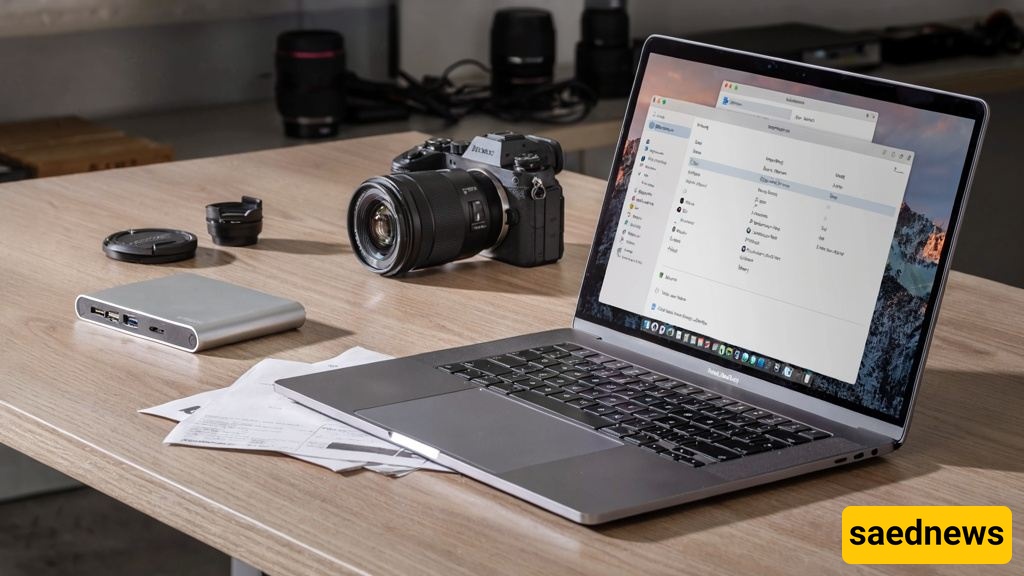
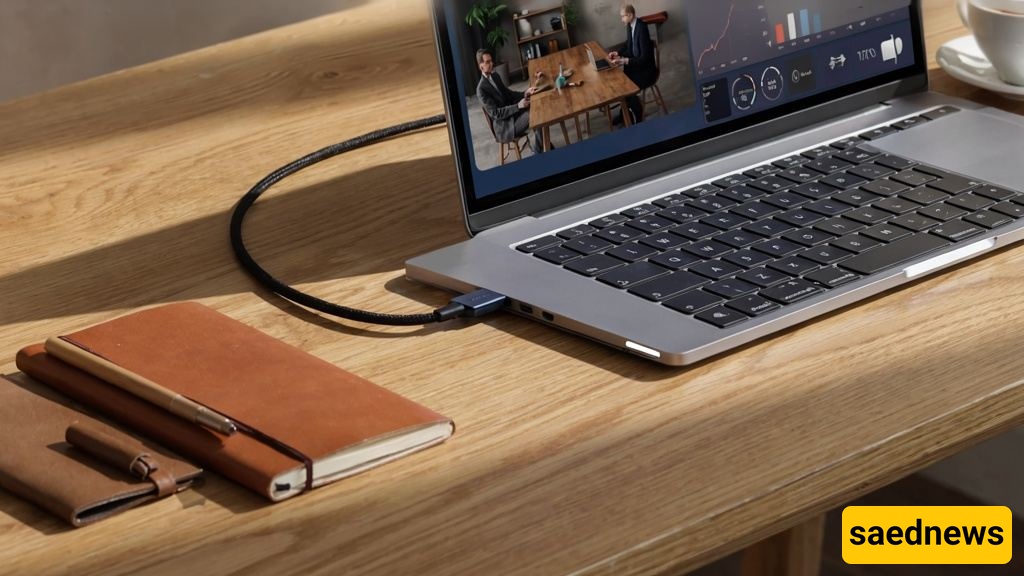
An external hard drive connects to a device through a USB, USB-C, or, in some models, Thunderbolt cable. After connection, the operating system recognizes it as an additional storage drive. Users can then copy, move, delete, and manage files stored on the device.
The main uses of an external hard drive include:
Storing large files
Creating data backups
Transferring files between devices
Keeping photo and video archives
Saving work and academic projects
Expanding a computer’s storage space
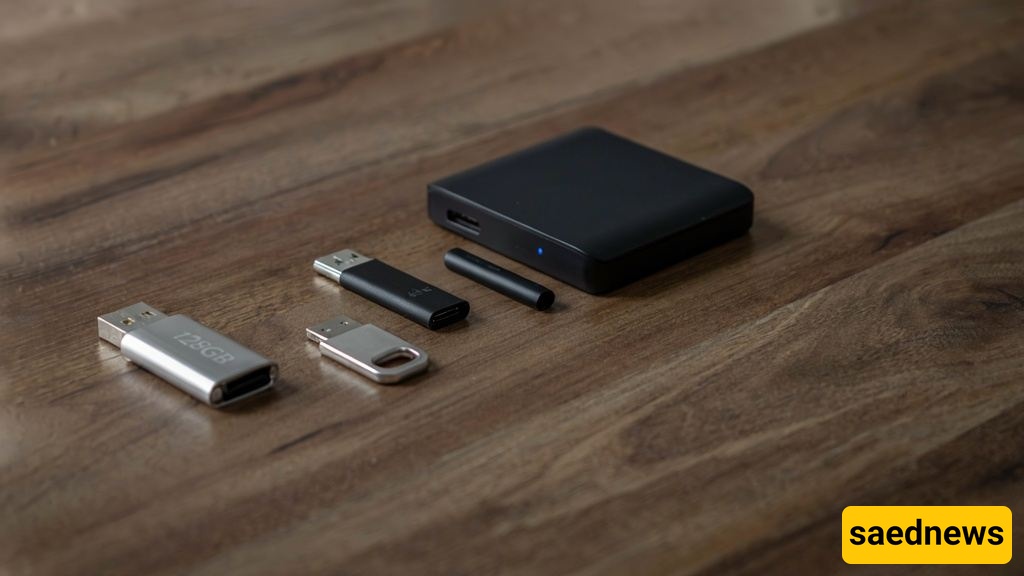
A flash drive is smaller in size and usually offers less storage capacity, making it suitable for quick everyday file transfers. An external hard drive, on the other hand, provides much larger storage capacity and is a better choice for long-term data storage and handling large files.
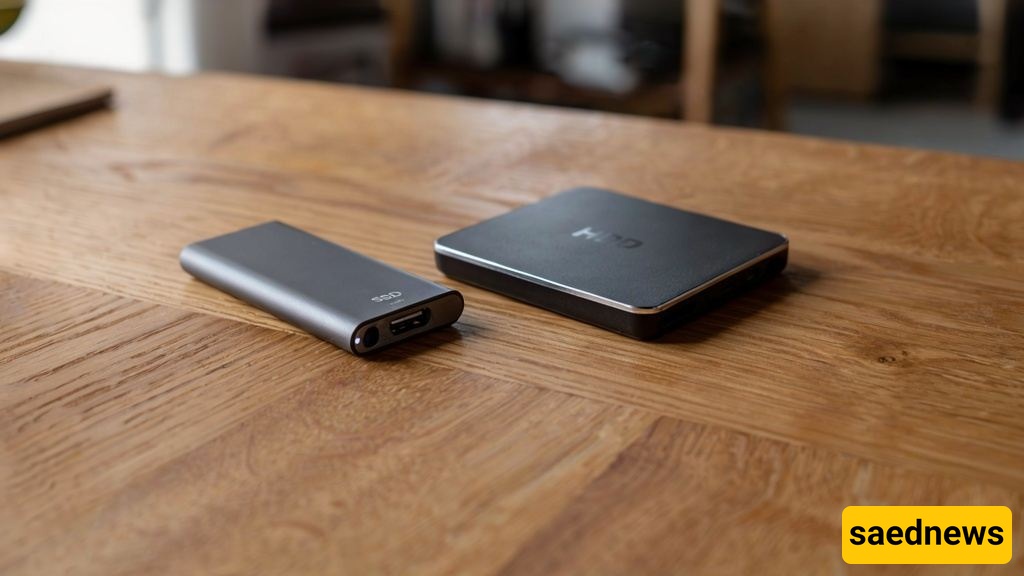
External hard drives are mainly divided into two categories:
HDD (Hard Disk Drive):
Offers high storage capacity at a more affordable price, making it suitable for storing large amounts of data.
SSD (Solid State Drive):
Provides much faster performance, better resistance to physical shocks, and a lighter design, but usually comes at a higher cost.
Using an external hard drive provides several benefits, including:
Improved data security through backups
Easy transportation of files
Freeing up internal storage space
Quick access to stored information
Safe storage of important digital files
Before purchasing an external hard drive, consider these important factors:
Storage capacity
Data transfer speed
Connection interface type
Protection against physical damage
Brand reputation
Warranty support
Storage type (HDD or SSD)
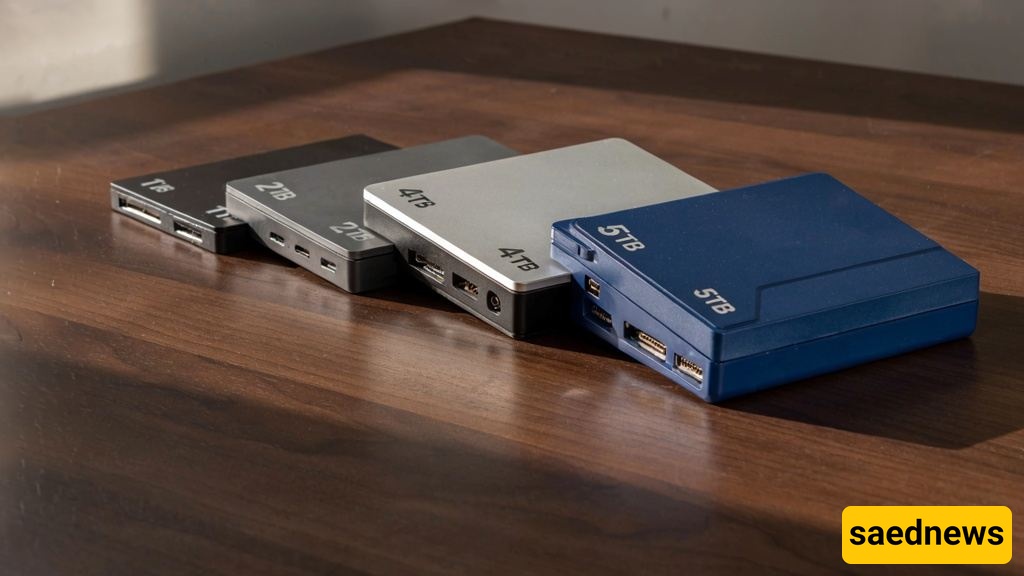
For storing personal documents and everyday files, a 1TB external hard drive is usually sufficient. For storing large collections of movies, photos, videos, or professional projects, models with 2TB to 5TB or more capacity are generally more suitable.
To improve the lifespan and reliability of an external hard drive:
Avoid physical impacts and drops
Do not disconnect the cable while transferring files
Always use the Safely Remove option before unplugging
Store the device in a cool and dry environment
Some common mistakes that may damage data or reduce device performance include:
Filling the drive to full capacity
Disconnecting it suddenly during file transfers
Dropping the device
Using low-quality cables
Not keeping backups of important information
An external hard drive is a practical solution for storing, transferring, and protecting digital information. Choosing the right storage capacity, selecting the appropriate drive type, and following proper maintenance practices can improve device performance and help keep valuable files safe.