SAEDNEWS: If you’ve taken a photo and part of it distracts from the main subject, you can remove unwanted objects in under a minute using certain tools.

According to SAEDNEWS, When taking photos, it’s common that out of ten shots, only one turns out well—but it may still contain unwanted objects. Recently, several tools have been introduced for removing these objects. However, many of these tools still operate on a trial-and-error basis, sometimes delivering good results and other times unsatisfactory outcomes.
To simplify this process, we introduce a tool that requires no installation, is completely free, and has proven reliable. In this report, we explore this tool and its capabilities.
Many tools for removing objects from photos have been released, and most are easy to use. The tool we recommend, cleanup.pictures, stands out for its simplicity and effectiveness.

For example, imagine you want to remove a pen cap from a photo. Using this tool, you simply highlight the object with your mouse. After a few seconds, the tool automatically removes it, leaving no visible flaws.

The result demonstrates the tool’s uniqueness and ease of use. Once you are satisfied with the changes, you can download the edited image by clicking the green Download button.
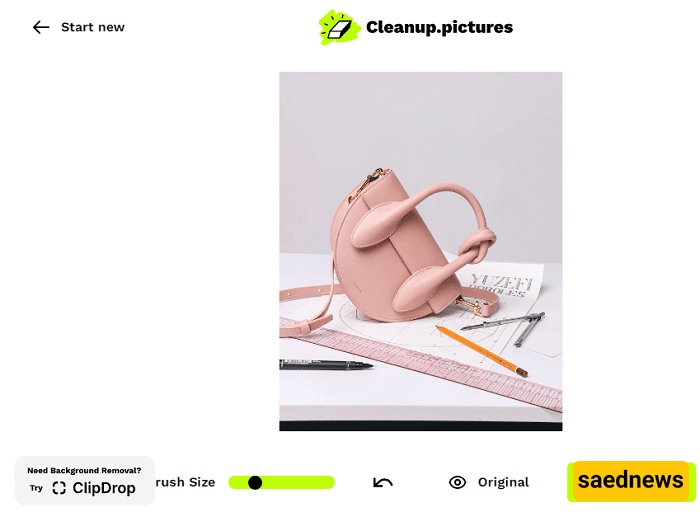
With cleanup.pictures, removing unwanted objects from photos has never been easier, making it a practical solution for photographers and casual users alike.