SAEDNEWS: 8 Practical Ways to Identify AI-Generated Videos, From Facial and Voice Analysis to Deepfake Detection and Original Source Verification
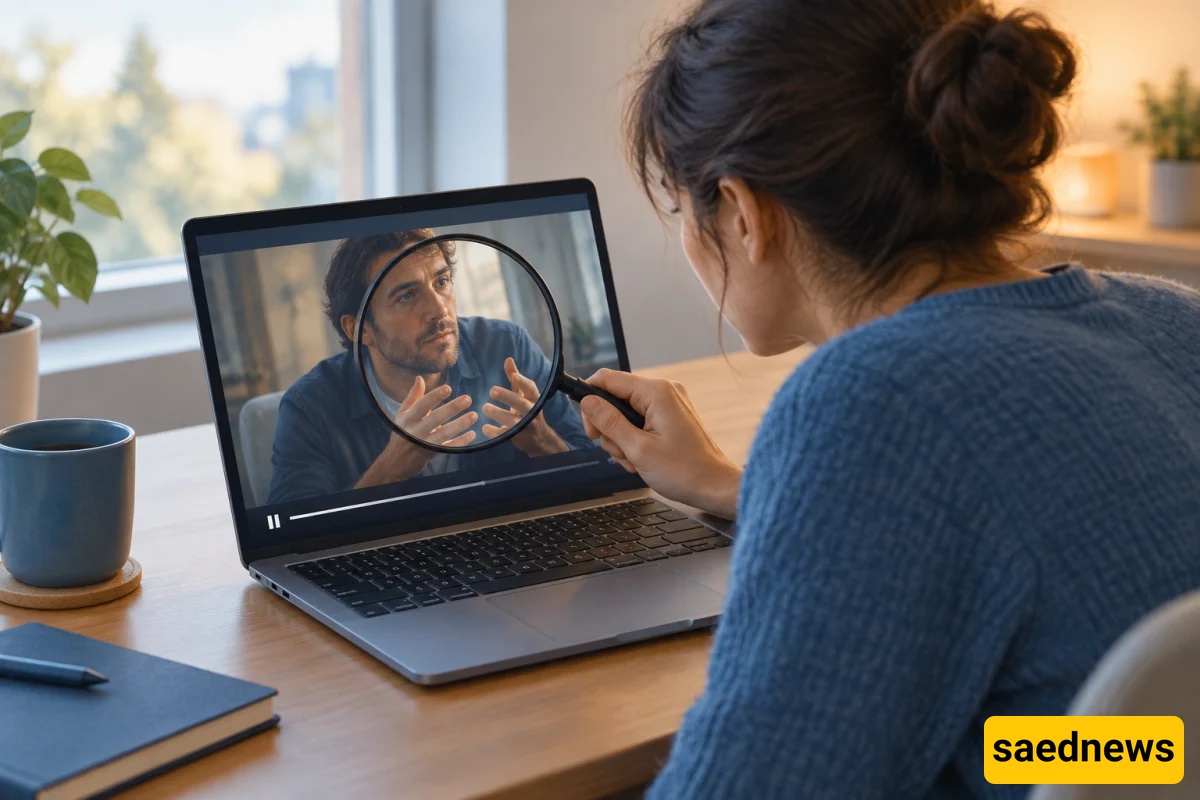
According to Saednews, AI-generated videos are becoming increasingly realistic, making it difficult to distinguish fabricated scenes from real events, even when examining the footage closely. From fake videos of celebrities to bizarre natural phenomena and impossible events, AI-generated content can spread rapidly across social media.
But how can you tell whether a video is real or created using artificial intelligence? To assess a video’s authenticity, pay attention to visual details, movements, audio, and, most importantly, the source from which it was shared. Here are eight practical ways to identify potentially AI-generated videos.
One area where AI-generated videos may contain errors is the movement of hands and fingers. In some videos, the number or shape of fingers may change between frames, or a hand may move unnaturally when picking up an object.
To investigate, watch the video several times and focus on moments when the person touches something, picks up an object, or moves their hands.
However, this sign alone is not reliable, as modern video-generation tools have made significant progress in rendering hands realistically.
In some AI-generated videos, a person's face may subtly change when they turn their head or the camera angle shifts. For example, the shape of their teeth, ears, or facial contours may appear inconsistent across different frames.
The boundaries between the face and hair, or the connection between the neck and head, may also look unnatural during movement.
For a closer examination, pause the video at moments when the face is moving and compare individual frames. Keep in mind, however, that video compression and low image quality can also cause similar visual inconsistencies.
When someone speaks in a video, pay attention to whether their lip movements match the words being spoken. In some manipulated videos, lip movements may not align perfectly with the audio, or the mouth may form unnatural shapes when pronouncing certain sounds.
Unusual changes in vocal tone, awkward pauses, or inconsistencies between facial expressions and the emotions being conveyed may also warrant further investigation.
However, dubbing, audio delays, poor internet quality, and editing can also cause audio-visual mismatches. A single discrepancy is not enough to conclude that a video is fake.
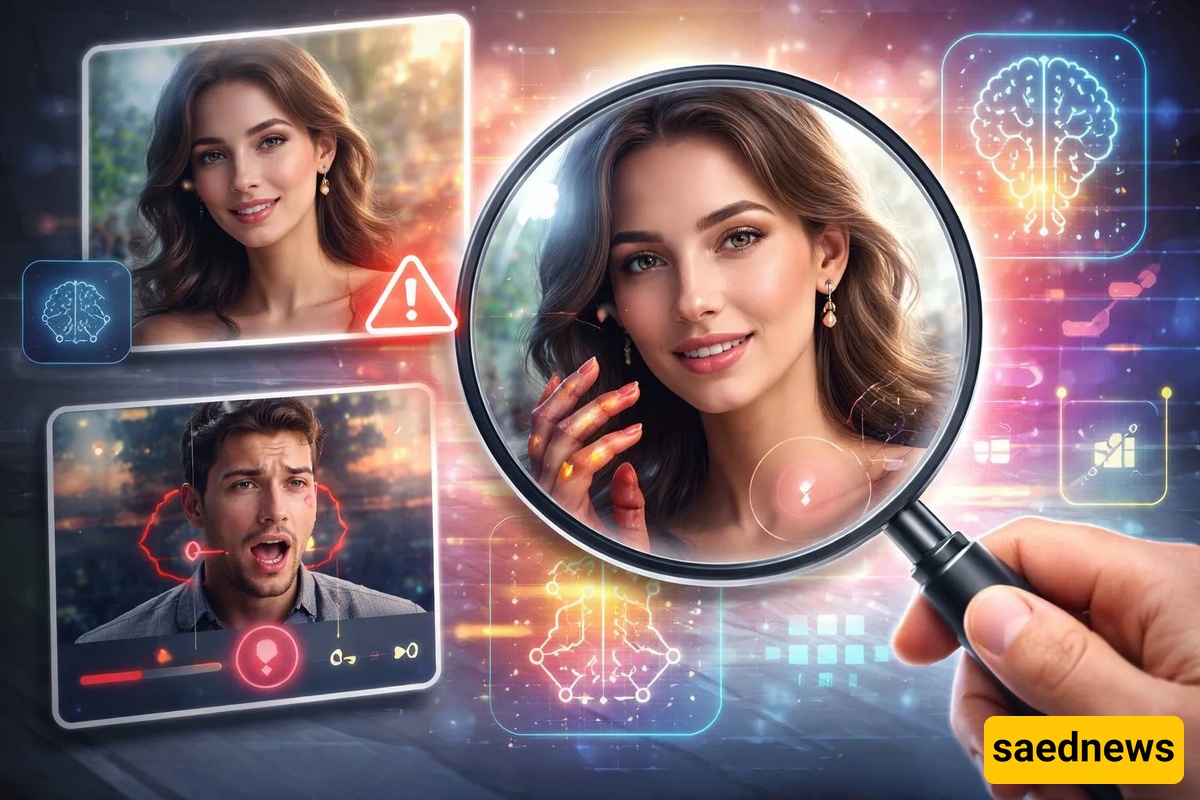
Sometimes the main subject of a video looks completely natural, while details in the surrounding environment reveal inconsistencies. Signs may contain unreadable text, objects may change shape throughout the footage, or background elements may disappear without explanation.
For example, if someone is walking down a street, examine the signs, windows, vehicles, and nearby objects. Do they maintain consistent shapes and logical positions as the camera moves?
Keep in mind that editing, rapid camera movements, and compression artifacts can also cause objects to appear distorted.
In a real scene, lighting and shadows generally correspond to the positions of objects and the location of the light source. In some AI-generated videos, a person's shadow or the shadows of nearby objects may not match the direction of the light. Reflections in mirrors or windows may also differ from the objects they are supposed to represent.
Look at the shadows beneath people's feet, reflections on shiny surfaces, and changes in lighting as the subject moves.
This technique is primarily useful for identifying suspicious details, as professionally produced videos and modern AI tools can generate highly realistic lighting.
One of the most effective ways to verify a video's authenticity is to locate its original source. An old video or a fabricated scene may sometimes be reposted with a new headline, leading viewers to believe it depicts a recent event.
To investigate, search for relevant keywords and phrases associated with the footage. If the video concerns a major news event, check whether reputable news organizations or official sources have published it or commented on its authenticity.
You can also capture several still frames from the video and search for them using tools such as Google Lens. This may help you find older versions of the footage or other sources that have published the same images.
Some tools and technical standards can provide information about the origin of a digital file and how it was created or edited.
One example is Content Credentials, based on the C2PA standard, which can record information about a piece of content's origin and editing history in a verifiable format. However, this information is not always available and may be lost when a file is edited or republished.
Another technology, SynthID, was developed to help identify certain types of content generated using Google's AI tools. Its detection capabilities depend on the type of content, the tools used to create it, and access to the relevant verification features.
Importantly, the absence of provenance information or a negative result from a detection tool does not necessarily mean a video is authentic.
Various websites and tools claim to identify content created using artificial intelligence. While they can be useful when examining certain files, their results should never be treated as definitive without considering their technical limitations.
Some tools can identify only specific AI models and may perform differently when analyzing edited, compressed, or AI-generated videos produced using other systems.
The best approach is to compare detection results with other evidence, including the original source, reports from reputable news organizations, visual inconsistencies, and available file provenance information.
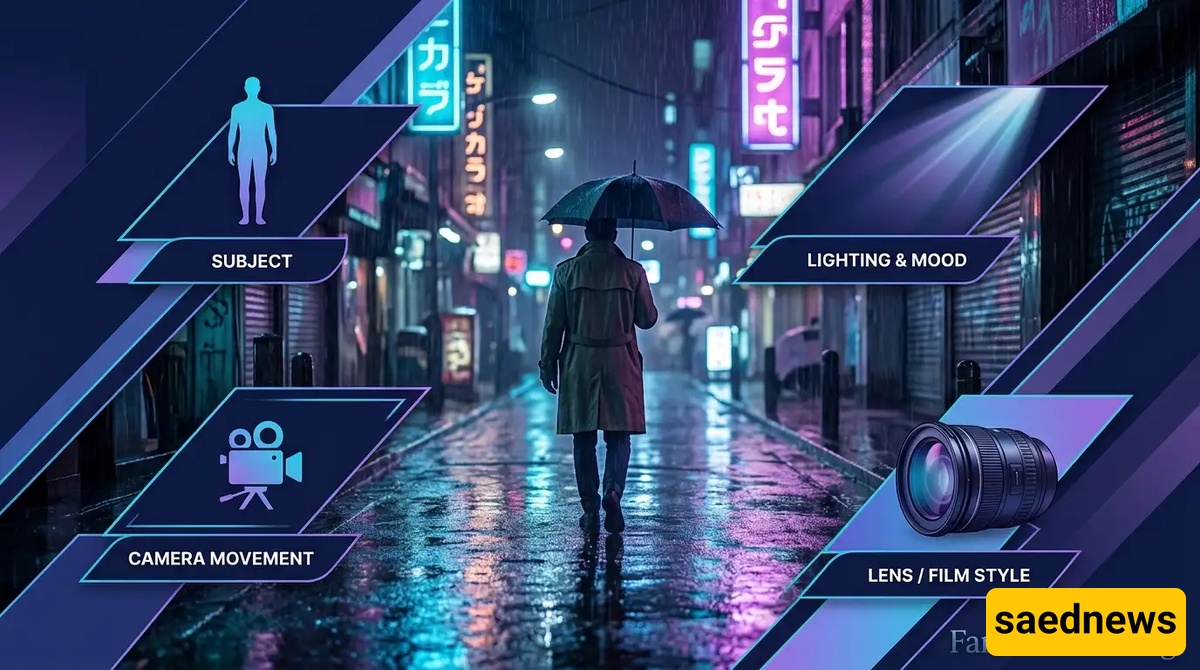
In many cases, it is impossible to determine a video's authenticity with complete certainty based on its appearance alone. Newer AI models can generate highly realistic movements, faces, lighting, and audio. Conversely, real videos may look unnatural because of poor image quality or compression.
For this reason, it is better to combine several verification methods rather than rely on a single clue. Finding the original source, examining the context in which the video was shared, and using reliable verification tools are generally more effective than judging authenticity based solely on visual appearance.