SAEDNEWS: Everything You Need to Know About Transferring Battery Charge Between Two Phones
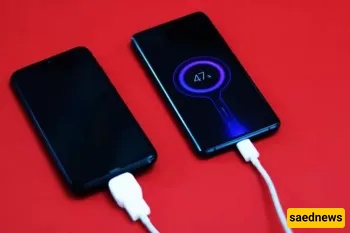
According to Saednews, Sometimes, you suddenly realize that your phone’s battery—or a friend’s phone battery—has run out. It would be amazing if you could transfer some of your phone’s battery charge to each other!
Currently, iPhones do not support reverse charging; in other words, you cannot share your phone’s battery power with another device. This feature is only available on some Samsung phones. Apple has not yet announced any clear plans to introduce battery sharing on its devices.
Several brands already offer this technology, but is Apple also considering it? Here is everything you need to know about transferring battery charge between two phones.
Yes, some Android phones support battery sharing between devices. For several years, certain Android models have included this feature. Some of these phones include:
Samsung Galaxy S10
Samsung Galaxy M31s
Xiaomi Redmi Note 9
Huawei Mate 30 Pro
Vivo U20
Not many Android phones currently support this feature, but with continuous technological advancements and regular updates, it is expected to become more widespread in the future.
Many companies use this feature as a way to attract customers from other brands, especially iOS users, since it is still not available on Apple devices. Although it is not an essential feature, it is very useful and considered a great advantage.
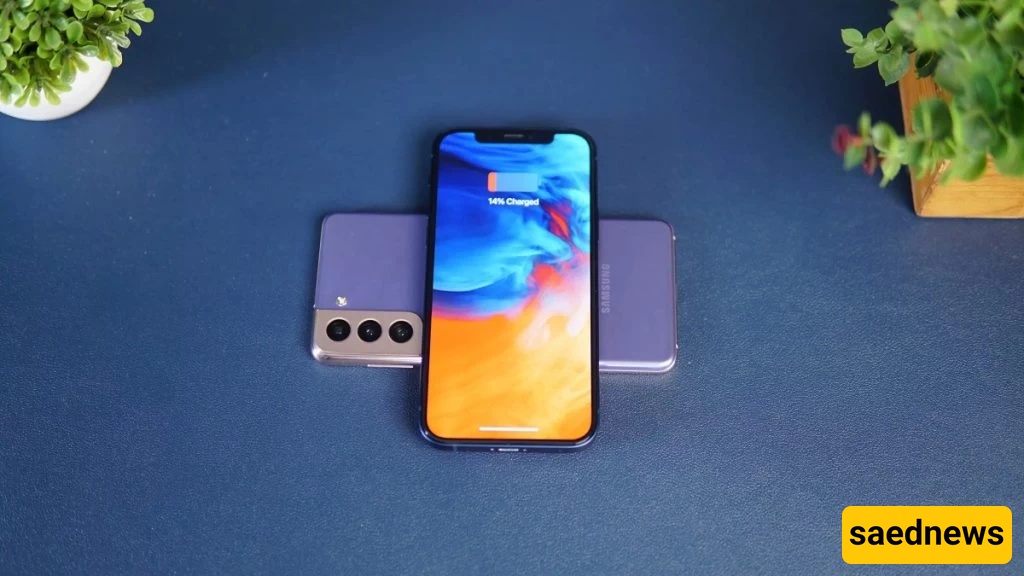
Many devices can be charged using the reverse charging feature on Android phones. These include:
Wireless smartwatches
Wireless earbuds
Other smartphones
There seems to be no strict limitation on what can be charged. If a device needs power, you can place it on the phone and charging will begin.
Although you cannot use an iPhone charger to power other devices, Samsung chargers can charge iPhones. It depends on the device.
Reverse battery charging transfers power wirelessly from one device to another. Some devices support this feature, and users can simply enable it in settings. Some phones may also include a dedicated app for this function.
Once reverse charging is activated, you place the devices on top of each other, similar to using a wireless charging pad.
After the target device is fully charged, you can remove it and continue using your phone. It is not complicated—your phone just needs to support the feature.
Some phones apply limitations based on battery level. For example, if the battery is below 30%, it may not allow sharing power with another device. However, generally speaking, there is no strict limitation on charging.
You cannot share your iPhone battery with other devices. However, that does not mean it is impossible in the future. In 2016, Apple obtained a patent for reverse charging technology and has taken steps toward possibly introducing it in the future, although no official plan has been announced.
It has already been confirmed that upcoming iPhones released next year will not include this feature. However, this does not mean it will not appear in the near future.
The biggest obstacle is that Apple has not yet integrated this feature into its devices. There is no other major reason for its absence.
Since other companies already offer it to their users, Apple may eventually need to include it to stay competitive.
Since you cannot currently share your phone’s battery with others, here are some tips to help extend battery life:
Use a spare battery
Turn off background refresh
Close unused apps
Turn off Bluetooth
Disable location services for the whole phone or specific apps
Reduce screen brightness
Disable apps that use mobile data unnecessarily
All of these tips help reduce battery consumption and extend battery life. Also, avoiding constant phone usage can be helpful.
Reverse charging would be an excellent feature for iPhones. Hopefully, it will become available in the coming years so more users can benefit from it.