SAEDNEWS: The word “root” means “root” in its literal sense, and in simple terms, rooting refers to gaining fundamental access on Android phones. This process involves several steps that allow users to access the system files of the Android operating system.
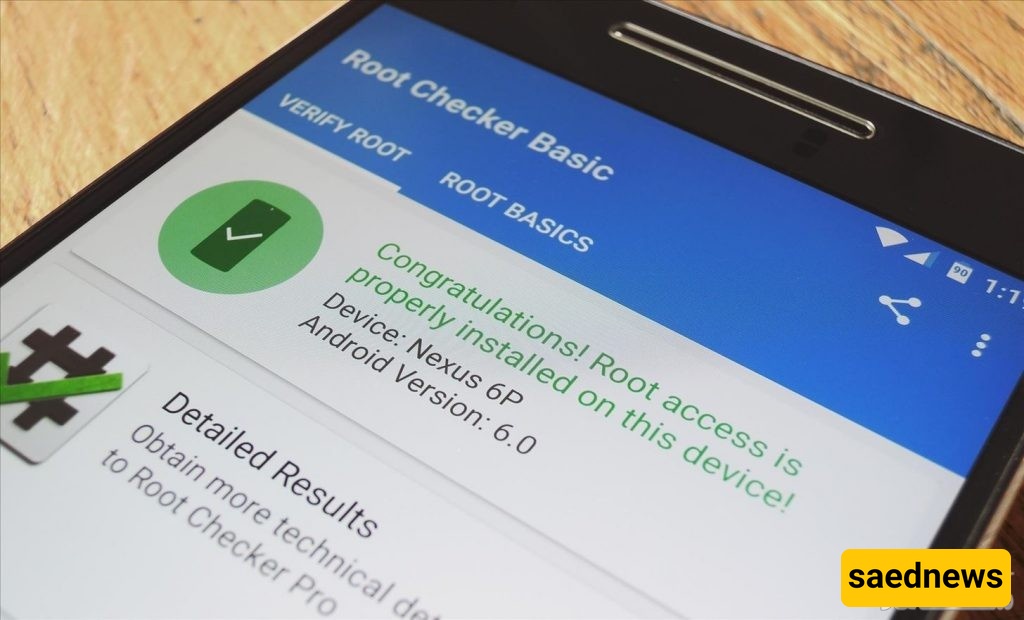
According to the news website Saed News, citing Kala Soda, many users ask how they can root their phones. But before answering this question, we first need to understand what rooting actually means.
The word “root” literally means “base” or “foundation.” In simple terms, rooting an Android phone means gaining fundamental access to the system. This process involves a series of operations that allow users to access Android system files and make deeper changes to the device.
Turn on your Android phone.
Go to the Settings section.
After rooting, apply any changes you wish.
Unfortunately, many pre-installed applications on Android phones are rarely used. However, unlike apps you install yourself, you cannot normally delete these default system applications.
There are many ways to root a phone, but it is recommended to use reliable and standard applications. One well-known tool is Framaroot.
Using this app is simple:
Install the application.
Open it from your installed apps list.
Tap on Install Superuser.
From the list that appears, select either Install Superuser or Install SuperSU (one of the first two options).
After selecting one of these options, you will see a message indicating that rooting was successful. You will then need to restart your phone. Once restarted, your device will be rooted.
If you later decide to reverse the process, you can use the same app and select the Unroot option to remove root access.
What do you think? Can this application truly help you make significant improvements and upgrade your phone’s performance?