SAEDNEWS: A Samsung smart TV is equipped with a browser capable of running web-based applications. If your Samsung TV doesn’t show any apps on the home screen, it’s best to download them through the Samsung App Store.
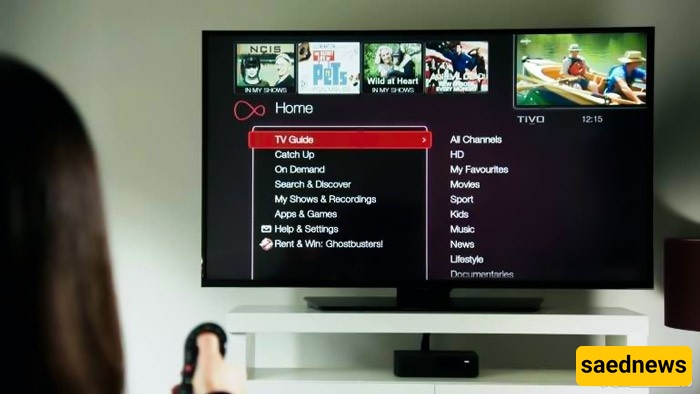
According to Saed News, as reported by Kala Soda, the main purpose of smart TVs is to access TV programs, movies, and other content via internet streaming. This content is available through the “Apps” section, and almost all smart TVs have an option to add additional apps to this section.
For example, some users may add weather-related apps to their TV so they can check the weather directly on the screen, without needing to use their phone.
The steps for adding apps may vary depending on the brand and model of your smart TV.
Samsung smart TVs, for instance, come with a browser capable of running web-based applications. If you own a Samsung TV and don’t see any apps on your home screen, it is recommended to download them from the Samsung App Store.
Steps to Install Apps on a Samsung Smart TV
Create a Samsung Account: Ensure you have a Samsung account, which can also be set up through your TV’s settings. Then, click on “Apps” in the menu bar. This will take you to the “My Apps” page, where all pre-installed apps are displayed. You can also explore other categories such as Popular, Video, Lifestyle, and Entertainment.
Find the App You Want: If an app in the Samsung Store catches your attention and isn’t already installed, use the magnifying glass icon to search for it. Click on the app icon to open its installation page, where you can view detailed information about the app.
Install the App: Click “Install” to add the app to your TV. After installation, you may be prompted to open it immediately. If not, you can access it later from the “My Apps” section.
It’s important to note that these steps may differ slightly for TVs older than 2014, which may have a different menu system. There could also be minor variations in the process of adding apps depending on your specific model.