SAEDNEWS: How to Enhance Security on Android and iPhone by Locking Apps and Hiding Files
According to SAEDNEWS, There are some apps that contain information we don’t want strangers—or even close acquaintances—to access. This can be particularly concerning when your phone is frequently in the hands of friends or family. The first recommendation is to store important information on your computer and protect it with a password to prevent unauthorized access.
If a computer isn’t available, you can use mobile app-locking applications. One of the most popular and reliable apps for this purpose is Vault, which we introduce below.
Vault is a well-known app for locking phone apps and safeguarding your data. It offers multiple features, all available for free.
App Lock:
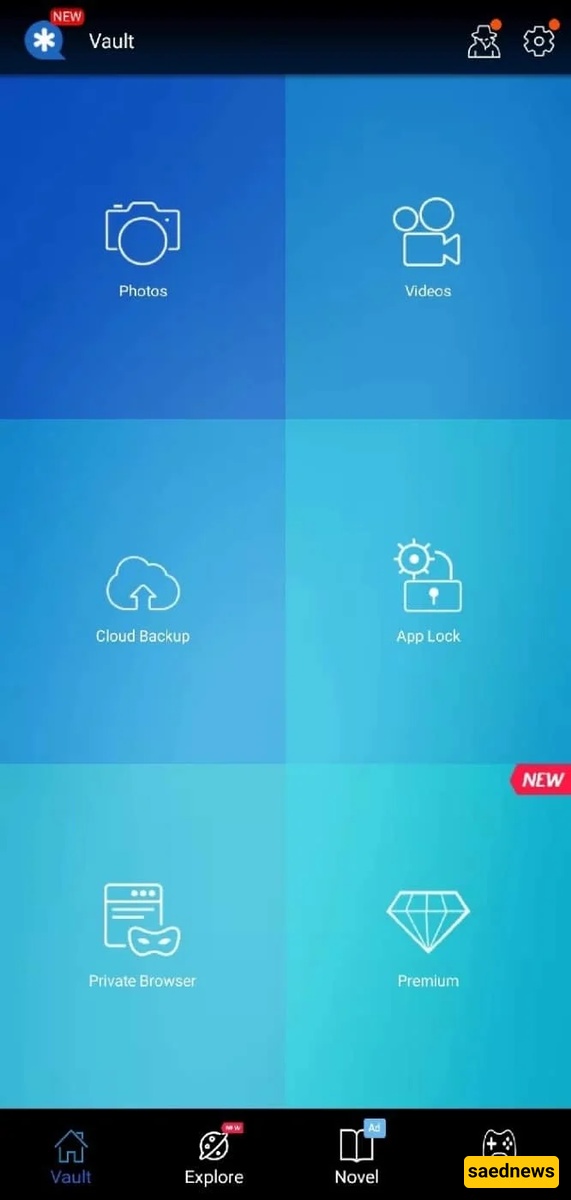
Vault allows you to lock apps on both Android and iPhone devices. Through the App Lock section, you can select any apps you want to lock. There are no restrictions—you can even lock all your apps if desired.
Hide Media Files:
Vault also enables you to hide important photos and videos. Once hidden, these files are no longer accessible through your phone’s gallery or media player and can only be viewed within the Vault app itself. This feature is one of Vault’s core functionalities.
Private Browser:
By selecting the Explore option, you can use Vault’s built-in secure browser.
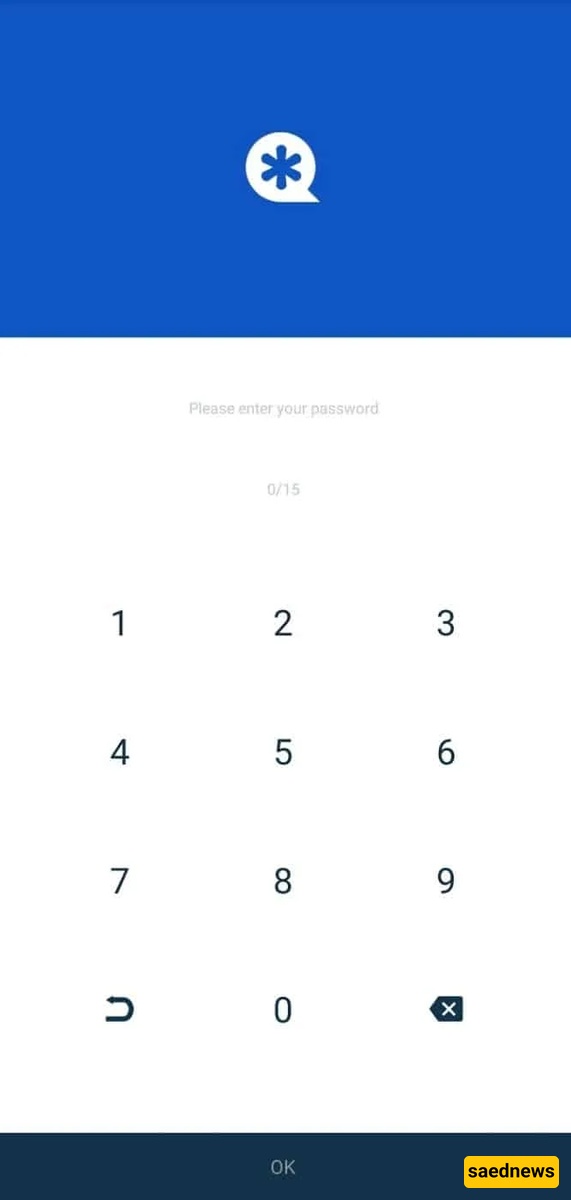
Hide photos and videos
Lock apps individually or all at once
No limits on the number of apps you can lock
Private and secure browser
Cloud backup for files
Vault is available for both Android and iOS, and it does not require any payment or subscription to use. You can download the latest version from the official app stores.