SAEDNEWS: The lock screen on smartphones is an effective way to protect your device's privacy and sensitive information. Unfortunately, forgetting your password can be a hassle and may prevent you from accessing your phone or tablet.
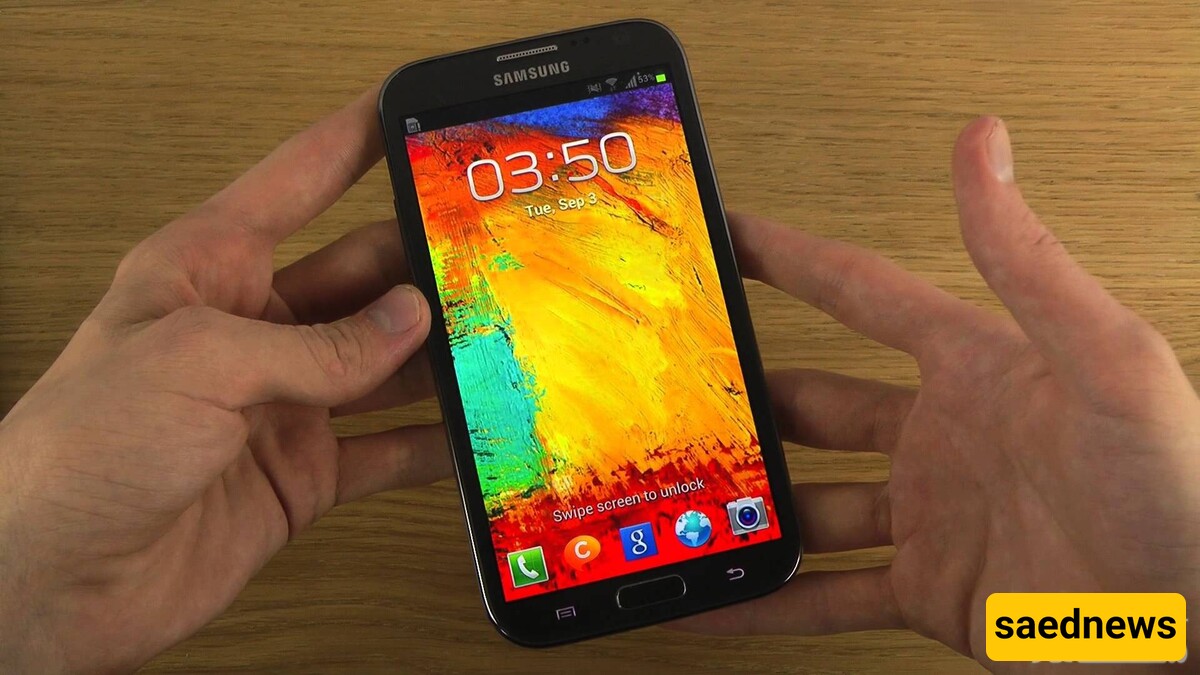
According to SAEDNEWS,
While it may seem surprising, forgetting your phone’s password is a common issue that many users face daily. Thankfully, modern Android phones with fingerprint scanners have largely eliminated this problem. However, older devices with numeric or pattern locks still experience frequent password forgetfulness. Fortunately, there are methods to unlock your Android phone if you forget your password, depending on your situation.
This is the easiest and most effective method for regaining access to your device after forgetting your password. Simply log into your computer, visit the Android Device Manager page, sign in to your Google account, and select the locked device from the list of connected devices. Next, click the Lock option. After locking your phone with a new code, your previous forgotten password will be replaced by the new one. You can then regain access to your device.
If you're using an Android phone, you’ve probably been asked to sign in with your Google account at various points, or to create one if you haven’t already.
If your device is running Android 4.4 or lower, you can use the Forgot Pattern option after entering the wrong password five times. After the fifth incorrect attempt, you will see a message saying Try again in 30 seconds. Once this message appears, select Forgot Pattern. From there, you can either answer the security question you set when creating the pattern, or enter your Google account details (in some devices, you may only see one option). After entering your Gmail account information, you’ll receive an email with instructions to reset your phone’s password.
Unfortunately, Google removed easier ways to unlock Android phones starting with Android 5.0, primarily for security reasons. As a result, there are no built-in methods to unlock phones running Android 5.0 and above. However, if certain conditions apply, you may still be able to bypass the lock screen.
One of these conditions is having Smart Lock enabled on your device. Smart Lock is a feature that lets you set trusted conditions for unlocking your phone. For example, you can set your phone to stay unlocked when connected to your home Wi-Fi network. It’s not limited to Wi-Fi; you can also set your home’s location as a trusted zone, preventing the lock screen from activating while you're in that area. If Smart Lock is enabled, simply bring your phone home, and it will automatically unlock as long as it detects you're in the trusted zone. Having Smart Lock enabled on your device can be a lifesaver if you forget your password.
If none of the above methods work, you may need to perform a factory reset. Keep in mind that this will erase all data on your device. However, if you're logged into your Google account and have backed up your data, you can log back into your account after the reset and restore most of your information.
The process for performing a hard reset varies by device, but it typically involves holding the power and volume buttons simultaneously while the device is turned off.