Saed News: If dust and dirt get into the ports, screen hinges, and spaces between the keys, sooner or later you will face various problems. Therefore, the best thing to do is to keep your laptop clean and organized so it lasts longer.
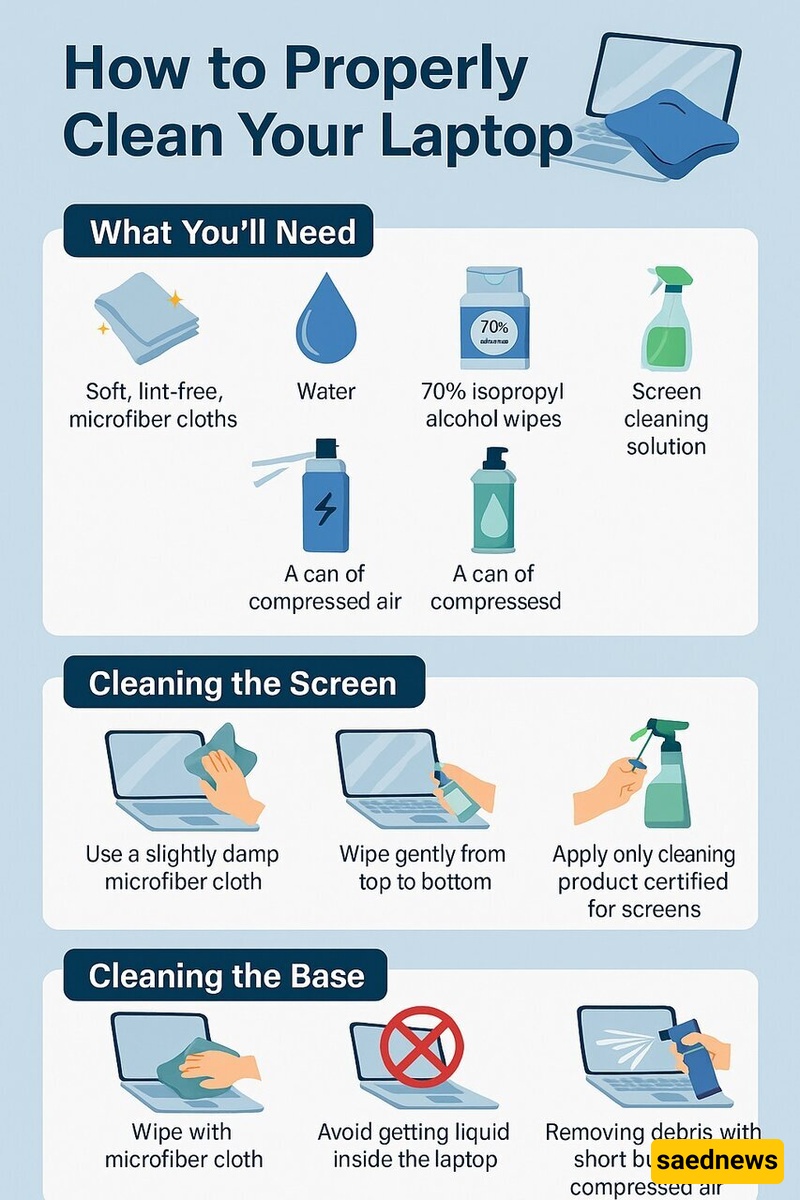
According to SAEDNEWS, citing Hamshahri Online, you should not worry that cleaning your laptop will be expensive or time-consuming, because it is not like that at all. You just need to spend a little time cleaning your laptop every once in a while. Here, we explain the exact method for doing this without causing any damage to the device.
Before starting, turn off the laptop, disconnect all cables from the ports, and unplug it from the power source.
You only need a few simple and inexpensive items to clean your laptop.
Soft, lint-free microfiber cloth
Water
70% isopropyl alcohol wipes
Screen cleaning solution
Compressed air spray
Without a doubt, the screen is the most sensitive part of the laptop, so you should proceed very carefully. A damaged display practically makes the laptop unusable (unless you have an external monitor), and repairing it can also be expensive. Therefore, be extremely cautious.
The best method (which Apple also recommends) is to use a lint-free microfiber cloth slightly dampened with water. Water is the best option, although if you have noticeable stains, you can use 70% alcohol wipes. Gently clean the screen from top to bottom.
You can also use special screen-cleaning solutions, but make sure the product is approved for your device and read user reviews about it. Never spray the solution directly onto the screen; first spray it onto the cloth and then wipe the display.
HP has also noted that gentle circular motions create the friction needed to remove dirt. Remember not to apply too much pressure; it is even better to hold the back of the laptop lid with one hand and use the dry part of the cloth or another cloth with the other hand to wipe away any remaining moisture.
In the other parts of the laptop, you are dealing with components that are slightly more durable than the screen, but the general method is the same. Most manufacturers (including DELL) recommend using a soft microfiber cloth to remove dust without causing scratches.