SAEDNEWS: The large number of Instagram users has led this social network to consider many features for user interaction. If you are one of those users who visit Instagram multiple times a day, by learning hidden Instagram tricks, you can make better use of this popular social network.
According to SAEDNEWS, the large number of Instagram users has led this social network to consider many features for user interaction, which many are unaware of. Therefore, if you frequently use Instagram, learning hidden Instagram tricks will help you utilize the app better. This article from the Cafe Follower blog presents seven hidden Instagram tricks, so stay with us.
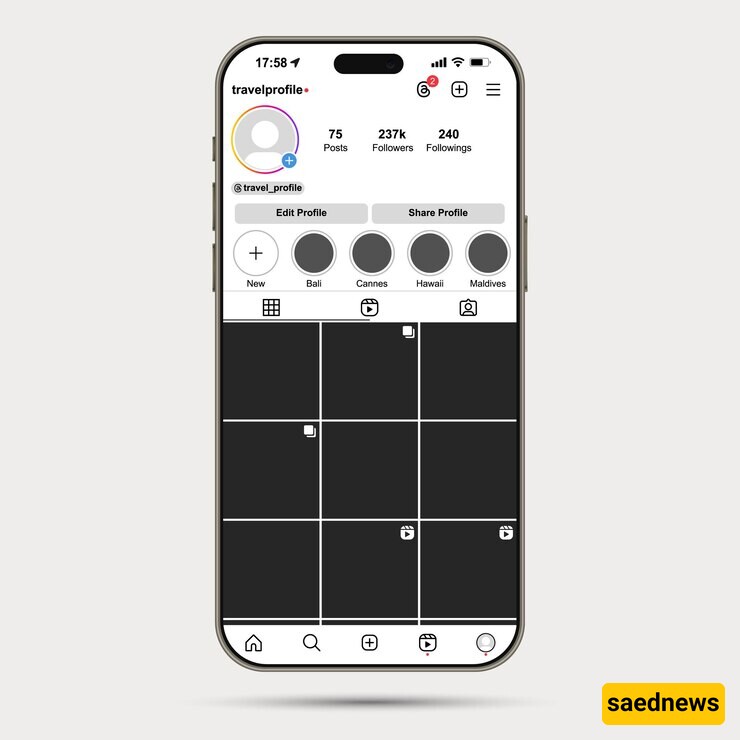
In this article, we'll cover hidden Instagram tricks designed for users, from viewing all the posts you've liked to hiding posts you've been tagged in. Join us on the Cafe Follower blog.
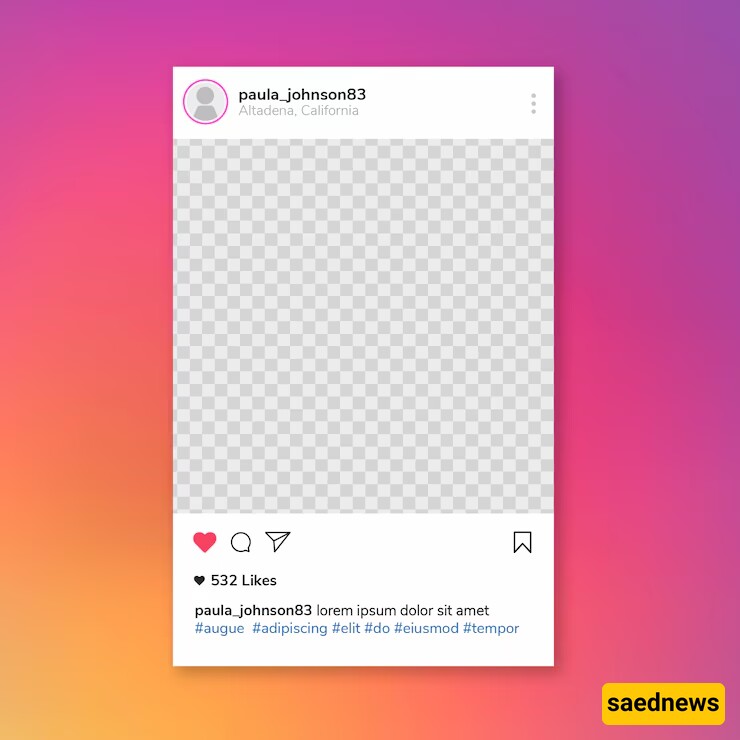
View All Posts You've Liked: Did you know you can see all the posts you've liked on Instagram in one place? Maybe you've wondered what posts you liked in the past. Viewing liked posts is a common query among users.
To access this option, open Instagram, go to your profile (the icon with a person or your profile photo), then go to the option or settings menu and click on "Posts You've Liked." Here you can view or remove likes you've given. Select the desired post and click the heart (like) icon again to deactivate it. The user whose post you liked won't be notified when you remove the like.
Add and Manage Multiple Accounts on One Phone: Many users want to manage multiple accounts on one phone but don't know how. If you want to have multiple accounts on Instagram, follow these steps:
Log into your main profile, tap the three dots in the top right corner, select settings, scroll down to the end of the page, and tap "Add Account." Add your other Instagram accounts. To view and switch between accounts, go to your profile, hold down the icon to see other accounts, or in newer versions, tap the account name at the top of the profile to see and select other accounts.
Schedule Posts: Many users seek this feature on Instagram. You can schedule your posts to be published at a specific time. This feature is useful for businesses and individuals who want to set post times in the future.
To enable post scheduling, switch to a business profile in settings. Then, using online tools, you can select your Instagram profile and schedule your posts.
See Posts Liked or Commented by Friends: The best way to find interesting new accounts is to observe the behavior of other followers. You can see posts liked or commented on by your friends and follow those profiles if you like the posts.
To access this feature, tap the heart icon (likes and reactions), and you'll see a list of likes and comments received from others. Select the "Following" tab to view the activities of your friends and other users you follow.
Clear Instagram Search History: If you don't want your search history to remain and affect your future searches, you can clear it. Go to your profile, select settings, find "Clear Search History" at the bottom of the list, and confirm the deletion. Your previous searches won't be displayed in future searches.
Hide Posts You've Been Tagged In: Sometimes you're tagged in photos or videos you'd rather not have your friends see. You can hide these tagged posts without removing the tag.
Go to your profile, visit the tagged photos, select the photo you want to hide, tap the three dots, select "Tag Options," and choose "Hide from My Profile." If you want to remove the tag entirely, select "Remove Me From Post."
Search Instagram Users and Pages Without an Account: Instagram often insists on having an account to view other photos, videos, or pages. However, you can search without an account or being logged in. Add the username to the end of Instagram's website URL to visit the page. Use the search bar to find other pages and users.