SAEDNEWS: Why Does a Samsung Phone Suddenly Turn Off?
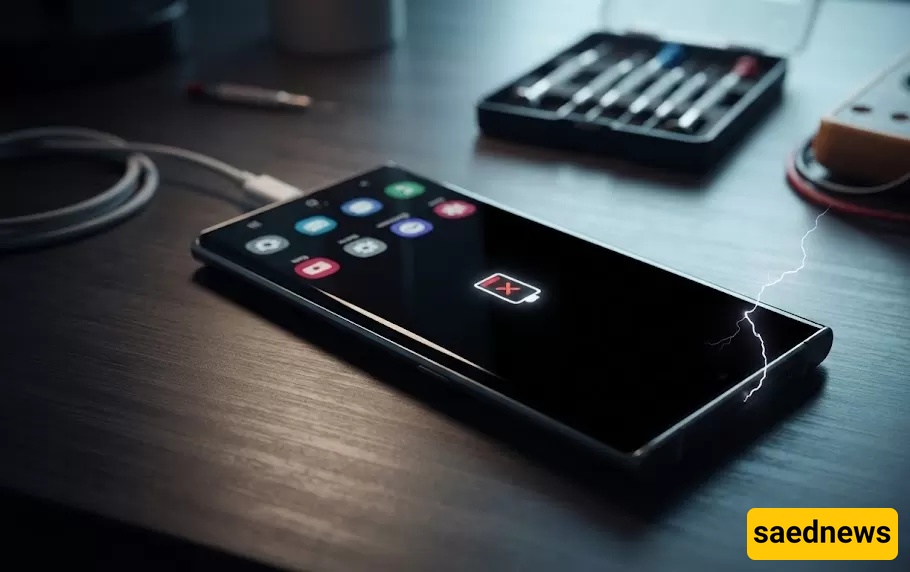
According to Saednews, A Samsung phone shutting down unexpectedly is one of the most frustrating problems smartphone users can experience. Imagine you're in the middle of an important task, making a call, or using an app when your device suddenly powers off without any warning. Although Samsung smartphones are known for their reliability, unexpected shutdowns can still occur due to software glitches, battery issues, hardware failures, or physical damage.
Even premium devices such as the Samsung Galaxy S24 series are not immune to these problems. Like any electronic device, prolonged use, aging components, incompatible apps, or accidental damage can affect performance over time.
This guide explains the most common reasons why a Samsung phone turns off unexpectedly and provides practical solutions to help you resolve the issue.
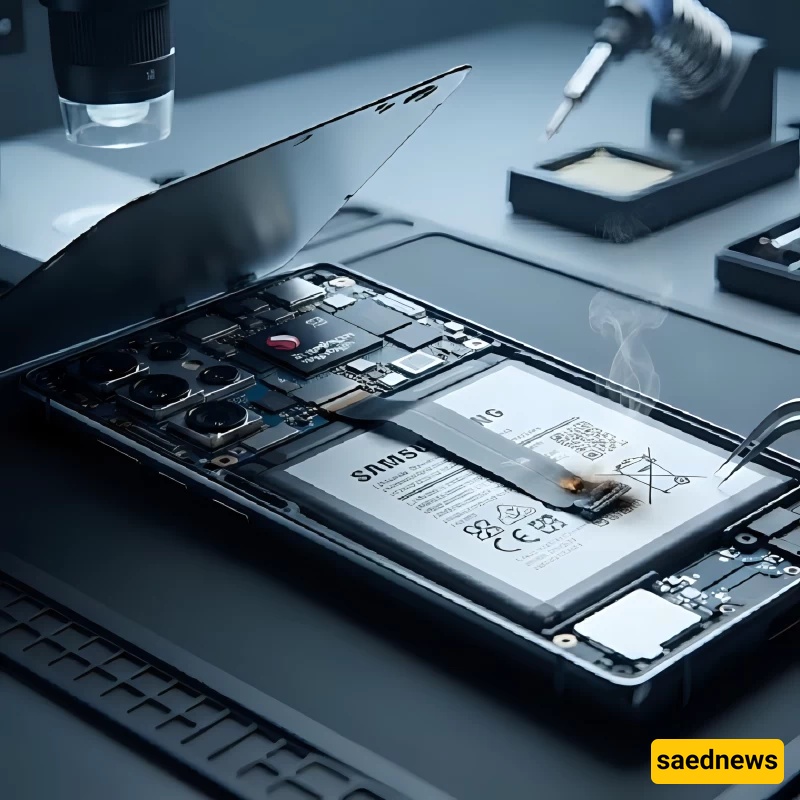
Unexpected shutdowns usually result from one or more underlying issues rather than a single cause. Below are the most common reasons.
The battery is one of the most common causes of random shutdowns. Lithium-ion batteries gradually lose their ability to hold a charge after years of regular use.
Signs of a failing battery include:
The phone turns off even when the battery still shows charge.
Battery percentage drops rapidly.
The device shuts down while running demanding apps or games.
Charging takes significantly longer than usual.
When the battery cannot provide enough power to the phone's components, the device may shut down automatically to protect itself.
Sometimes the problem isn't the battery itself but the charging equipment.
Using damaged or low-quality chargers and cables may result in:
Incomplete battery charging.
Unstable power delivery.
The phone shutting down during or shortly after charging.
Dust, debris, or damage inside the charging port can also interrupt proper charging.
Android manages both hardware and installed applications. Corrupted system files, software bugs, or conflicts between apps and the operating system can trigger unexpected shutdowns.
This often occurs after:
Installing a new app.
An interrupted software update.
Changing important system settings.
Installing apps from unofficial sources.
Samsung regularly releases software updates to improve stability, security, and overall performance. Running an outdated version of Android or One UI may cause system instability.
To check for updates:
Open Settings.
Tap Software Update.
Select Download and Install.
Installing the latest updates can often resolve software-related shutdown issues.
A nearly full storage drive can affect system performance and stability.
Insufficient storage may cause:
Slow performance.
Apps freezing or crashing.
Random restarts.
Unexpected shutdowns.
Delete unnecessary files, large videos, duplicate photos, and unused apps to free up storage space.
Apps downloaded from unreliable sources may contain malware or be incompatible with your Samsung device.
Problematic apps can:
Increase CPU usage.
Cause overheating.
Drain the battery quickly.
Force the phone to shut down unexpectedly.
If the issue began after installing a specific app, uninstall it and monitor the phone's performance.
Samsung smartphones include built-in thermal protection. If the internal temperature becomes too high, the device may automatically power off to prevent hardware damage.
Common causes of overheating include:
Playing graphics-intensive games for extended periods.
Running multiple demanding apps simultaneously.
Leaving the phone in direct sunlight.
Charging the device in a hot environment.
Allow the phone to cool before using it again.
A recent drop or impact can damage internal components even if the phone appears normal on the outside.
Potentially affected components include:
Motherboard.
Internal connectors.
Battery.
Power management circuitry.
Physical damage often requires professional diagnosis and repair.
Even water-resistant Samsung phones can suffer damage if exposed to excessive moisture or if water enters through damaged seals.
If your phone gets wet:
Do not charge it.
Keep it powered off.
Dry the exterior with a soft cloth.
Avoid using direct heat such as a hair dryer.
If shutdowns continue afterward, have the device inspected by a technician.
Internal hardware failures can also cause random shutdowns.
Possible faulty components include:
Motherboard.
Processor (CPU).
Power button.
Power management integrated circuit (PMIC).
Hardware-related problems generally require professional repair.
How to Fix a Samsung Phone That Keeps Turning Off
Use a genuine Samsung charger or a certified replacement. Charge the phone for at least 20 to 30 minutes before attempting to turn it on.
On most Samsung phones:
Press and hold the Power button and Volume Down button together for several seconds until the phone restarts.
Safe Mode loads only essential system applications. If the phone works normally in Safe Mode, a third-party app is likely responsible.
General steps:
Turn off the phone.
Power it on.
Press and hold the Volume Down button while the phone starts.
Release the button once Safe Mode appears.
If the shutdowns started after installing new software, uninstall recently added apps—especially those from unofficial sources.
Install the latest Samsung software updates to fix known bugs and improve device stability.
Delete unnecessary files and apps to ensure sufficient free storage for smooth system performance.
If software troubleshooting does not solve the issue, a factory reset may help.
Before resetting:
Back up all important data.
Sign out of important accounts if necessary.
Remember that a factory reset erases all personal data from the device.
Frequently Asked Questions
This usually indicates a failing battery, software malfunction, or a hardware issue involving the phone's power management system.
Yes. Resource-intensive applications can increase processor workload and heat generation. If the device overheats or power demand exceeds what the battery can supply, it may shut down automatically.
A factory reset can resolve software-related problems, but it will not repair hardware faults such as battery failure, motherboard damage, or defective internal components.
Conclusion
Unexpected shutdowns on Samsung phones can result from simple issues like low storage or software bugs, as well as more serious problems involving the battery, motherboard, or power circuitry. Start with basic troubleshooting by checking the charger, updating the software, removing suspicious apps, and freeing storage space.
If the phone continues to shut down without warning or refuses to power on altogether, the issue is likely hardware-related. In that case, professional diagnosis and repair are recommended to prevent further damage and restore reliable performance.