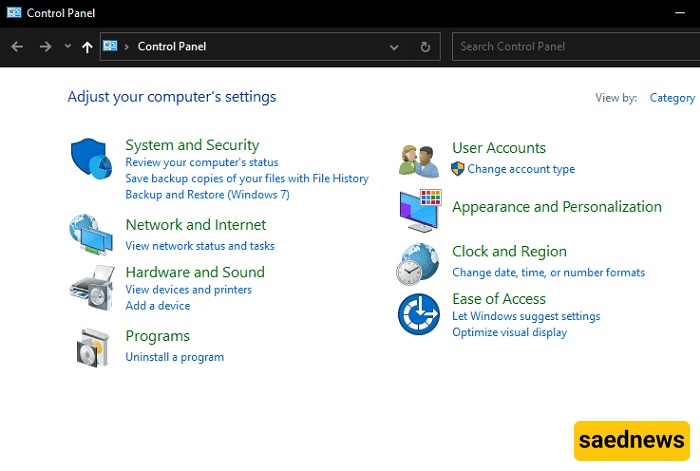
SAEDNEWS: The Control Panel is one of the most important tools in Windows, providing access to various system settings and utilities. But how can you access the Windows Control Panel?

The Control Panel is one of the most important and well-known features of the Windows operating system. It has been available in Windows for many years and continues to provide access to a wide range of useful settings. In general, the Control Panel allows users to manage system security, network settings, connected devices, installed programs, time and date, user accounts, and more.
If you want to open the Control Panel in Windows, here are several simple methods you can use.
The first and easiest way to access the Windows Control Panel is through the Start menu.
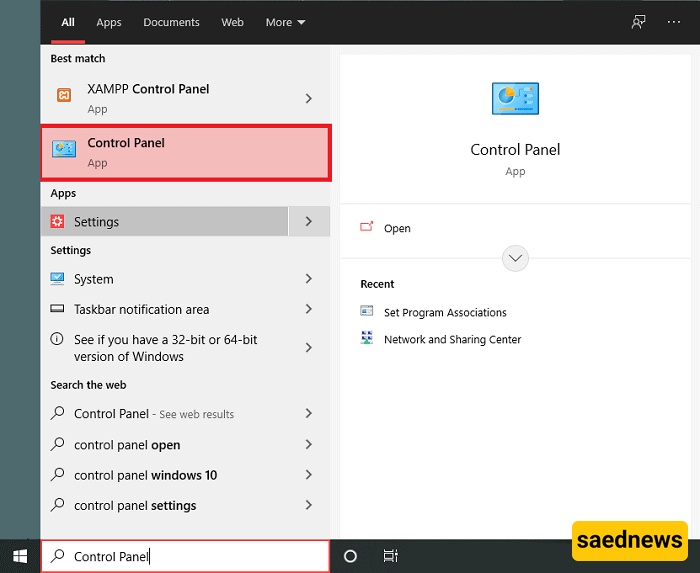
Click the Start button.
Type Control Panel into the search box.
When the results appear, click Control Panel to open it.
You can also access the Control Panel through Windows Settings.
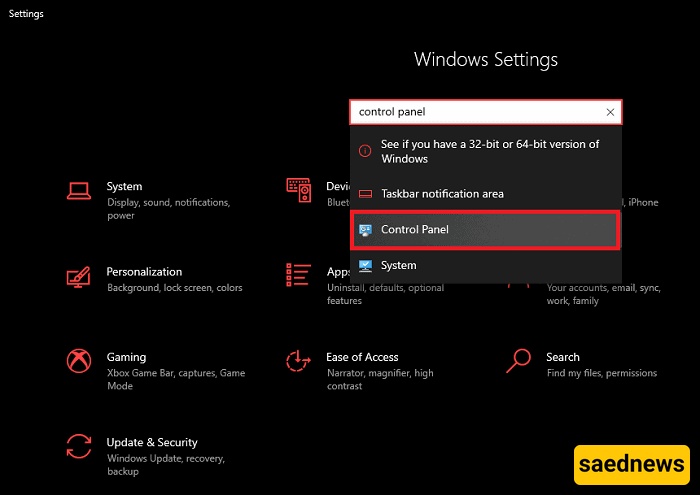
Click the Start button.
Select the Settings icon, which looks like a gear.
In the Settings window, use the search box at the top.
Type Control Panel and select the relevant result.
Another quick method is to use the Windows Run dialog box.
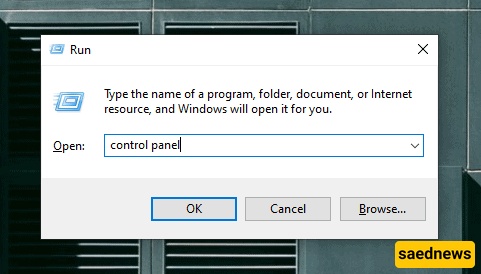
Press Win + R on your keyboard at the same time.
Type Control Panel into the Run box.
Press Enter.
The Control Panel window will open.
You can also open the Control Panel using Command Prompt.
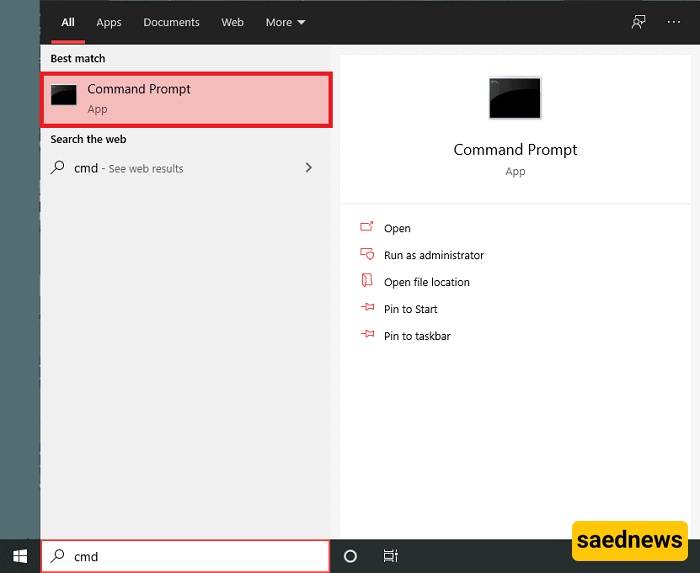
Click the Start menu.
Search for CMD.
Open Command Prompt from the search results.
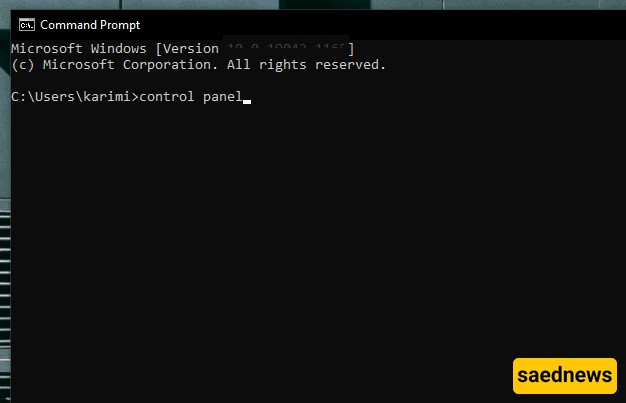
Type Control Panel and press Enter.
The Control Panel will then open.
Note: The methods above are among the most common ways Windows users access the Control Panel. However, if you need a method that works reliably across different versions of Windows, using the Run dialog box is generally one of the most universal options.