SAEDNEWS: Compare iPad and Samsung tablets based on your needs, budget, and operating system to find the right fit.
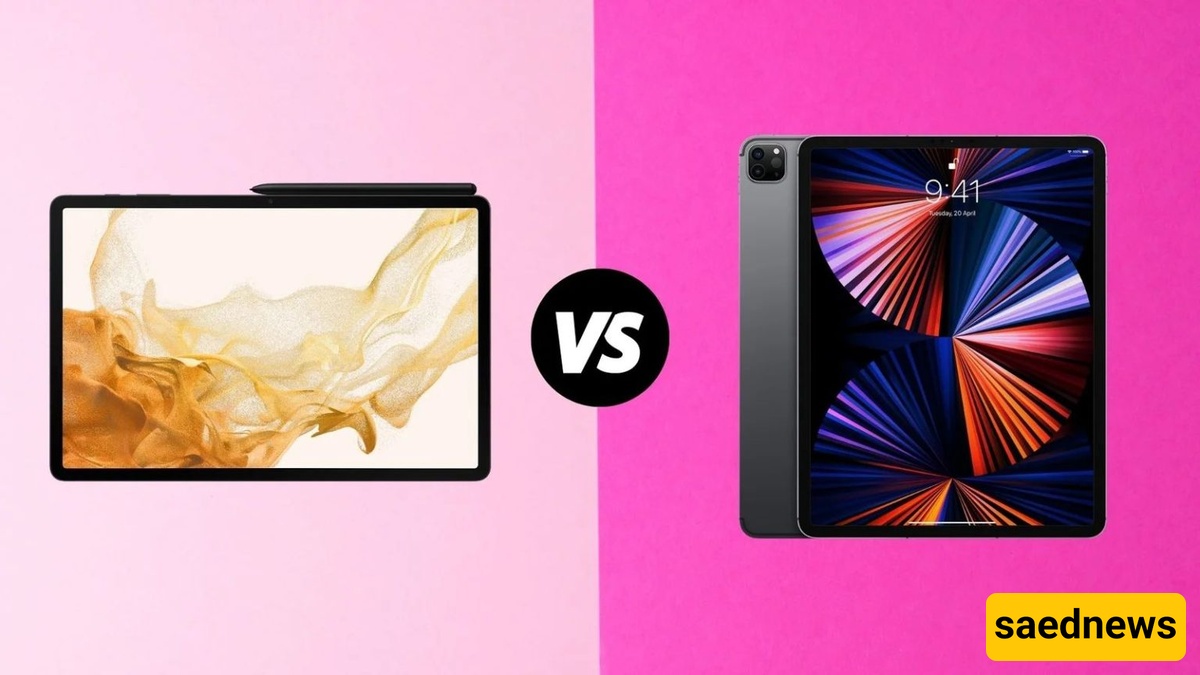
According to Saednews, Choosing between an iPad and a Samsung tablet is about more than picking between two brands. It means choosing between two different philosophies: Apple focuses on a seamless, polished experience, while Samsung offers flexibility and a wide range of features. This guide compares the two based on key factors to help you find the right tablet for your needs.
When comparing an iPad with a Samsung tablet, neither is universally better than the other. Each offers distinct advantages depending on your needs and preferences.
iPad: Best for iPhone and Mac users, digital artists, video editors, and people who want apps optimized for tablets.
Samsung tablet: Ideal for Android users, students who need an included stylus, and those who prefer a large AMOLED display and Samsung DeX desktop mode.
If you have a limited budget, mid-range options from both brands, such as the base-model iPad and Samsung Galaxy Tab S FE series, are worth considering. If you need a higher-quality display and more advanced features for creative or professional work, the iPad Air may be a better fit, depending on your budget.
Although the two brands offer competitive hardware, their main differences become more apparent in software and everyday use. Here are the key factors to consider when choosing between an iPad and a Samsung tablet.
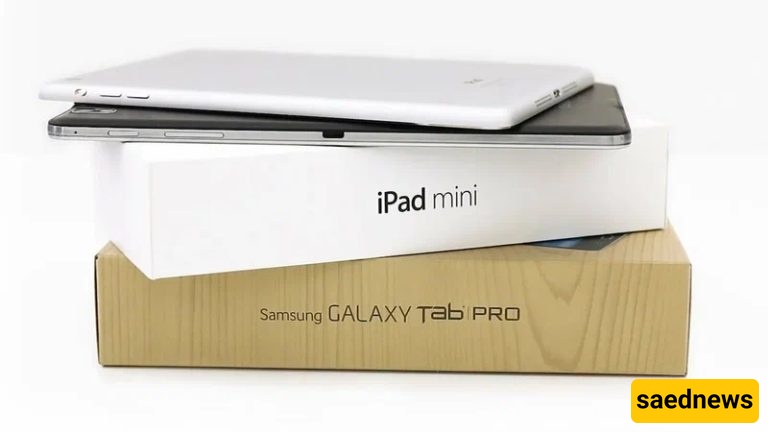
When comparing Apple and Samsung tablets, iPadOS emphasizes simplicity and seamless integration, while Samsung's One UI focuses on customization and additional features. Both platforms have also introduced multitasking capabilities that offer a more desktop-like experience.
iPadOS: A consistent interface, apps optimized for larger displays, and deep integration with iPhones and Macs.
One UI: Extensive customization, floating windows, and flexible file management.
Artificial intelligence: Apple Intelligence on supported Apple models, compared with Google Gemini and Galaxy AI tools on compatible Samsung tablets.
Apple's M-series chips in the iPad Pro and iPad Air deliver performance comparable to many laptops. Samsung's processors are also capable of handling gaming and demanding multitasking, although differences become more noticeable in professional workloads such as video rendering.
iPad Pro: The M5 chip is designed for demanding tasks, including video editing and 3D design.
Galaxy Tab S11: The 3nm Dimensity 9400+ processor provides smooth performance for multitasking.
Budget models from both brands: Suitable for browsing the web, attending online classes, and streaming videos.
In a comparison between the iPad Pro and Samsung tablets, the iPad Pro has an advantage in professional rendering and editing workflows, while the Galaxy Tab S11 Ultra stands out for its large display and DeX desktop experience.
Both brands offer OLED displays in their premium tablet ranges. Samsung provides more options for larger screen sizes, while Apple places a strong emphasis on color consistency and display calibration.
iPad Pro: Tandem OLED display with high brightness.
Galaxy Tab S11 Ultra: A 14.6-inch Dynamic AMOLED 2X display with a 120Hz refresh rate and anti-reflective coating.
iPad Air and base-model iPad: LCD displays with accurate, natural-looking colors.
If you are unsure whether to choose an iPad or a Samsung tablet for stylus use, remember that the pen can be a deciding factor rather than just an accessory. Samsung includes the S Pen with its Galaxy Tab S series tablets, while the Apple Pencil is sold separately.
S Pen: Included in the box with compatible Galaxy Tab S models, requires no charging for basic writing, and supports features such as Drawing Assist.
Apple Pencil: Offers very low latency and broad compatibility with creative applications.
Keyboards: Apple's Magic Keyboard and Samsung's Book Cover Keyboard provide optional keyboard experiences for productivity.
Samsung has committed to seven years of Android and security updates for the Galaxy Tab S11 series. Apple does not announce a fixed support period for its iPads, but its history of providing long-term software support can help older models retain their resale value.
A tablet is often more useful when it works seamlessly with your phone, smartwatch, and laptop. Choosing a device that integrates well with your existing devices can improve your overall experience.
Apple: AirDrop, iCloud, Handoff, and Sidecar support connectivity between iPads, iPhones, and Macs.
Samsung: Quick Share, Samsung Notes, and integration with Galaxy phones and smartwatches.
Exclusive software: Procreate, Final Cut Pro, and Logic Pro are available on iPad, while DeX is a distinctive feature of compatible Samsung tablets.
Technical specifications are most useful when considered alongside real-world needs. Here's how the two platforms compare across five common use cases.
Both options are excellent for taking notes, reading PDFs, and studying. The best choice largely depends on your stylus preferences and budget.
Samsung: Includes the S Pen with compatible models and offers Samsung Notes.
iPad: Supports note-taking apps such as Goodnotes and Notability, with a smooth writing experience.
Recommended options: The base-model iPad or a Galaxy Tab S FE model.
For professional creative work, the iPad has an advantage thanks to its software ecosystem. However, Samsung is also a strong contender if you use cross-platform applications such as Clip Studio Paint.
iPad Pro and iPad Air: Support creative tools such as Procreate and Final Cut Pro, where compatible.
Galaxy Tab S11 Ultra: Offers a large canvas for digital artwork and DeX for combining creative work with desktop-style productivity.
Display size and audio quality often matter more than raw processing power when watching movies. For gaming, software optimization plays an important role.
Movies and TV shows: Samsung tablets offer large AMOLED displays and quad speakers on compatible models.
Gaming: iPads often benefit from strong performance and extensive game optimization.
If you want your tablet to replace part of your laptop workflow, external monitor support and keyboard compatibility are important considerations.
Samsung: DeX supports desktop-style multitasking, including an extended desktop setup on compatible devices.
iPad: Stage Manager and external display support on compatible models help organize multiple apps and workspaces.
For children, durability, parental controls, and affordability are often more important than high-end specifications.
Base-model iPad: Offers Screen Time for parental controls.
Samsung Galaxy Tab A series: Includes Samsung Kids on compatible models and generally offers more affordable options.
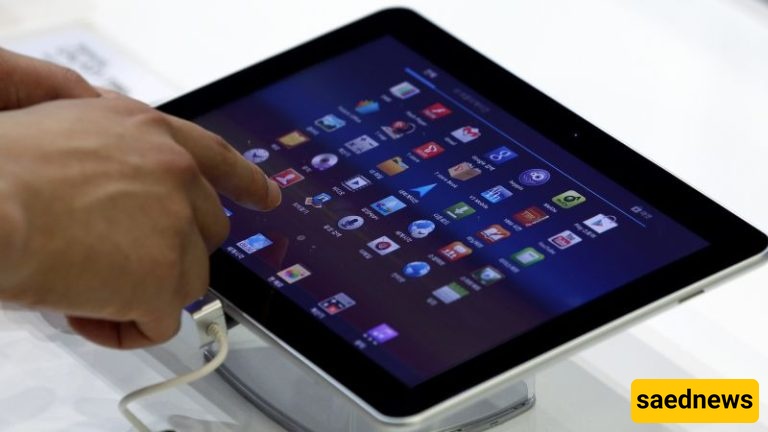
After choosing between an Apple and Samsung tablet, consider local purchasing conditions to avoid unexpected costs and complications.
1. Warranty: Choose a reputable seller and confirm that the warranty covers the exact model you are purchasing.
2. Authenticity: Verify the device's serial number and model information through the manufacturer's official resources.
3. Storage capacity: Consider at least 128GB for an iPad if you plan to store many apps and files. iPads do not support expandable storage, while many Samsung tablets offer a microSD card slot.
4. Wi-Fi or cellular connectivity: Cellular models usually cost more. Check registration requirements and status for SIM-enabled devices in Iran.
5. Accessories: Include the cost of a stylus, keyboard, and protective case in your total budget.
6. Current pricing: Exchange-rate fluctuations and differences between retailers can significantly affect tablet prices.
If you already use Apple devices or need professional creative applications, an iPad may be the better choice. If you prefer Android flexibility, an included stylus, a larger display, and desktop-style multitasking, a Samsung tablet may suit you better.
Before making your final decision, test the main applications you use on both platforms whenever possible. This will help you choose the tablet that best matches your workflow, preferences, and budget.