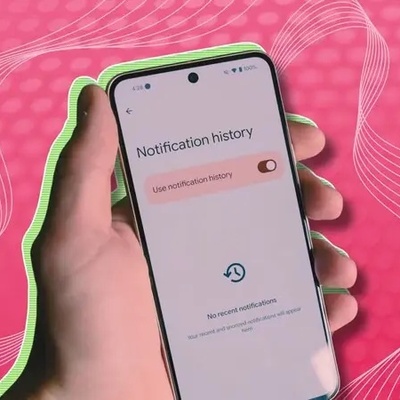
SAEDNEWS: Discover Android’s Notification History Feature to Recover Accidentally Dismissed Notifications
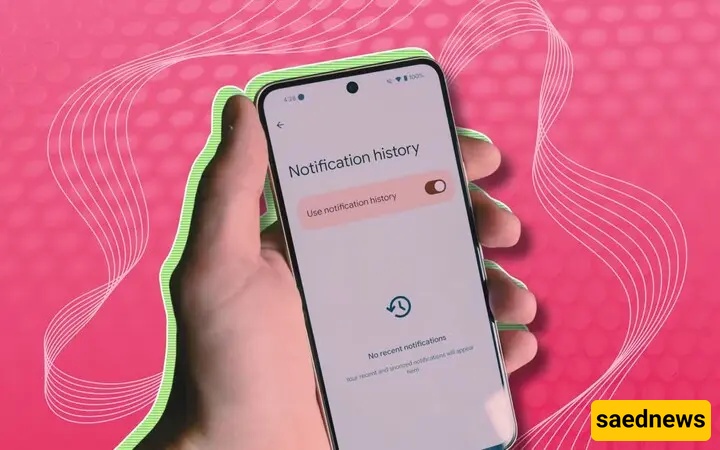
According to Saednews, Have you ever accidentally dismissed an important notification while using your phone and later wanted to read it again? Some Android phones offer a useful feature that lets you view your notification history.
Follow these simple steps to access your notification history:
Open Settings on your phone.
In the Settings search bar, type Notification History.
If the feature is available, open the relevant section to view your recorded notifications.
If the option is disabled, turn it on to save future notifications in your history.
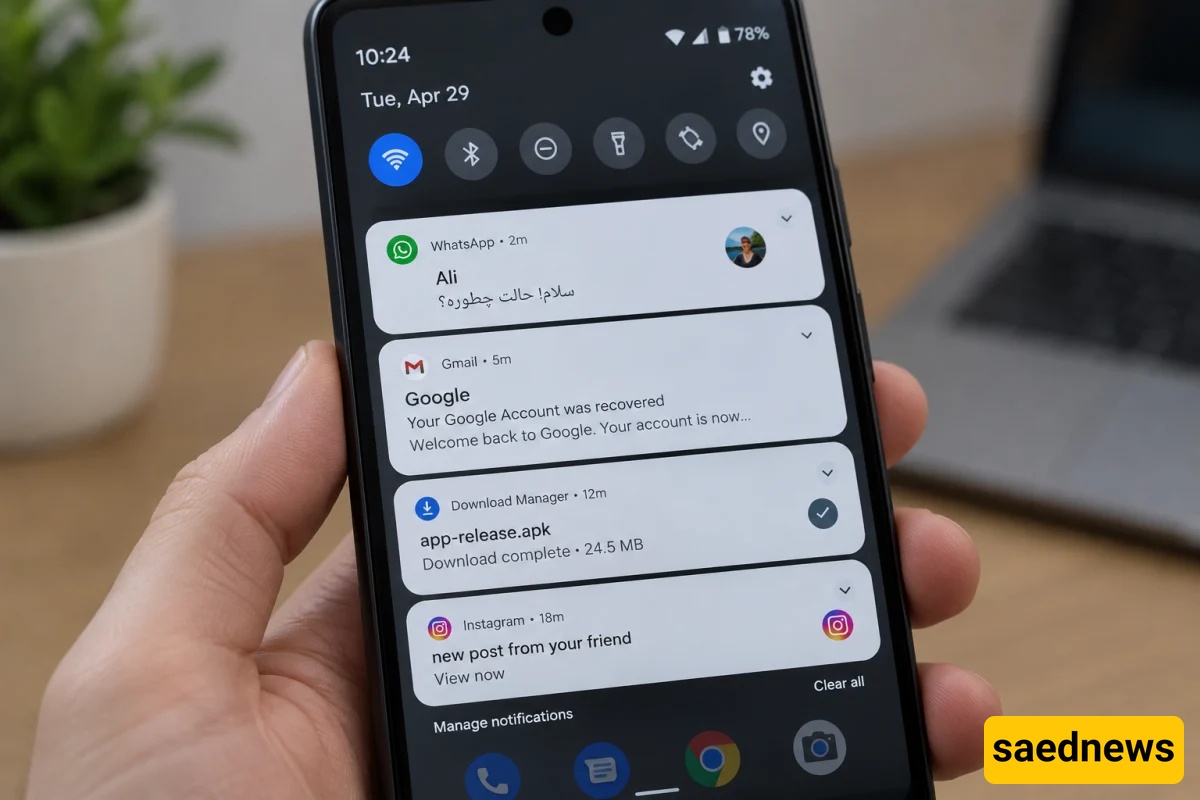
No. This feature generally stores notifications recorded after notification history has been enabled. Depending on your phone model and Android version, some notification details or content may also be unavailable.
Tip: If you cannot find the Notification History option, check your phone's manufacturer and model. The settings path may vary across Samsung, Xiaomi, and other Android devices.