SAEDNEWS: Phone battery life can vary from one day to another because of temperature, screen brightness, network activity, app usage, and background processes. Understanding these factors can help users reduce unnecessary battery consumption and keep their phones running longer.
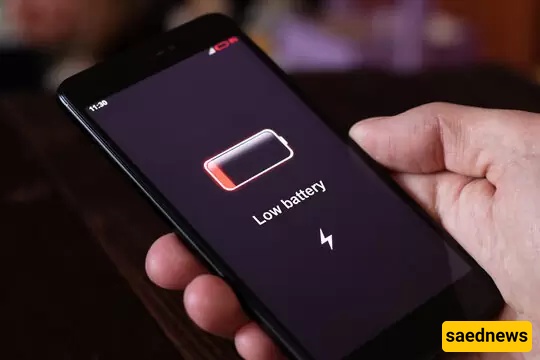
According to SAEDNEWS, temperature is one of the important factors that can change how quickly a phone battery loses power. Very hot or very cold conditions can reduce battery efficiency. Using a phone for a long time under strong heat may also make the battery percentage fall faster than usual.
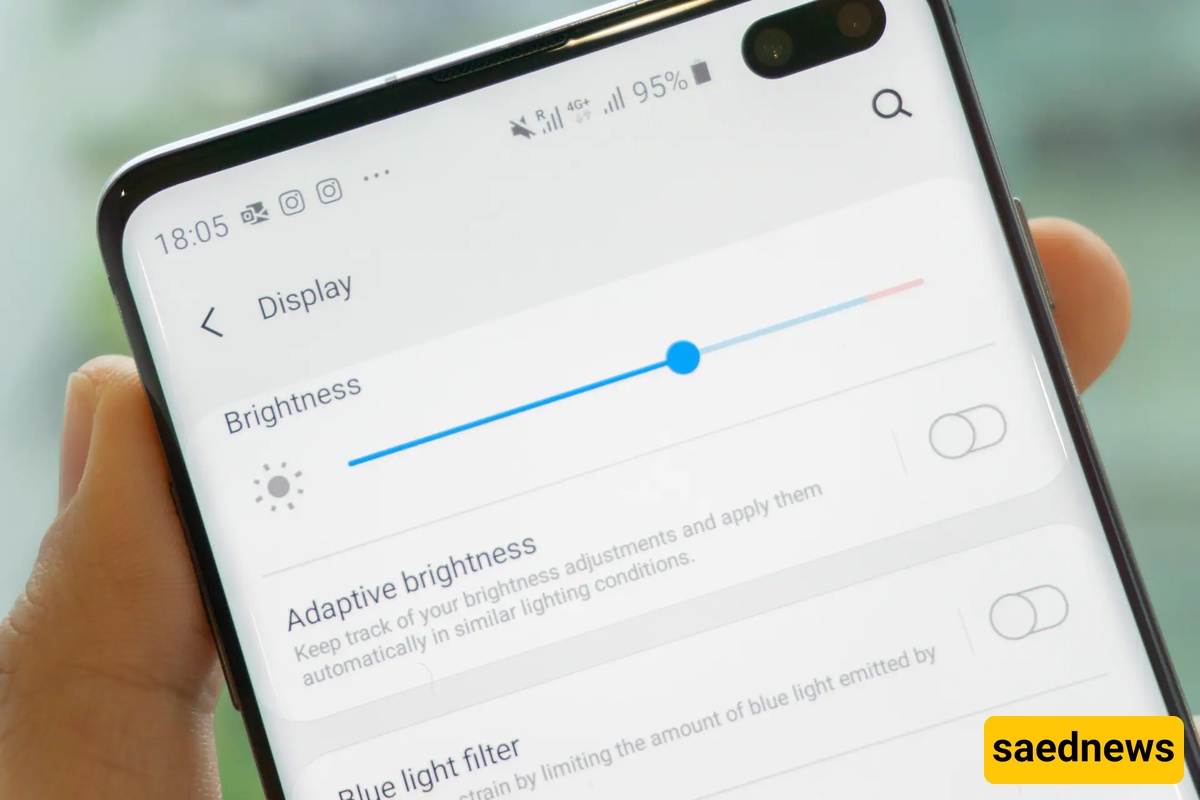
A bright display can consume a significant amount of battery, especially when the phone is used continuously. Watching videos, browsing websites, or using apps with the screen at maximum brightness can cause faster battery drain. Lowering brightness or enabling automatic brightness can help reduce power consumption.
Some apps continue working in the background even when they are not actively being used. They may refresh content, check for updates, or use the internet, which can gradually reduce battery life. Reviewing background activity and limiting unnecessary processes can help the battery last longer.
Phones may consume more energy when searching for a stable mobile or wireless connection. In areas with weak network coverage, the device can work harder to maintain communication with available networks. As a result, battery drain may be noticeably higher on some days or in certain locations.
Battery consumption naturally increases when a phone is used more intensively. Gaming, video streaming, navigation, photography, and prolonged internet use can all require considerable power. If the battery seems to drain unusually quickly, checking the phone's battery-usage settings can help identify which activities or apps are using the most energy.