SAEDNEWS: AirPods gradually accumulate dirt and earwax over time, which can reduce their sound quality or cause crackling noises in the long run. In this article, you will learn the best methods for cleaning AirPods.
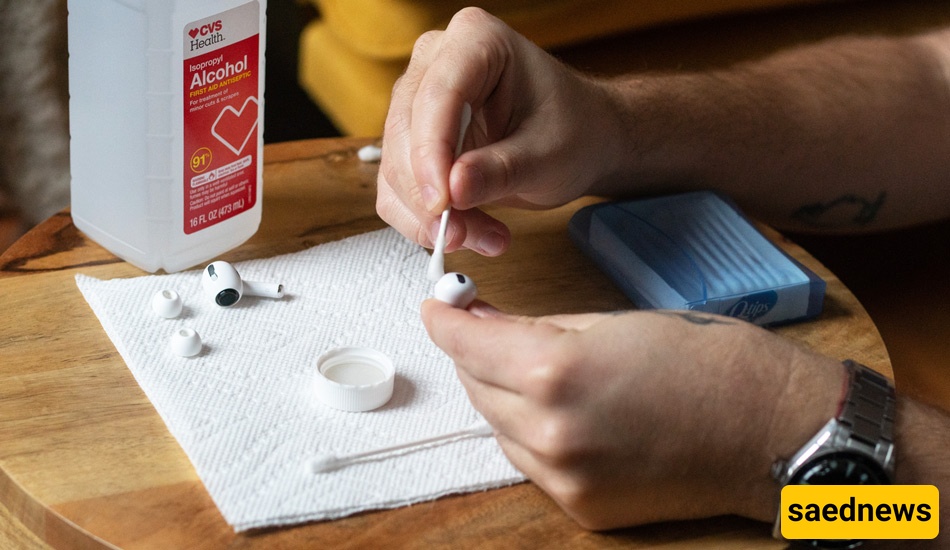
According to Saednews, Dirty AirPods generally become dirty in two ways. In the first case, the dirt is clearly visible and can be easily seen with the naked eye. In the second case, the dirt is not easily noticeable, and we only realize it when the sound quality of the AirPods decreases. Now we should review different ways of cleaning AirPods to understand which method is best and most suitable for us. The main methods of cleaning AirPods include the following:
Improving sound quality: Dust inside the speaker can reduce sound clarity and volume.
Maintaining ear hygiene: Prevents ear infections.
Extending device lifespan: Regular cleaning helps preserve the quality of soft silicone tips and microphones.
Every week: For regular use
Every two weeks: If used heavily or in dusty environments
Every month: To ensure no dirt accumulates inside the speaker
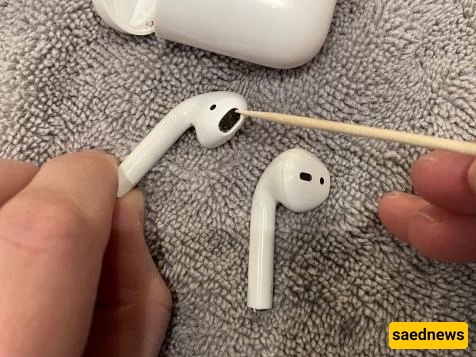
This is one of the simplest and most effective methods.
To clean the speaker holes of the AirPods, gently use a toothpick to remove any debris stuck inside. This step has a significant impact on sound quality.
After thoroughly cleaning with a toothpick and a soft brush, use a slightly damp tissue to wipe all sides of the AirPods so no dirt remains.
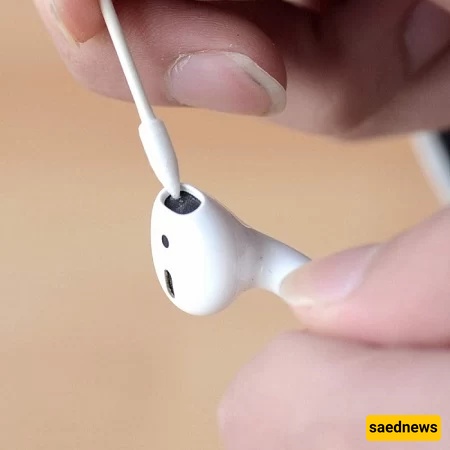
To clean the AirPods case, use cotton swabs and a toothpick. First, dip a cotton swab in liquid alcohol and gently clean all surfaces. Then use a toothpick to clean the charging port at the bottom to remove any trapped dirt.
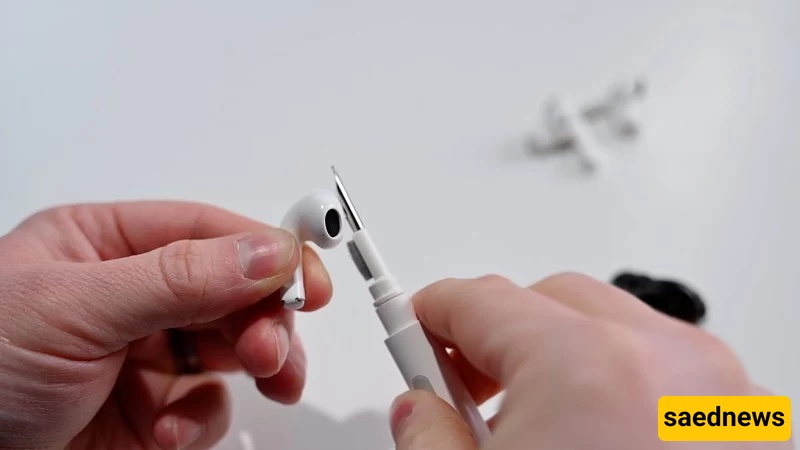
Nowadays, there are specialized cleaning tools designed specifically for AirPods. These pens make cleaning easier and more effective than traditional methods. If you are willing to spend money on accessories, you can buy these tools from mobile accessory stores.
In stationery stores, there is a type of reusable adhesive clay known as “Blu Tack.” Take a small piece, knead it until warm and soft, then press it gently into the AirPods speaker area. Dirt will stick to the adhesive and be removed.
If you plan to continue using your AirPods after cleaning, follow these precautions:
Do not wash AirPods directly under water
Do not use nail polish remover pads, as they contain oils that can damage the surface
Do not use detergents such as hand soap or similar products
Do not apply liquid alcohol directly; instead, apply it to a cloth first
Avoid using sharp objects that may damage internal components
Avoid contact with water: If AirPods fall into water, dry them immediately. If water has entered the speaker, it is better to contact Apple support.
Avoid harmful substances: Do not use water-based soaps, high-alcohol disinfectant sprays, wax, gas, or sulfate-containing materials.
Removing silicone tips (AirPods Pro): If you have AirPods Pro, remove the silicone tips and wash them with mild soap and water, then let them dry completely.
Sound test after cleaning: Play a short audio test to ensure the sound quality is restored.
If sound quality or performance does not improve after cleaning, it is recommended to visit an official service center, as deeper inspection or repair may be needed.