SAEDNEWS: How to Color the Question Box on Android and iPhone

According to Saednews, One of the newest and most interesting options available among Instagram Story stickers is the four-option poll, known as the Quiz sticker. Instagram has included this feature as a sticker within the POLL sticker category.
Users use the Quiz (four-option poll) to ask 2, 3, or 4-option questions from their audience in the form of prize-based stories, campaigns and giveaways, surveys, and similar activities.
By default, the question box is white, but if you want, you can change its color for better engagement.
Below, you can learn two easy tricks to make the Instagram Story question box colorful.
This is the basic method for changing the color of the Instagram question box. If you want more color options, go to Trick 2.
Steps:
Open Instagram Stories
Take a photo or record a video
Tap the “Sticker” button

Select the Quiz sticker
To change the sticker color, press the “color wheel” button at the top of the screen.
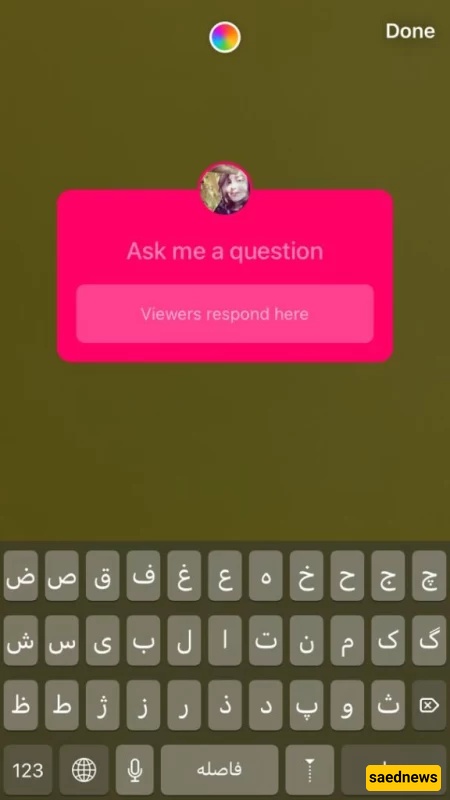
By tapping the color circle at the bottom right of the screen, you can also change the background color.
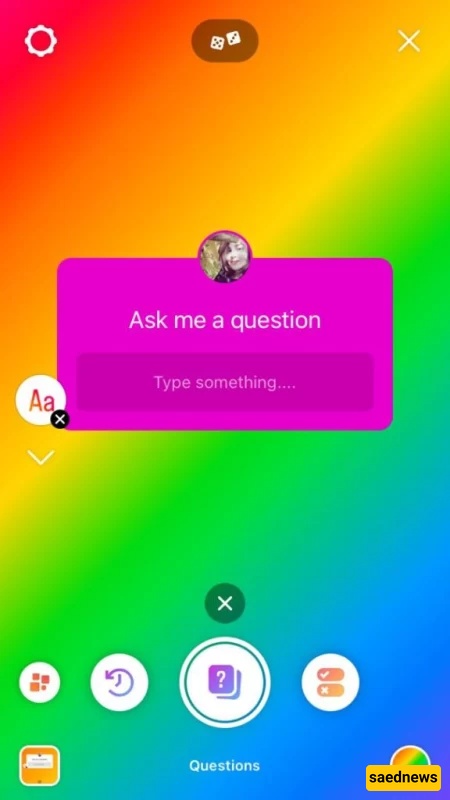
Do you want to change the Instagram question box color to any color you like?
Do you want a color that matches your brand or aesthetic?
Here’s how:
Open your Instagram Story
Tap the “Create” button
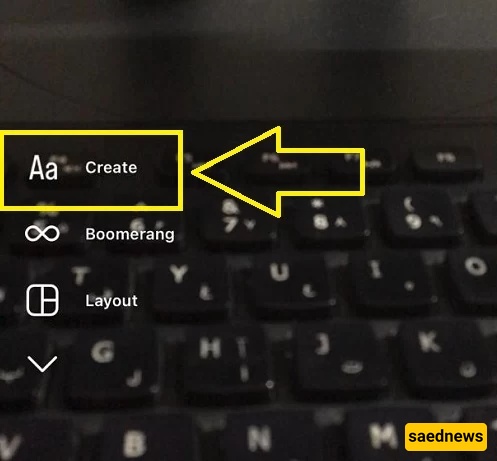
Select the “Question or Quiz” option
Upload a photo or video background
Tap your desired color at the bottom of the screen, or
Press and hold a color to activate the full color palette, or
Tap the “Eye-Dropper” tool to pick a color from your background image
Done!