SAEDNEWS: The word “root” means “root,” and in simple technical terms, rooting refers to gaining basic system-level access on Android smartphones. This process involves a series of operations that allow users to access and modify Android system files that are normally restricted.
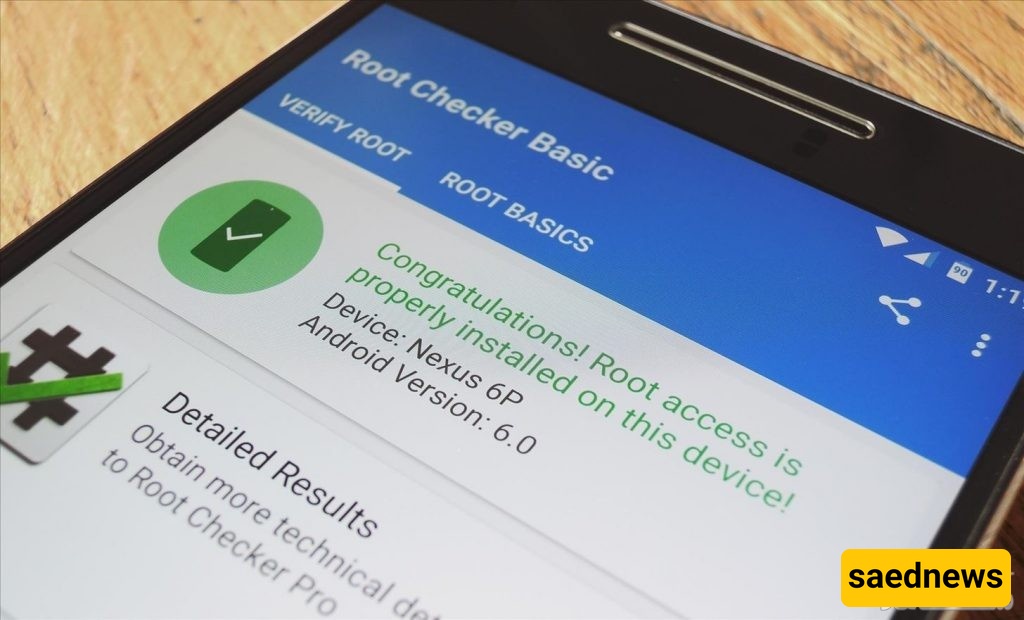
According to the Saed News website and quoted by Kalla Sooda, many users wonder how they can root their Android phones. To understand this, we first need to explain what “rooting” means.
The word “root” means “root” in English. In simple terms, rooting an Android phone means gaining basic system-level access to the device. This process involves a set of operations that allow users to access Android system files and modify them.
Turn on your Android phone
Go to the Settings menu
After rooting, you can apply any changes you want to the system
In many Android phones, there are pre-installed apps that users often do not need. Normally, these apps cannot be removed like regular installed applications, but rooting can make it possible to manage or remove them.
There are many methods for rooting a phone, but it is generally recommended to use standard and trusted applications. One commonly mentioned app is:
This application is easy to use. After installing it, open it from your app list and tap the “Install Superuser” option. Then choose either:
Install Superuser
Install SuperSU
After selecting one of these options, you will see a message indicating that the rooting process was successful. At this point, you need to restart your phone, and your device will be rooted.
This app also allows you to unroot your device by selecting the “Unroot” option.
What do you think? Can such tools help improve your Android experience and give you more control over your phone?