SAEDNEWS: The issue of screen flickering and jumping on smartphones is mainly caused by a lack of synchronization between the phone’s GPU and CPU, either due to hardware or software limitations. This problem typically occurs because of low-quality components in the device.
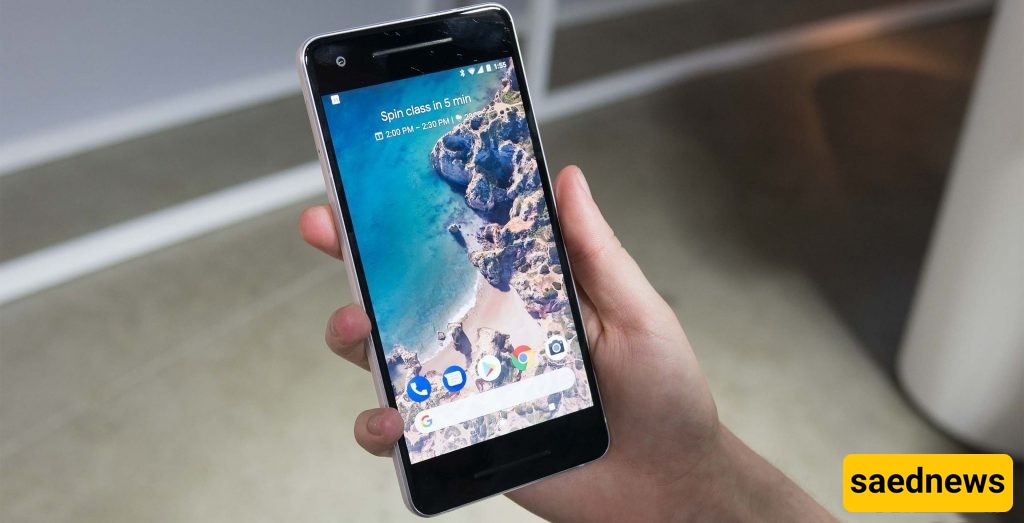
Sometimes, the screens of certain mobile phones develop problems. Screen flickering or sudden changes in LCD brightness are common examples. But how can these issues be resolved?
Interestingly, older phones mostly suffered from hardware-related display issues. In today’s smartphones, software can also play a role.
Screen flickering or jumping is usually caused by a lack of coordination between the GPU (graphics processor) and the CPU. This can be due to hardware or software issues, often arising from low-quality devices.
Before anything else, try restarting your phone—this simple step can sometimes resolve the problem. If the flickering or brightness changes persist, go to your phone’s Display settings and adjust the Brightness manually.
If your phone has an ambient light sensor, disable Automatic/Adaptive Brightness. This sensor detects surrounding light levels and automatically adjusts screen brightness, but it can malfunction over time.
If the issue started after installing a particular app, try stopping the app from the settings to see if it’s the cause. Another effective method is to boot your phone in Safe Mode.
Safe Mode is an Android security feature that temporarily disables all third-party apps, allowing you to check whether the issue comes from added software.
To enter Safe Mode:
Hold down the Power button until the shutdown menu appears.
Press and hold the Power Off icon until a pop-up appears.
Confirm by selecting Reboot to Safe Mode.
Your device will now restart in Safe Mode, with all installed apps hidden and disabled. This gives you a clear view of whether the flickering or brightness issue originates from software.