SAEDNEWS: If you are a content creator, podcast producer, or professional gamer, you have probably faced the annoying problem of microphone noise many times. That piercing whistle, crackling sound, or background hum can severely affect the quality of your work.
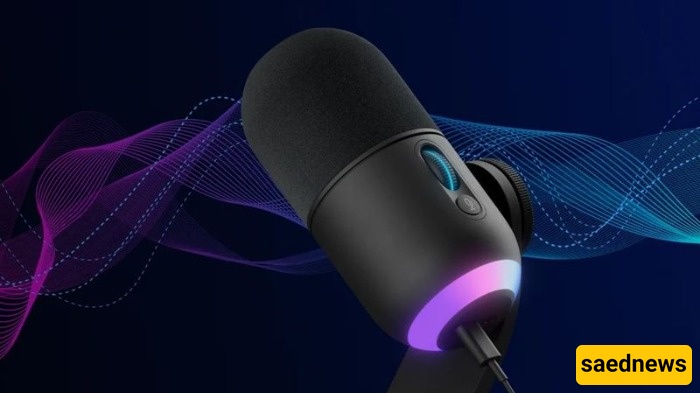
According to Saednews, It does not matter whether you use the most advanced equipment or a simple microphone—noise is always present. But is there a way to eliminate it completely, and how can we reduce microphone noise and minimize it? In this article, we will take a comprehensive look at this topic.
To answer the question of how to reduce microphone noise, we must first look at hardware solutions. By understanding the causes of noise—such as environmental sounds, vibrations, and electromagnetic interference—you can eliminate a large portion of noise before recording by using proper tools and techniques.
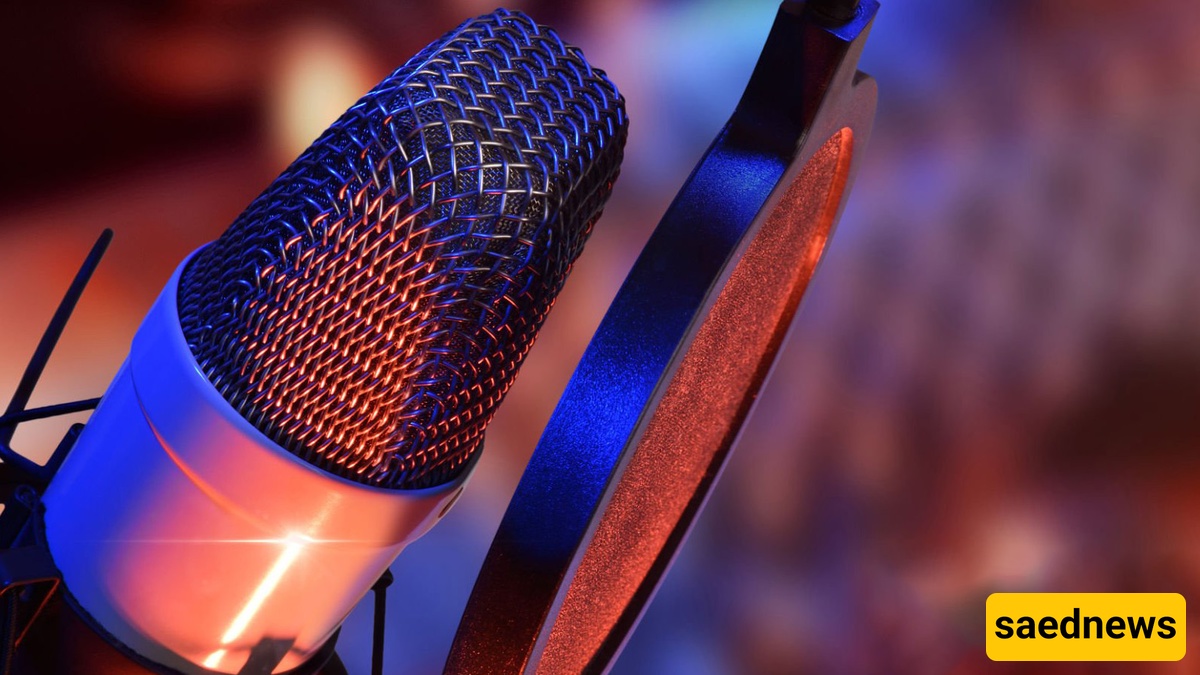
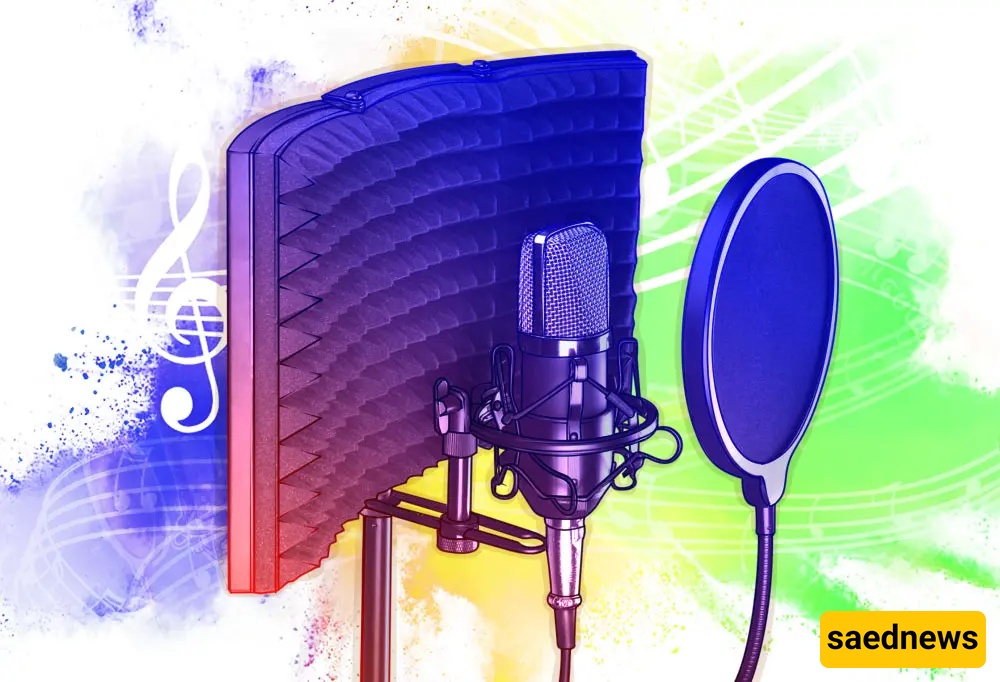
If you are recording vocals or streaming with a microphone for content creation, a pop filter is an essential tool. It prevents explosive sounds like “P” and “B” from entering the microphone and also reduces wind noise to some extent. A pop filter is especially important for high-quality audio production.
A shock mount is another important tool that isolates the microphone from its stand. It absorbs mechanical vibrations caused by accidental bumps or desk movements, preventing them from reaching the final recording. These two simple tools can significantly improve your recording quality.
A simple but very effective method for reducing microphone noise is placing the microphone closer to your mouth or sound source. When the microphone is closer, you can reduce the gain, making it less sensitive to environmental noise while capturing the main sound more clearly. This is a quick and highly effective technique to improve audio quality. In such cases, a lavalier microphone may be a better choice.
Selecting the right microphone can eliminate up to 50% of unwanted noise. For example, dynamic microphones are less sensitive to environmental sounds and are suitable for noisy environments. They mainly capture nearby sound and ignore distant noise.
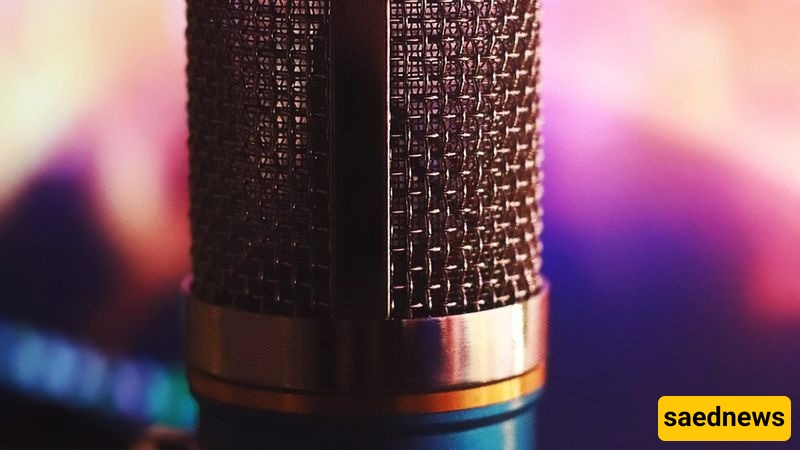
In contrast, condenser microphones are highly sensitive and capture fine audio details but also pick up background noise, making them more suitable for soundproof studios. If you need mobility, a wireless microphone can also be a good option, provided you choose high-quality models with minimal interference.
Using high-quality balanced XLR cables can reduce electromagnetic interference and ensure clean signal transmission. Additionally, RF filters can remove radio frequency interference, while high-pass filters help eliminate low-frequency noise such as traffic or air conditioning sounds.
Preparing the recording environment is also crucial. Acoustic panels can absorb sound and reduce echo. Recording in a small room with soft furniture and thick carpets can also help minimize reflections and background noise.
Sometimes, even after applying all hardware solutions, some noise still remains in the recording. At this stage, noise reduction software can help you remove unwanted noise and produce cleaner audio.
In Windows, you can use built-in features to reduce noise. In the Sound settings under Recording, you may find options such as Noise Suppression or Acoustic Echo Cancellation in the Enhancements tab. Activating these features can filter out a significant amount of noise before it reaches recording software, such as fan noise or keyboard clicks.
For professional and powerful solutions, dedicated audio editing software is the best option. Many of these tools include advanced noise reduction features.
Adobe Audition: A professional tool for precise manual noise removal from audio files.
NVIDIA RTX Voice: Uses AI to remove noise in real time, especially useful for gamers and streamers.
Communication apps: Programs like Discord and Zoom include built-in noise suppression features for clearer online conversations.
Lavalier microphones are one of the best options for recording speech content such as podcasts and vlogs due to their small size and proximity to the sound source. To achieve the best audio quality, consider the following tips:
Attach the microphone properly to your clothing to avoid friction noise.
Ensure the cable is securely connected and does not rub against your clothes or body.
If using a wireless model, make sure the battery is fully charged and stable.
To achieve professional and noise-free audio, start with preventive hardware solutions to minimize environmental noise. Then use noise reduction software to eliminate any remaining unwanted sound.
This two-step process ensures the highest possible recording quality. Learning how to reduce microphone noise is an essential skill for any content creator, and by applying these techniques, you can move toward producing clear, professional audio.