SAEDNEWS: The problem of screen flickering and jumping on a mobile phone is mainly caused by a lack of coordination between the graphics processor (GPU) and the CPU, either due to hardware or software issues. This problem usually occurs because of the low quality of the phone.
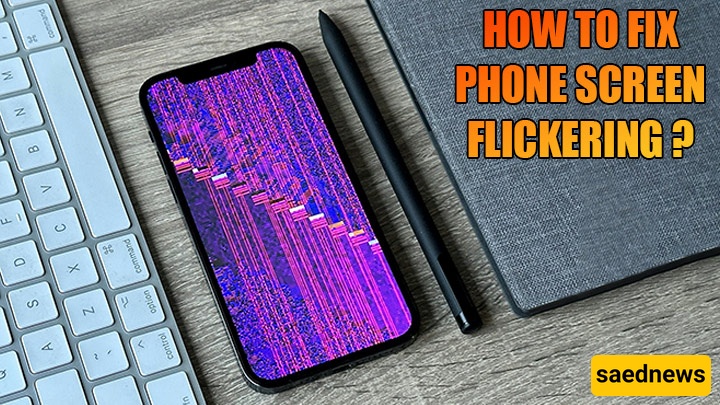
According to Saed News website and quoted from Kallasoda, sometimes mobile phone screens experience problems such as flickering, flashing, or sudden changes in LCD brightness. But how can these issues be resolved?
Interestingly, in older phones screen issues were mostly hardware-related, but in modern smartphones software can also play a role.
Screen flickering or instability is often caused by a lack of synchronization between the GPU and CPU, which may occur due to either hardware or software problems. This issue is sometimes linked to low-quality devices.
Before doing anything else, restart your phone once, as this may solve the problem. If you still experience brightness fluctuations, go to your phone’s Settings and open the Display section, then adjust Brightness settings.
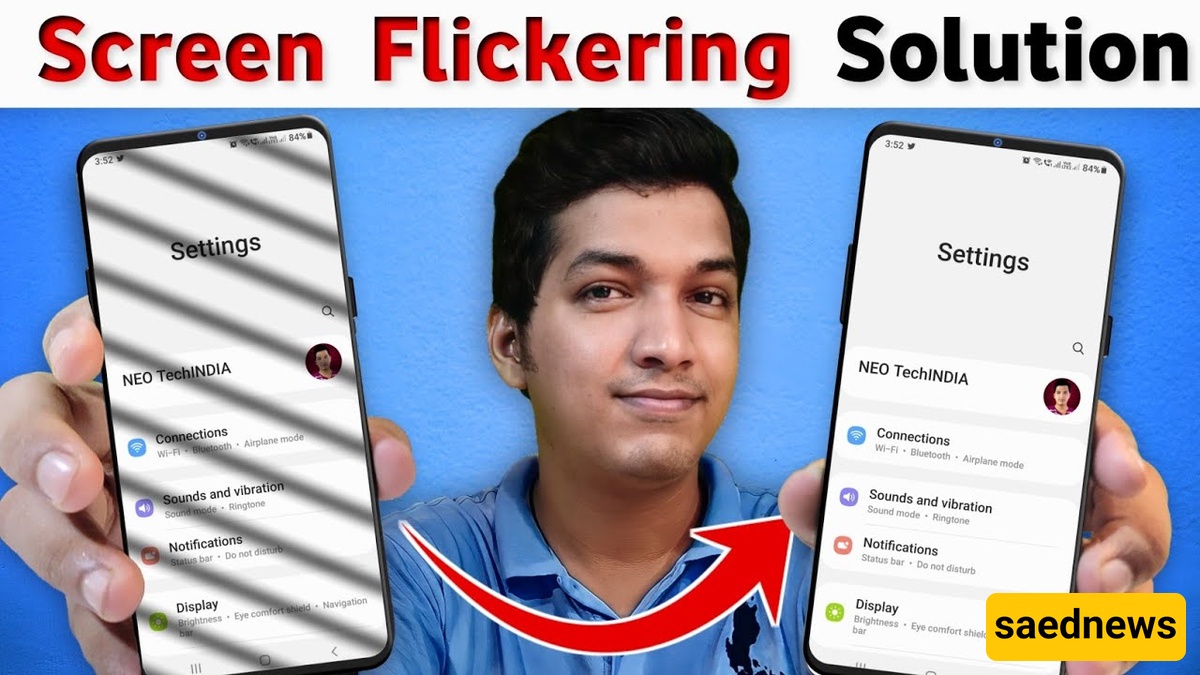
If your phone has an ambient light sensor, disable the Automatic/Adaptive Brightness option. This sensor detects surrounding light and automatically adjusts screen brightness, but it may malfunction over time and cause issues.
If the issue started after installing a specific app, try stopping or uninstalling that application to check whether it is the cause.
Another effective method is booting the phone in Safe Mode. Safe Mode is a built-in Android feature that helps diagnose system problems by temporarily disabling all third-party apps.
To enter Safe Mode, press and hold the power button until the shutdown menu appears. Then press and hold the Power icon until a pop-up for Safe Mode appears. Confirm by selecting “Reboot to Safe Mode.” The device will restart in a secure state where all installed apps are disabled, allowing you to determine whether the issue is caused by third-party software.