SAEDNEWS: If you encounter a music file with a very large size, this guide introduces practical and fast tools to reduce the song’s file size.

Sometimes, we have a large music file that we want to share multiple times, which requires a lot of internet data. So, is there a way to reduce the size of a music file without losing quality? The answer is yes. However, “without losing quality” does not mean that a 10 MB file reduced to 4 MB will be exactly the same as the original. It means that the change won’t be noticeable—the feeling of the music remains similar, even though the quality is slightly reduced.
If you are looking for tools to achieve this, there are hundreds of options available, both directly and indirectly. In this guide, we will introduce two completely free, web-based tools that require no additional software and allow you to quickly and easily reduce the size of your audio files.
The first tool on our list is OnlineConverter, one of the most effective tools for compressing audio files. Here’s how to use it:
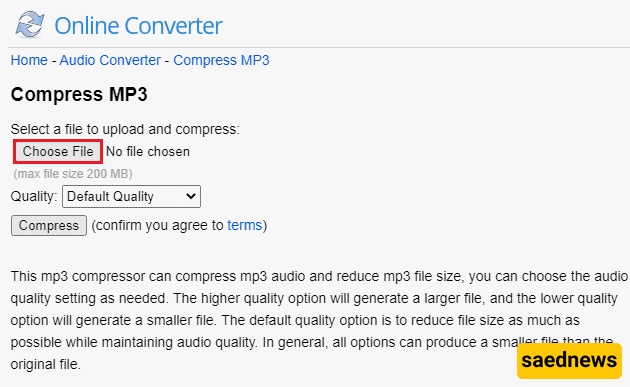
Go to the OnlineConverter website and click Choose File.
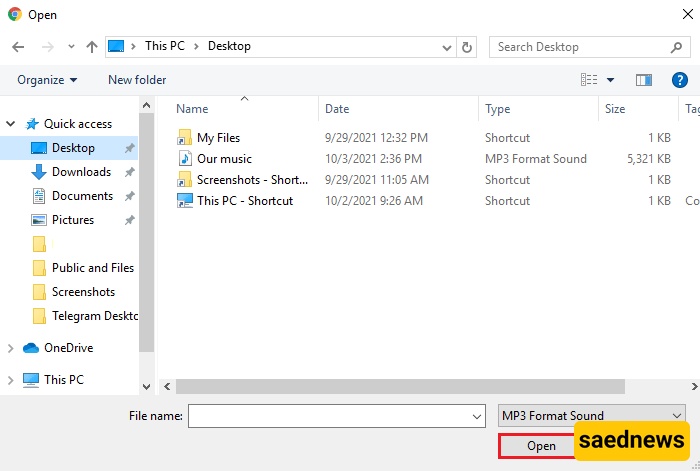
Select the music file you want to compress and click Open.
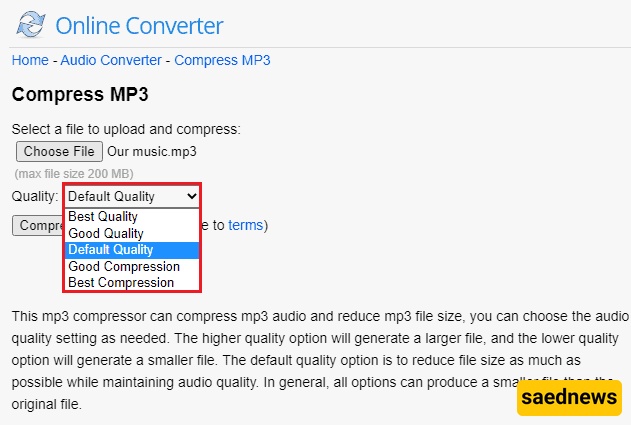
Choose your desired quality. Don’t worry—any of the quality options will reduce the file size without noticeably affecting audio quality. The file size may slightly vary depending on the option you choose. After selecting the quality, click Compress to start the process.
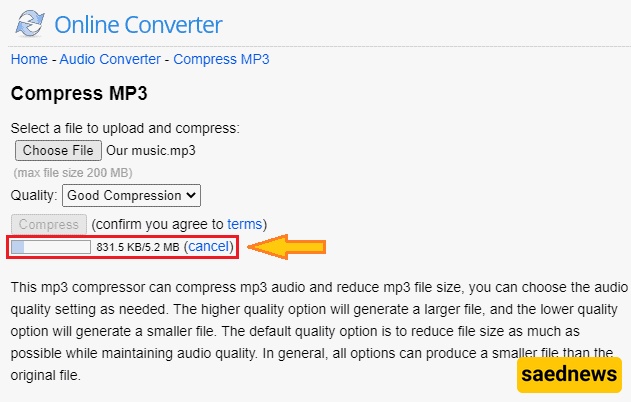
Wait for the file to upload. For example, a 5.2 MB file in our test was uploaded successfully.
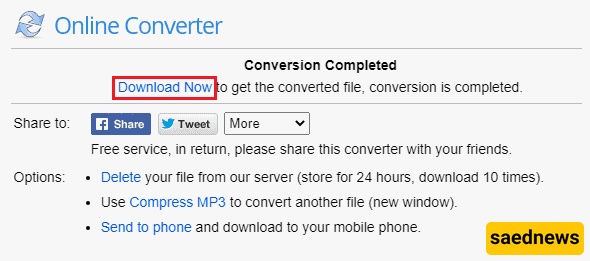
Once compression is complete, download the reduced file. In our example, the file size decreased from 5.2 MB to 3.14 MB with no significant loss in quality.
The second recommended tool is FreeConvert, another highly practical online option. Follow these steps:
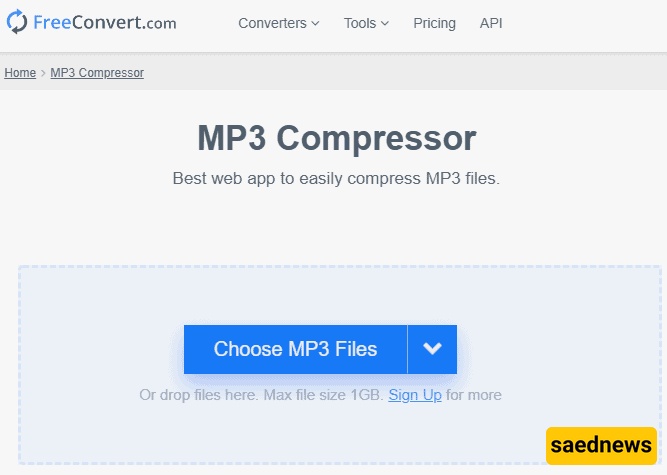
Visit the Freeconvert website and click Choose MP3 Files to select your music file.
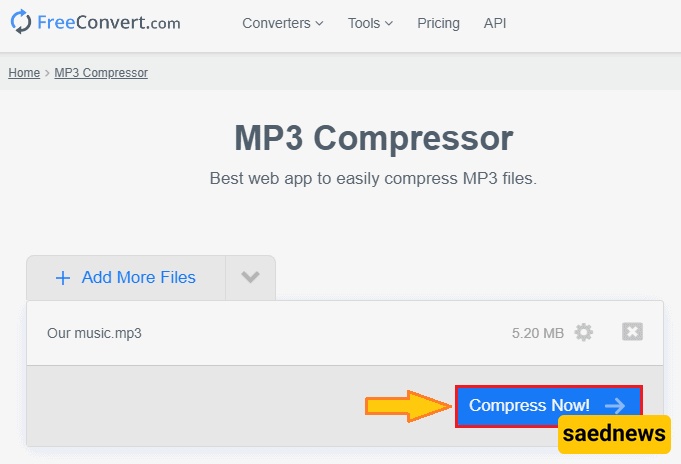
Click Compress Now after selecting your file.
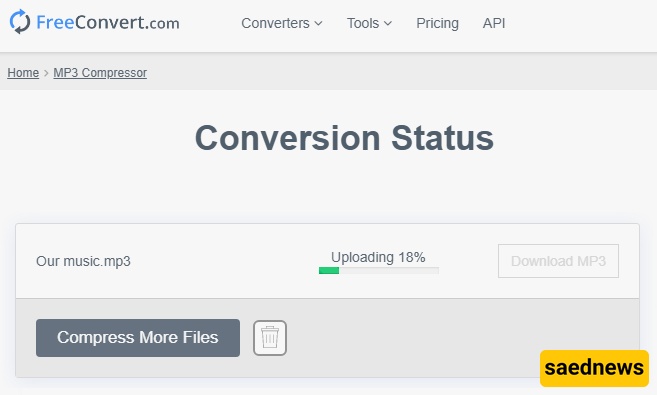
Wait for the upload to complete.
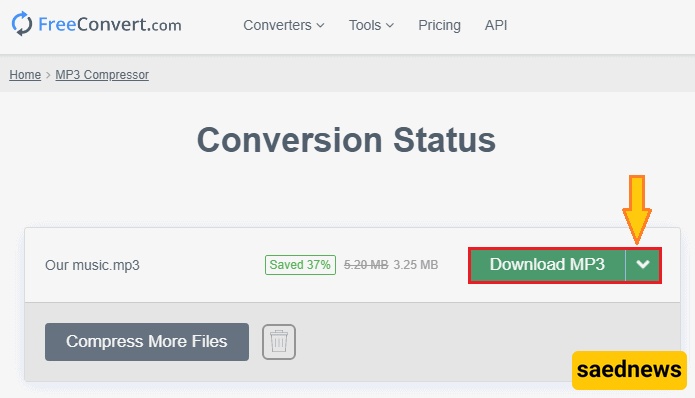
Once done, you can download the compressed file. In our test, the file size decreased from 5.2 MB to 3.25 MB with no noticeable reduction in quality.
By using these tools, you can successfully reduce the size of your music files while keeping the audio quality intact.