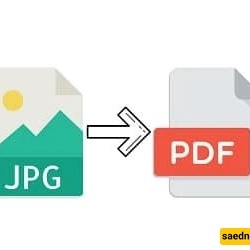
SAEDNEWS: If You Have Multiple Images and Want to Convert All of Them into a Single PDF, This Report Will Introduce You to Useful Tools for This Purpose
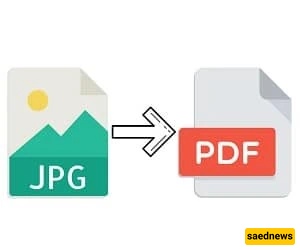
According to SAEDNEWS, Sometimes we may have multiple images, making it difficult to select them among other images, and at the same time, we may need them constantly. Therefore, there is a possibility of accidentally deleting them or losing them in some other way, and eventually, you could lose the file. Although recovery might be possible, you put yourself in a challenging situation.
In any case, if you decide to convert your images to a PDF file, it is worth mentioning that there are dozens of tools available in this area, which might make choosing one a bit challenging. For this reason, in the following report from Namnak Technology, I intend to introduce you to tools for converting photos to PDF. Follow along.
Important Note: The tools we have gathered for you are among the best online tools that do not require installing any additional software on your computer. You do not need to pay any fee or subscribe to use them.
Smallpdf is undoubtedly one of the best tools for editing PDF files in any context and has recently gained great recognition online. If you decide to use this website, follow these steps:
Go to the Smallpdf website, then click Choose Files in the middle of the yellow box and select all the images you want.
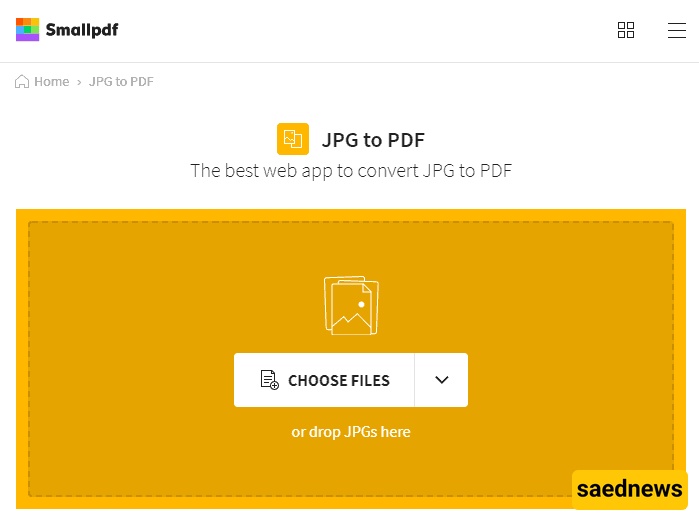
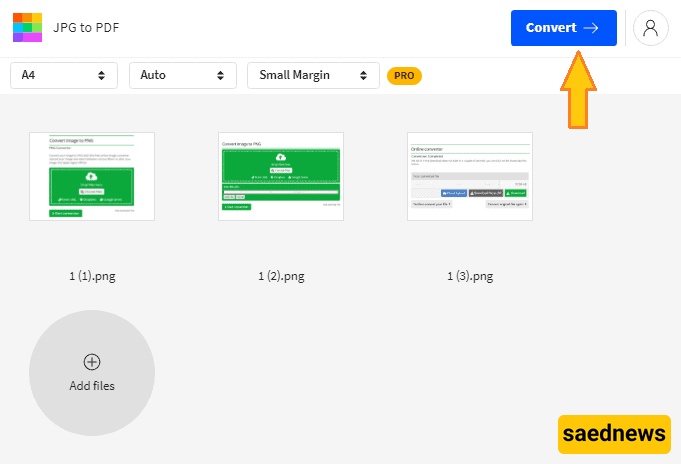
After selecting the images, wait for them to upload on Smallpdf. Once the upload is complete, click Convert.
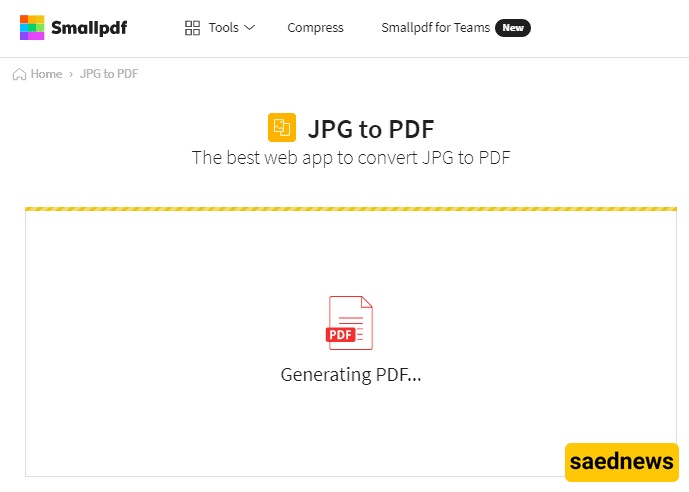
Wait a few moments for the conversion process to complete. The waiting time may vary depending on the size of your files.
Click Download to download your PDF file.
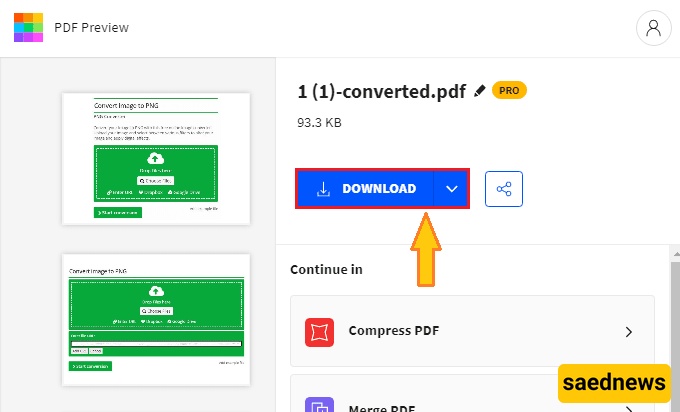
Note: When using Smallpdf, if the images you selected are medium or small in size, the tool will enlarge them in the resulting PDF, which may reduce image quality. Therefore, it is recommended to upload large-sized images. For smaller images, consider using the tools below.
Another very popular tool in this area is JPG2PDF, which is unique in its kind. To use this tool, follow these steps:
Go to the JPG2PDF website and click Upload Files to select the images you want.
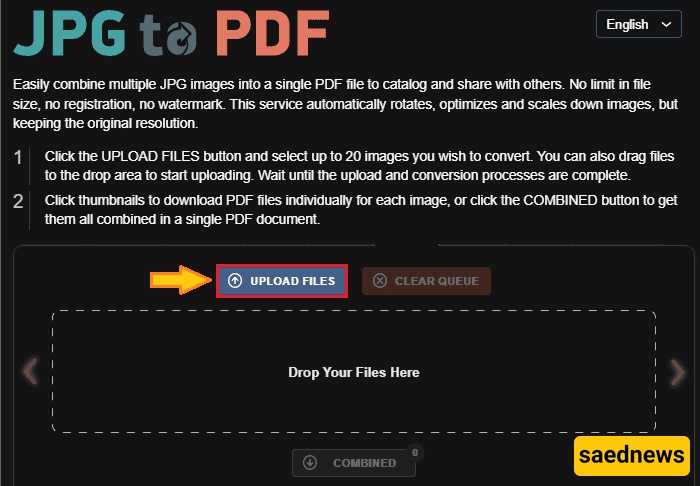
After your images are uploaded, you can convert them to PDF by selecting the Combined option.

Note: With this tool, the size of your images will not change. The output PDF will preserve the original dimensions of the uploaded images.
The final tool we will introduce is iLovePDF, which is undoubtedly one of the best tools for editing PDFs and handling every detail of PDF files. To use this tool, follow these steps:
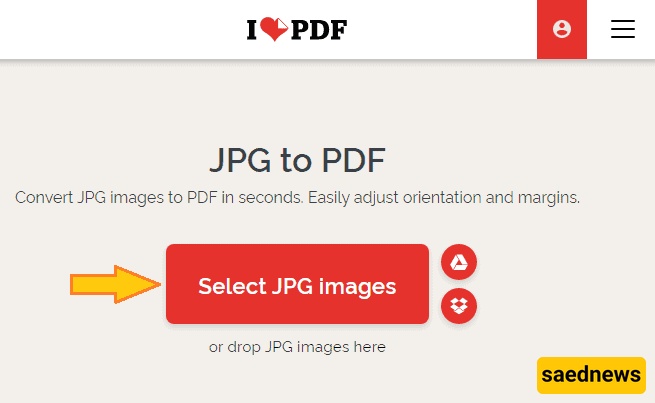
First, go to the iLovePDF website and click Select JPG Images to choose all the images you want to upload.
Once your images are fully uploaded, click Convert to PDF.
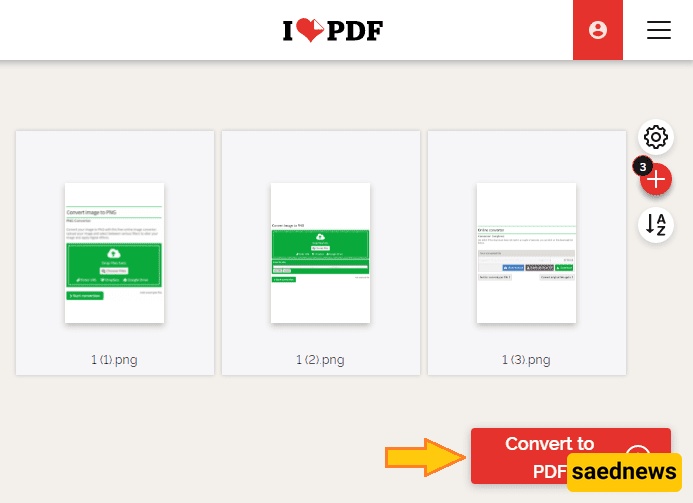
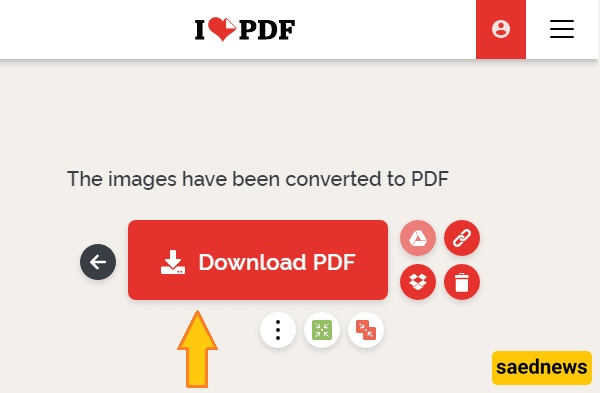
After a few seconds, your output file will be ready, and you can easily download it.
Note: Similar to the second tool, iLovePDF does not change the size of your uploaded images and will produce the output in the same dimensions as the original files.